Home
(Preview : https://www.youtube.com/watch?v=f2FNmVghT3A&list=PLG2jIUa3pBt5z08AOgrznIY_cuZTJSE0M
- Download the zip file ready to install directly from this link : https://github.com/clarkx/Lumiere-for-2.81/raw/master/Zip/Lumiere.zip
or
- Click on the "Clone or download" button
- Click on "Download ZIP",
- In the zip file rename the directory "Lumiere-for-2.81-master" to "Lumiere"
- Then rename the zip file "Lumiere-for-2.81-master.zip" "Lumiere.zip".
Then
- In the blender preferences, click on the "Add-ons" tab then on "Install..." and select the zip file,
- A new tab "Lumiere" should appear.
Lumiere is an interactive lighting setup. But at the contrary as over add-on, Lumiere will position your light based on its reflection from where you click on your model. The interactive part mean that you will not have to deal with the nodes, they will be created automatically, and all the options will be at your disposal in the UI panel.
- Lumiere can manage :
- Point lamp
- Sun lamp
- Spot lamp
- Area lamp
- Panel / Softbox (mesh light)
- For all this lights, you will be able to use a color or gradient, a texture or IES file, to diffuse or smooth your light to mimic a real softbox or obtain a particular reflection.
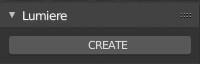
- Select an object in your scene, then, in the Lumiere panel, click on "CREATE":
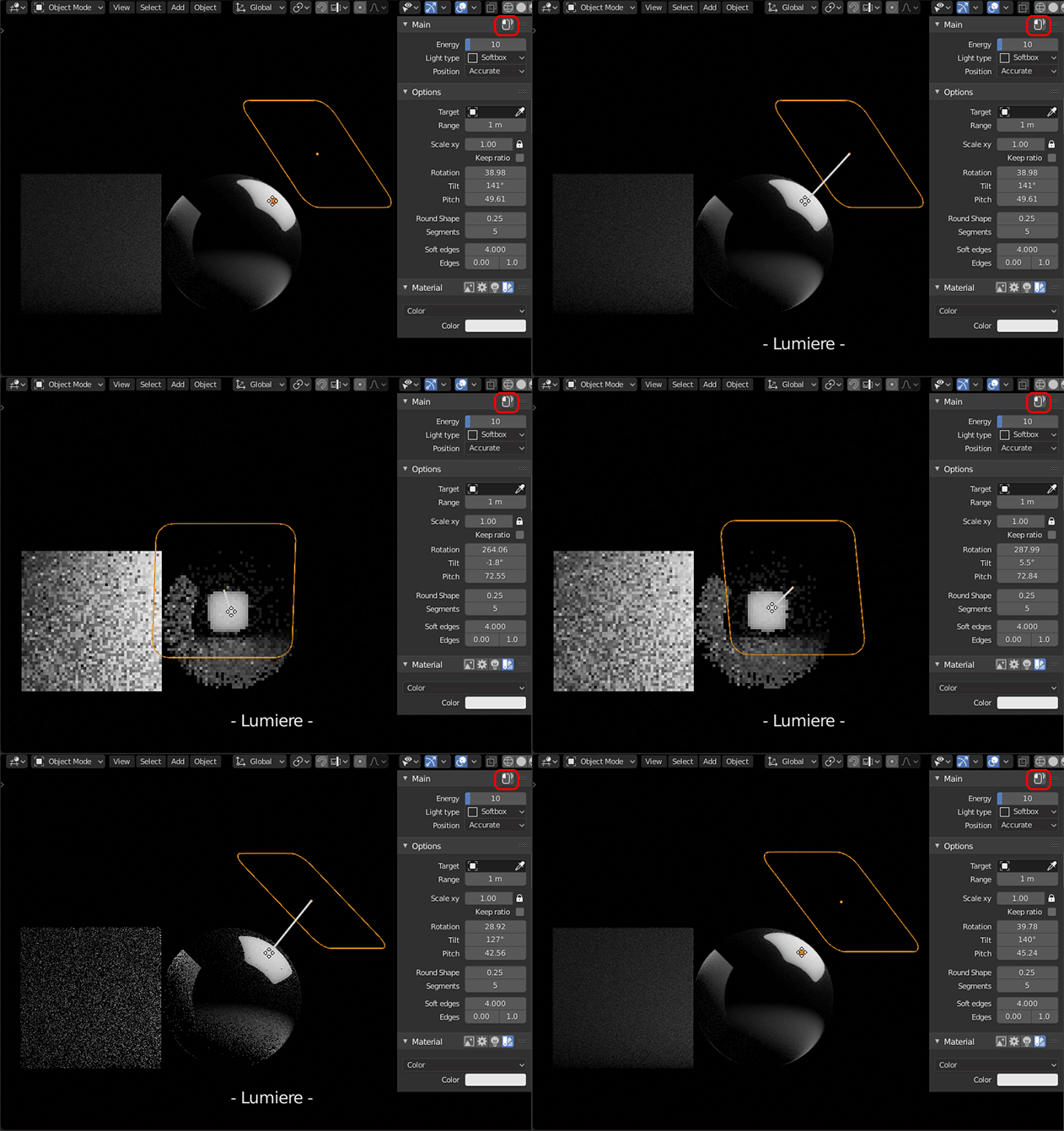
- Nothing happened, because you have to tell Lumiere where to position your new light. You are now in interactive mode, "- Lumiere - " should be written in the bottom of your 3DView. To exit from the interactive mode, use "Right Click" or "Escape".
- Now click on a object to add your light. Your light will be created and positioned automatically based on the angle of the center of the bounding box of the targeted object and will be automatically parented to the targeted object.
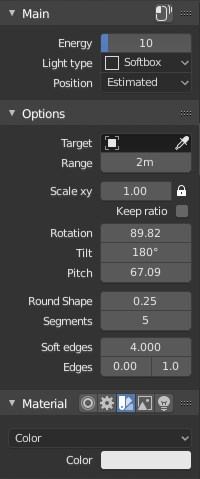
- In the Lumiere add-on panel, you will see some standard informations :
But... Where is my light ? Nothing happened !
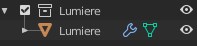
In the Outliner, you will see a new Collection called Lumiere. Your light will be added in this new collection: