Repository navigation
Using Foldman
Foldman reads the hinge and lays itself out for how you're holding the phone. Switching postures never stops the music.
They're piano keys, and they latch like real ones.
| Key | What it does |
|---|---|
| PLAY | Starts the tape. The key stays down while playing (and while paused). |
| PAUSE | Holds the tape with PLAY still latched; press it again, or PLAY, to carry on. Does nothing while stopped. |
| STOP·EJECT | Stops and releases every key. Press it again while stopped to eject: the cassette pops, and on the cover screen the tape shelf opens. |
| FF / REW | Latches and winds the tape at 12×. Local music winds straight into the next or previous song. Press STOP to stop winding, or PLAY to play from wherever you've wound to. At the very end or start of the tape, the auto-stop thunks. |
| AMS ⏮ | Back to the start of the song; within its first 3 seconds, the previous song. |
| AMS ⏭ | The next song. |
Each key clicks and buzzes. The clicks are synthesised in the app, not recordings. Turn either off with the CLICK and HAPTIC switches on the unfolded deck.
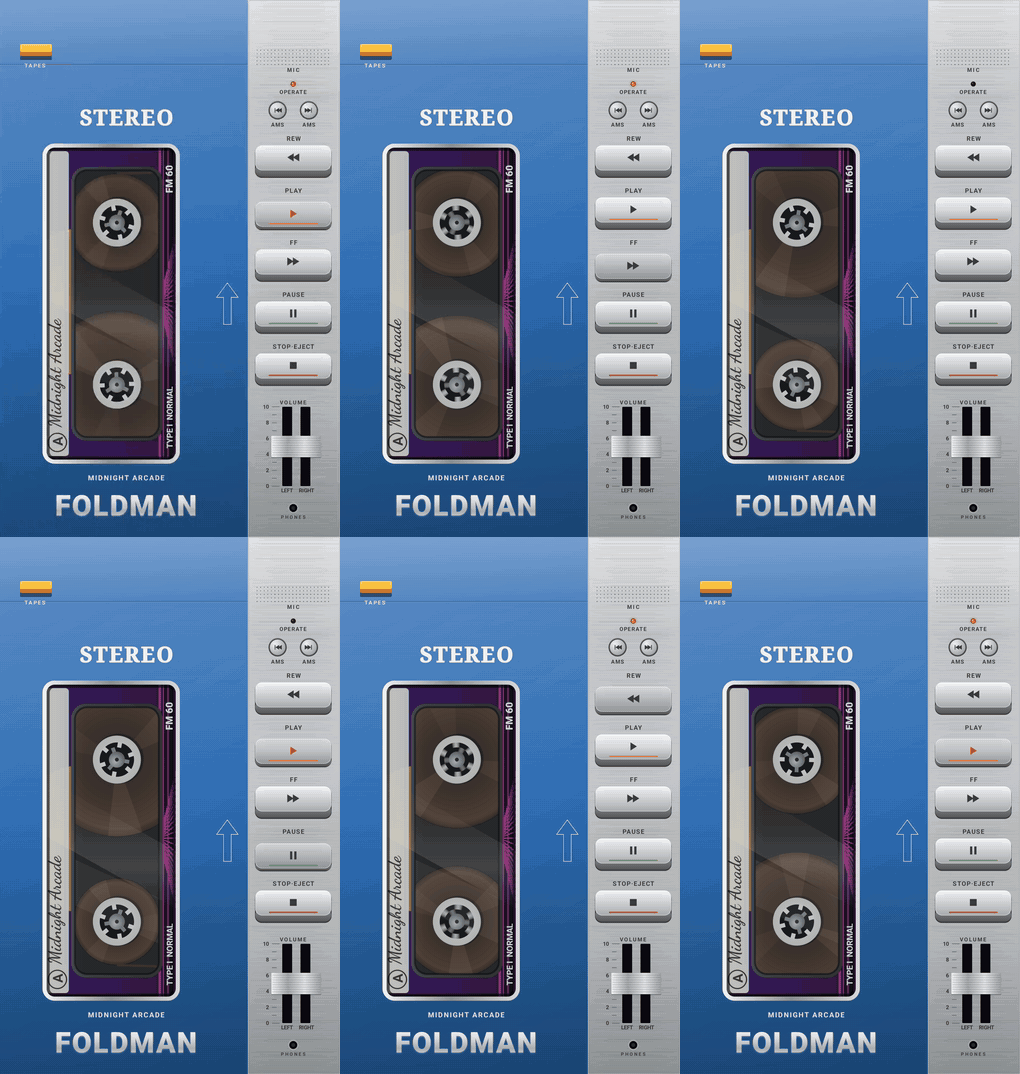
- Reels: turn while playing, blur while winding, and stand still when paused or stopped. Tape runs from one pack to the other as the song plays, so the pack sizes show how far through it you are. The nearly empty reel spins faster than the full one, as on a real cassette.
- OPERATE LED: on while playing, slow blink when paused, fast flicker while winding, off when stopped.
- Counter: geared to the take-up reel, like a real one. RESET zeroes it.
- VU meters: follow the real audio for local music. For streaming sources they animate, because Android doesn't let one app read another app's audio.
- The label: the cassette's printed label is the album art, with the title handwritten on the paper strip.
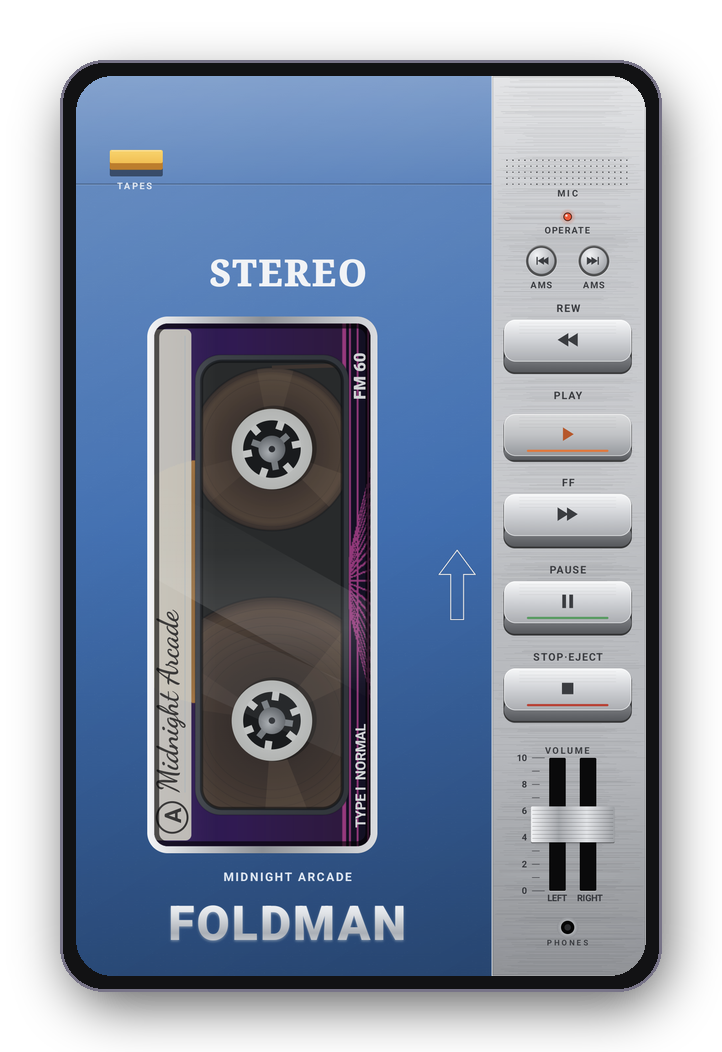
An upright portable, edge to edge. The status and navigation bars are hidden; swipe in from an edge to see them briefly.
- Orange button (top left, "TAPES") or the ↑ arrow beside the window: opens the tape shelf, where you choose a source and pick songs, albums or playlists.
- Side strip: the AMS buttons, the five keys, the VOLUME slider (drag the nub; the LEFT and RIGHT tracks move together), and the OPERATE LED.
- The song and artist are printed under the window.
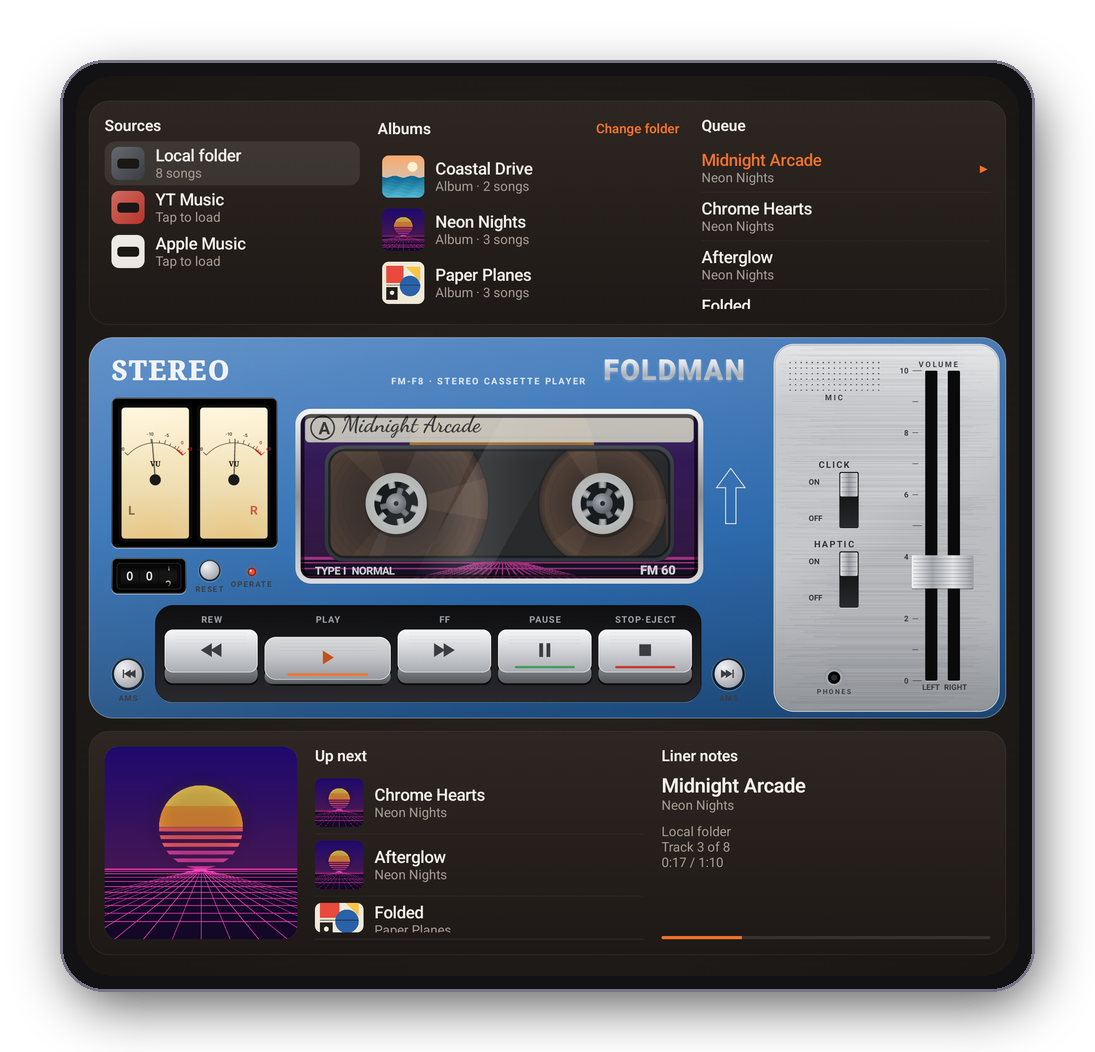
- Top panel: Sources (tap one to load it), then Albums (your local sub-folders) or Playlists (Apple Music), then the Queue (tap any song to jump to it).
- The deck: VU meters, counter, the tape window, the keys, plus a silver strip with CLICK, HAPTIC and VOLUME.
- Bottom panel: the cover, Up next (tap to jump) and Liner notes (album, track number, time, and a progress line).
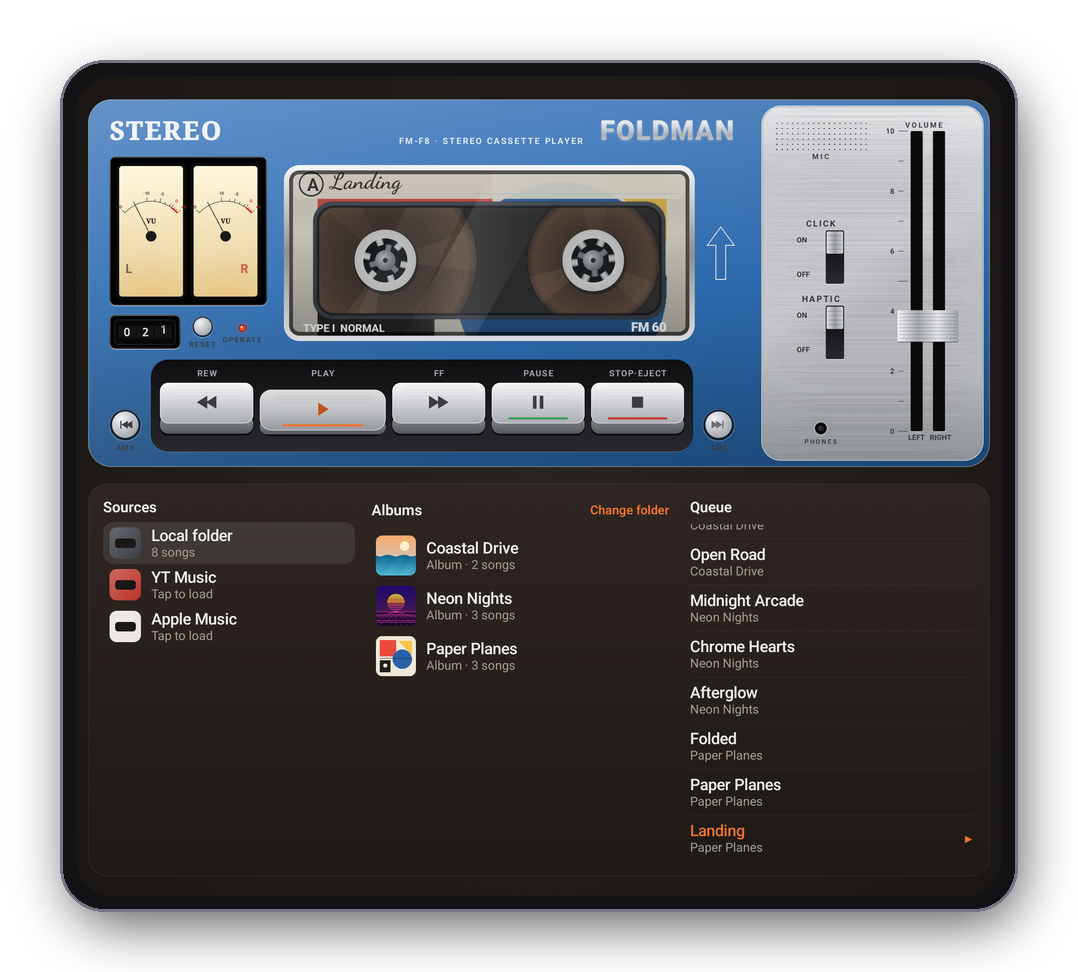
Fold the phone partway and stand it on a table in landscape: the deck moves to the top half and the library to the bottom half, so the keys stay easy to reach.
The VOLUME slider is the phone's media volume, so it moves with the hardware buttons too.