Repository navigation
BSDRunner Apps
BSDRunner includes a collection of native-feeling Quickshell tools for running a FreeBSD Hyprland desktop. They share the active BSDRunner theme and keep common desktop and system-management tasks close at hand.
Each section links to a panel-by-panel guide with practical workflows and safety notes.
These screenshots use the Haas-Bioroid theme.
Machine-specific network values are blurred for privacy; the complete application interfaces remain visible.
The welcome screen is the desktop's starting point: switch themes, open common applications, review key bindings, or bring up the power menu.

The separate Themes gallery previews every bundled corporate identity and explains what changes across the desktop.
The compact app launcher exposes BSDRunner tools alongside frequently used desktop applications. The battery popover shows charge state and lets the user choose the low-battery alert threshold.
Detailed guides: App Launcher and Battery.
| App launcher | Battery controls |
|---|---|
 |
 |
A lightweight file manager with places, breadcrumbs, filtering, directory creation, hidden-file controls, and sortable metadata.

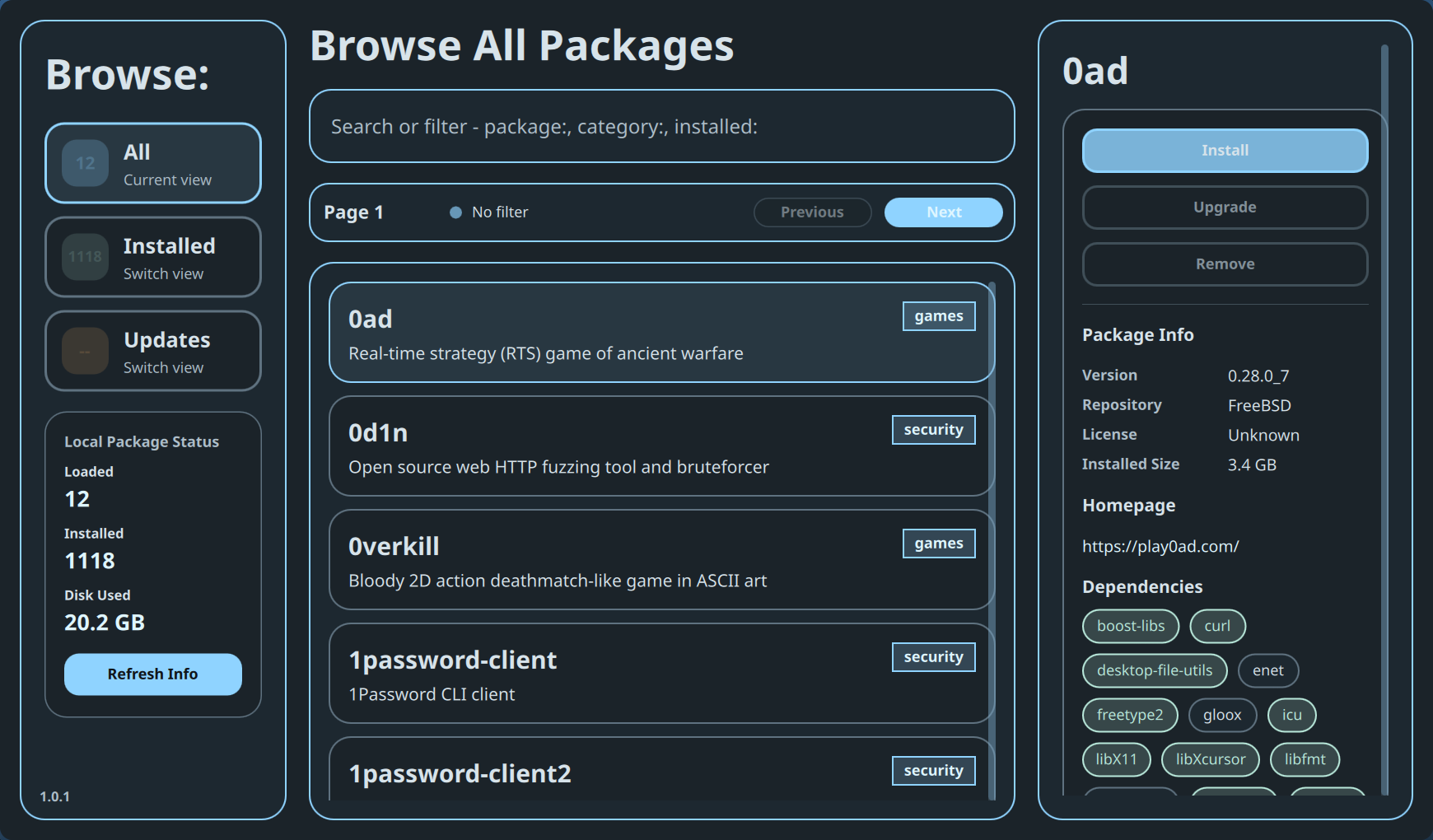
The package browser brings the FreeBSD package catalog into the desktop. It supports browsing, filtering, package details, dependency display, installation, removal, targeted upgrades, and guarded upgrade-all transactions.
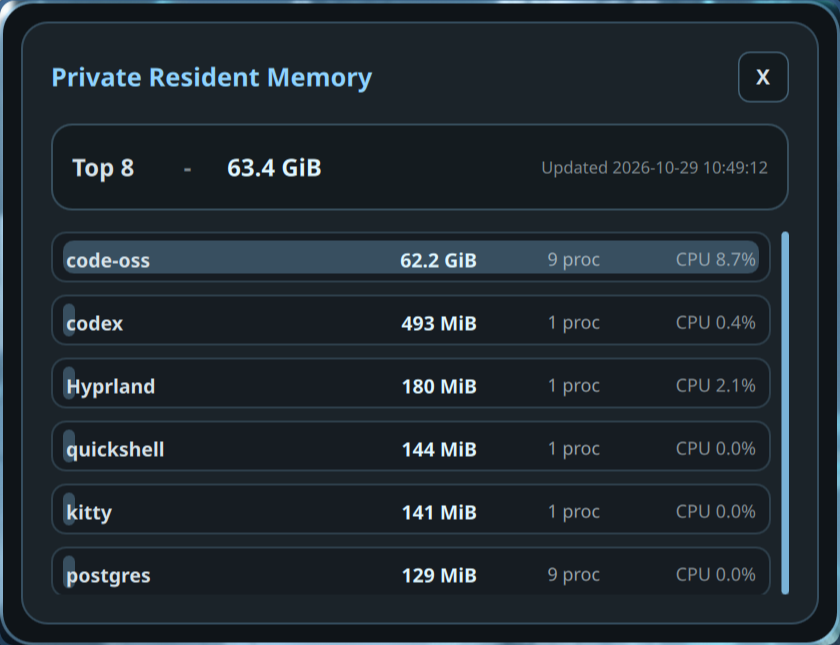
The memory inspector groups processes by executable and reports private resident memory, process count, and CPU use without Linux-specific tooling.
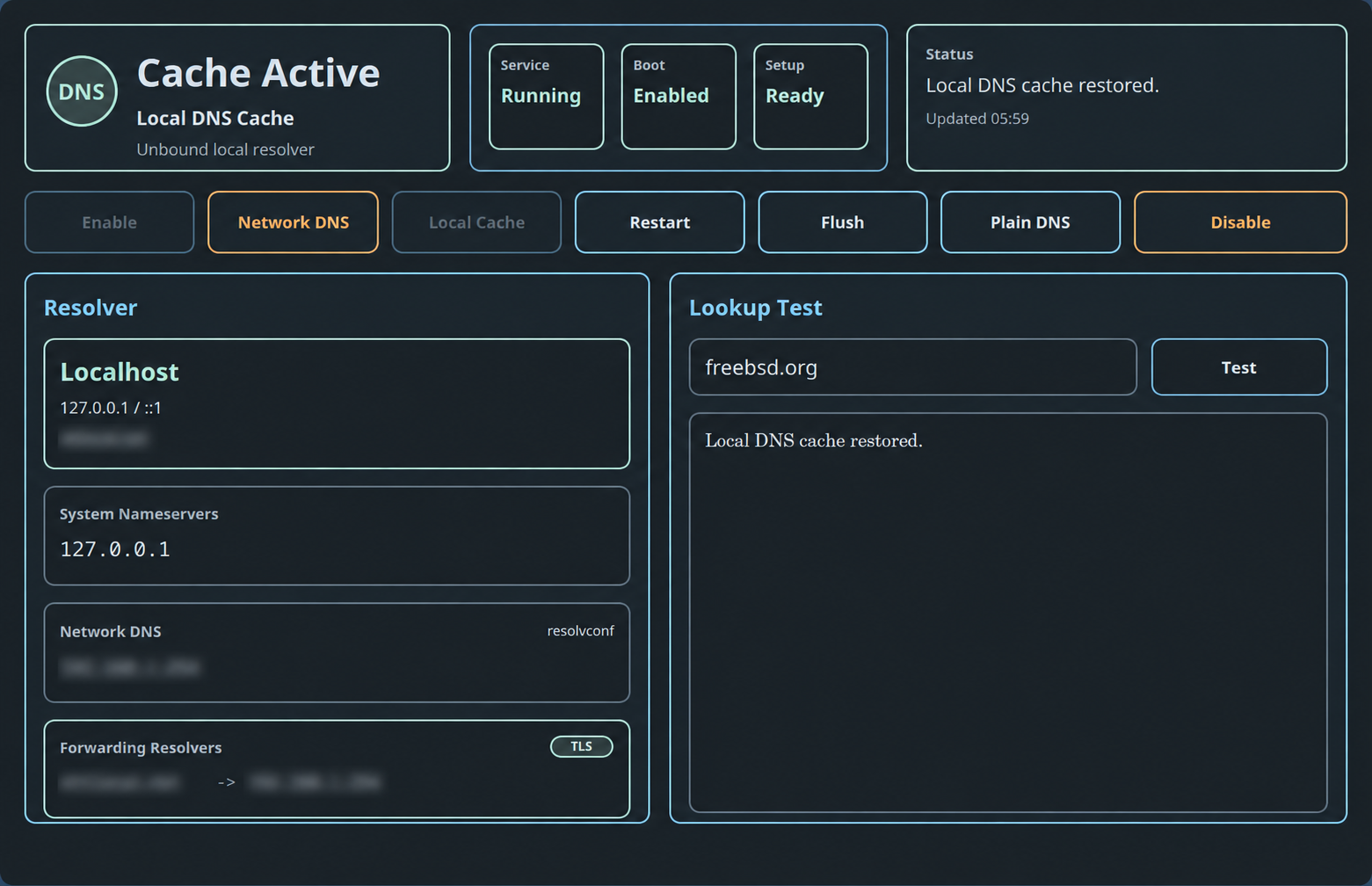
The DNS tool manages the local Unbound cache, shows service and boot state, switches between network DNS and the local cache, restarts or flushes the resolver, and provides lookup testing.
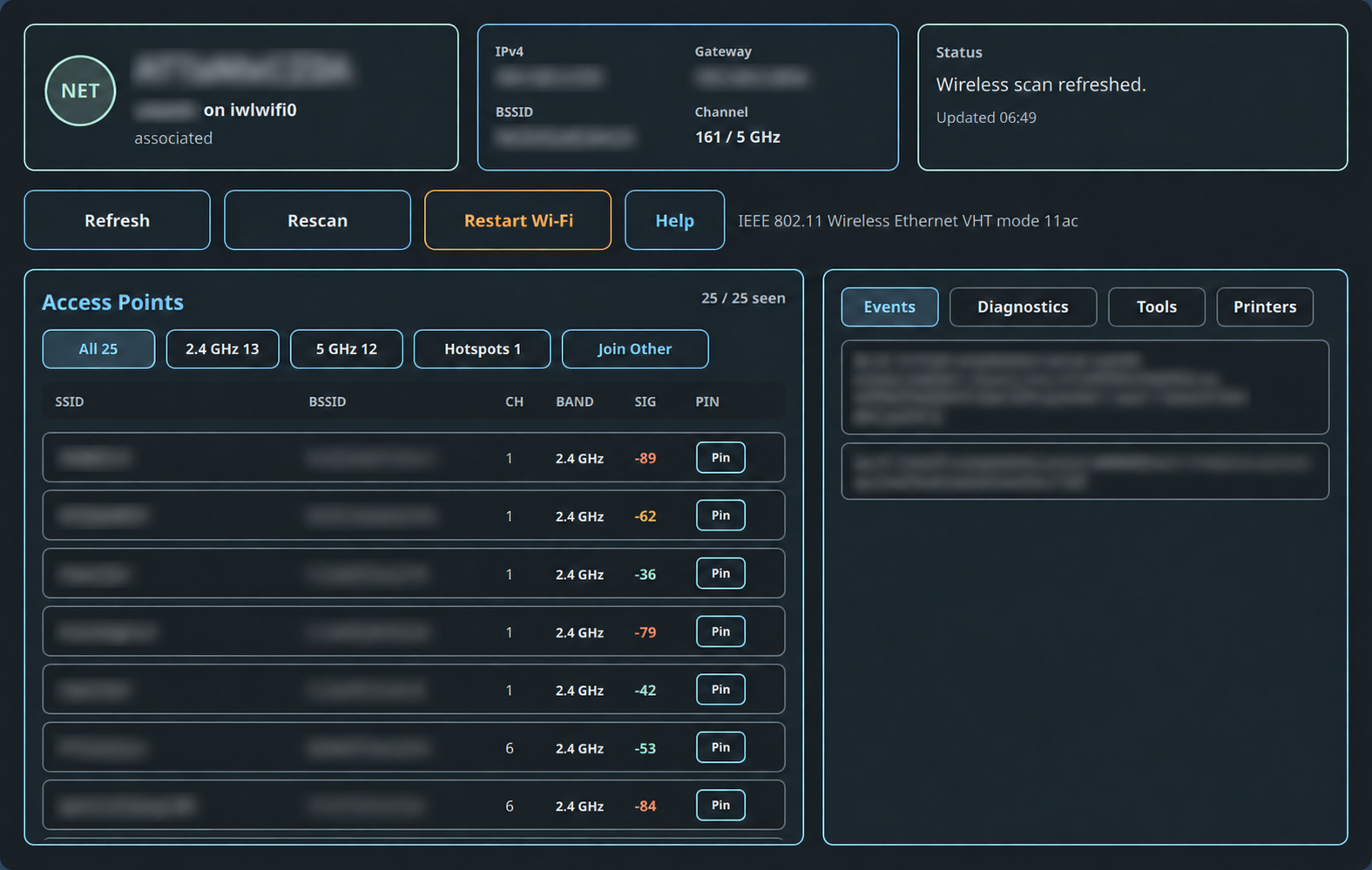
The network center combines Wi-Fi status and recovery, access-point scanning, diagnostics, event logs, network tools, and printer discovery in one application.
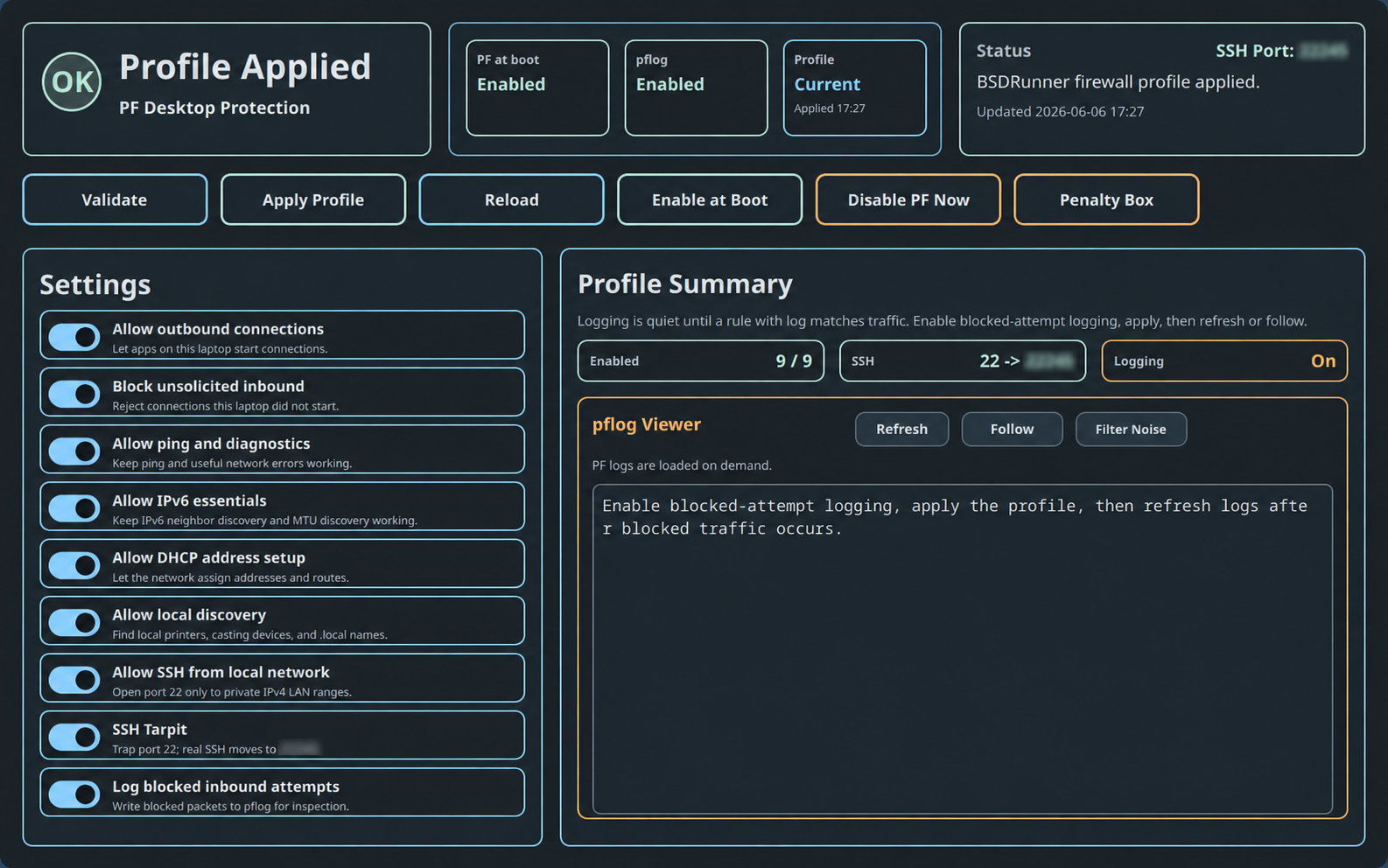
The PF application turns a desktop-oriented ruleset into readable controls for outbound access, unsolicited inbound blocking, diagnostics, IPv6 essentials, DHCP, local discovery, logging, and other protections. Changes are validated and confirmation-gated.
The beginner-focused Jails app presents native and Bastille jails as a readable inventory, explains the storage/userland/network/config/lifecycle model, and keeps guarded management actions close to the selected jail.
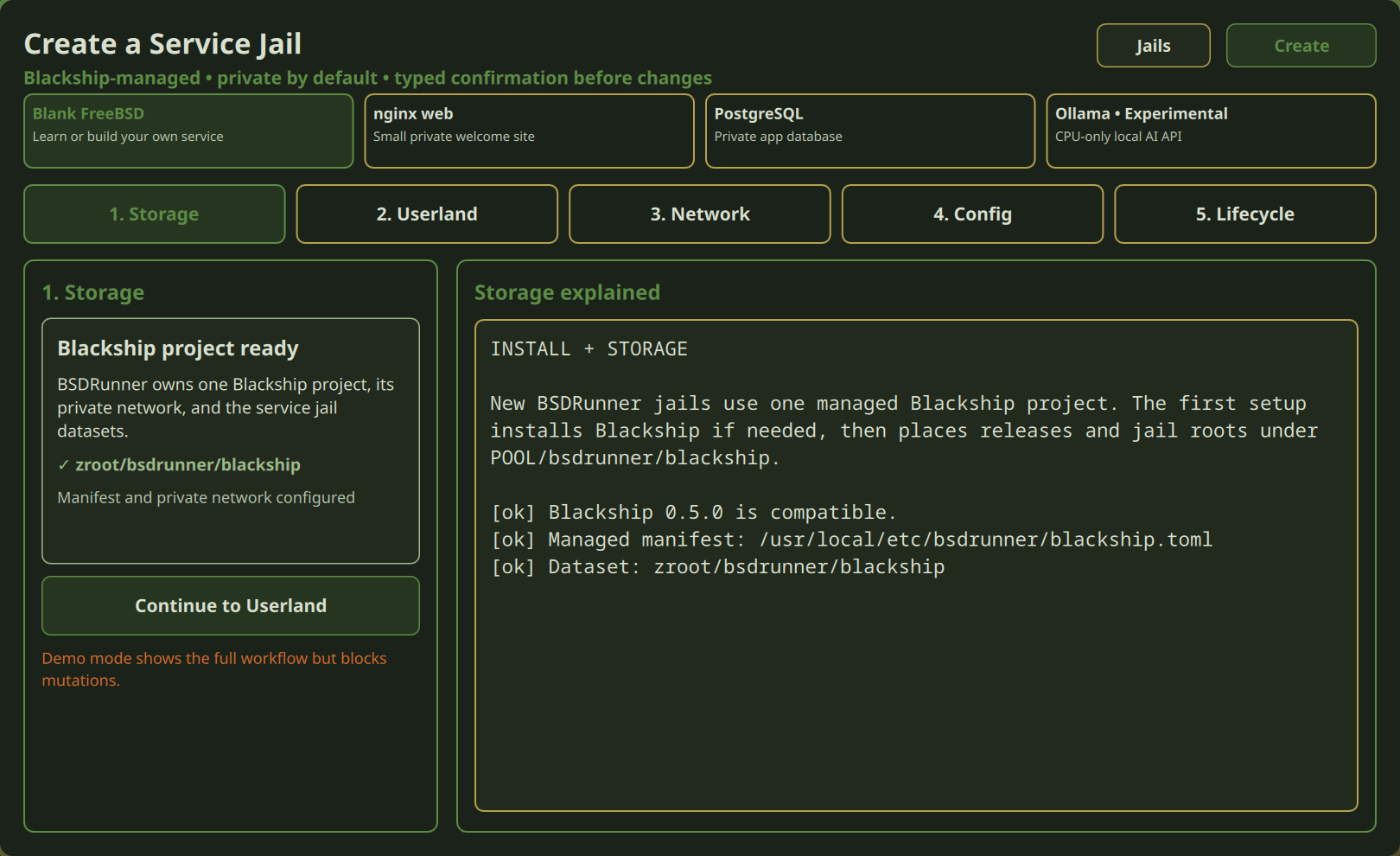
This demo inventory intentionally mixes existing native jails (web and postgres) with a Bastille-managed jail (build). BSDRunner can discover native jails and expose basic lifecycle actions for them, but the guided Create Basic Jail workflow requires Bastille; it does not create native jails when Bastille is absent.

The guided creation flow walks through Bastille storage, the FreeBSD userland and jail type, networking, configuration, and final lifecycle confirmation. Existing Bastille jails can also receive explicit outbound policies, port forwards, and allowlisted service management; the service view recognizes an existing host-to-jail mapping instead of suggesting a duplicate.
| Guided jail creation | Port forwarding and nginx management |
|---|---|
 |
 |
The ZFS manager summarizes pool health, datasets, storage and encryption properties, recent snapshots, and dataset actions. Destructive operations remain confirmation-gated.

The source for every app lives in the BSDRunner repository.