







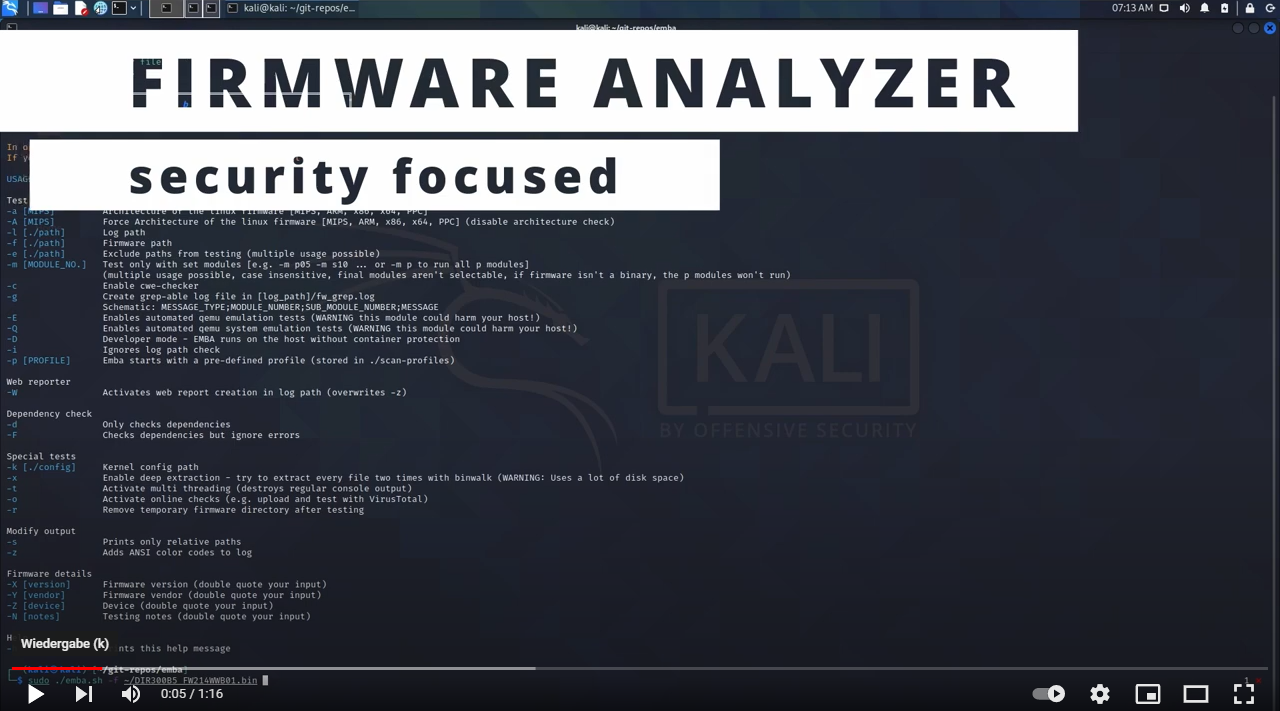
EMBA is designed as the central firmware analysis and SBOM tool for penetration testers, product security teams, developers and responsible product managers. It supports the complete security analysis process starting with firmware extraction, doing static analysis and dynamic analysis via emulation, building the SBOM and finally generating a web based vulnerability report. EMBA automatically discovers possible weak spots and vulnerabilities in firmware. Examples are insecure binaries, old and outdated software components, potentially vulnerable scripts, or hard-coded passwords. EMBA is a command line tool with the possibility to generate an easy-to-use web report for further analysis.
EMBA assists the penetration testers, product security teams and developers in the identification of weak spots and vulnerabilities in the firmware image. EMBA provides as much information as possible about the firmware, that the tester can decide on focus areas and is responsible for verifying and interpreting the results.
- EMBA v2.0.3 - No more legacy
- Black Hat Arsenal - EMBArk demo - USA 2026
- Black Hat Arsenal - EMBA lab - USA 2026
- EMBA v2.0.2 - Party the big 2k
- EMBA v2.0.1 - The interactor
- Recording of TROOPERS25 talk "SBOMs the right way" available
- The EMBA book is available
- The new EMBA merch store is online - check your merch now
- EMBArk v0.3 - We are TROOPERS
- EMBA reached the next milestone. 3000 GitHub stars accomplished.
- FLOSS Weekly Episode 802: EMBA – Layers Upon Layers Of Bash
- EMBA article on Medium available
- BsidesLV recording available
- DEF CON 31 - ICS Village Talk announced
- Recording of Black Hat EU 2022 Arsenal session available
- EMBA is now part of the OWASP Firmware Security Testing Methodology
Before running EMBA make sure, that you have installed all dependencies with the installation script and met the prerequisites
git clone https://github.com/e-m-b-a/emba.git
cd emba
sudo ./installer.sh -dsudo ./emba -l ~/log -f ~/firmware -p ./scan-profiles/default-scan.emba
For further details on EMBA's SBOM capabilities check the wiki
sudo ./emba -l ~/log -f ~/firmware -p ./scan-profiles/default-sbom.emba
For further details on EMBA's system-emulation engine check the wiki.
sudo ./emba -l ~/log -f ~/firmware -p ./scan-profiles/default-scan-emulation.emba
EMBA supports multiple testing and reporting options. For more details check the wiki.
The IoT is growing, the development is ongoing, and there are many new features that we want to add. We welcome pull requests and issues on GitHub. Also check the CONTRIBUTING and CONTRIBUTORS documentation for further details on how to get part of the EMBA community.
Sponsor EMBA and EMBArk:
The EMBA environment is free and open source!
We put a lot of time and energy into these tools and related research to make this happen. It's now possible for you to contribute as a sponsor!
If you like EMBA you have the chance to support future development by becoming a Sponsor
Thank You ❤️ Become a Sponsor
You can also buy us some beer here ❤️ Buy me a coffee
To show your love for EMBA with nice shirts or other merch you can check our Spreadshop
EMBA - firmware security scanning at its best