C16 format
The Capture app records into C16 files, and the Replay app read those files.
As described in an issue in PortaPack's repo, this format consist of a tuple of 16 bits signed integers. The first number is I and second Q, forming a complex number. As a result, you get a tridimensional representation of the capture: the real and the imaginary parts in the file (I and Q) versus the time (defined by the sample rate, in this case in an adjacent TXT file with the same filename as the C16).
You can open the C16 file in Audacity importing it as Raw data. Consider the sample rate you used when you did the capture.
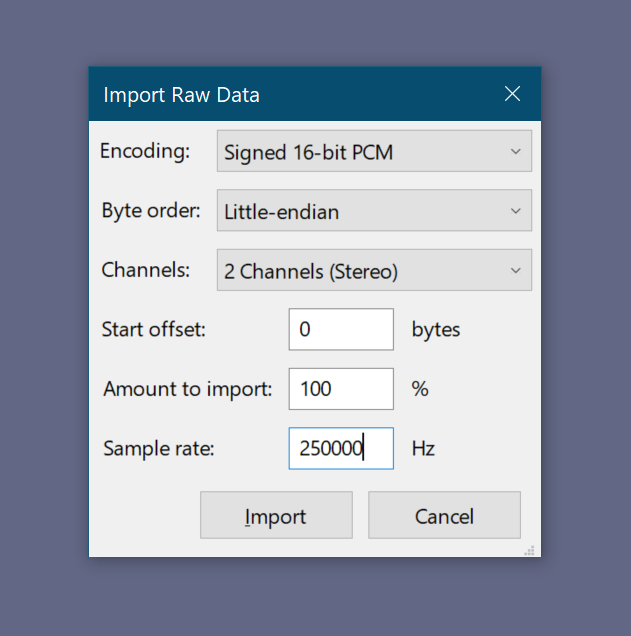
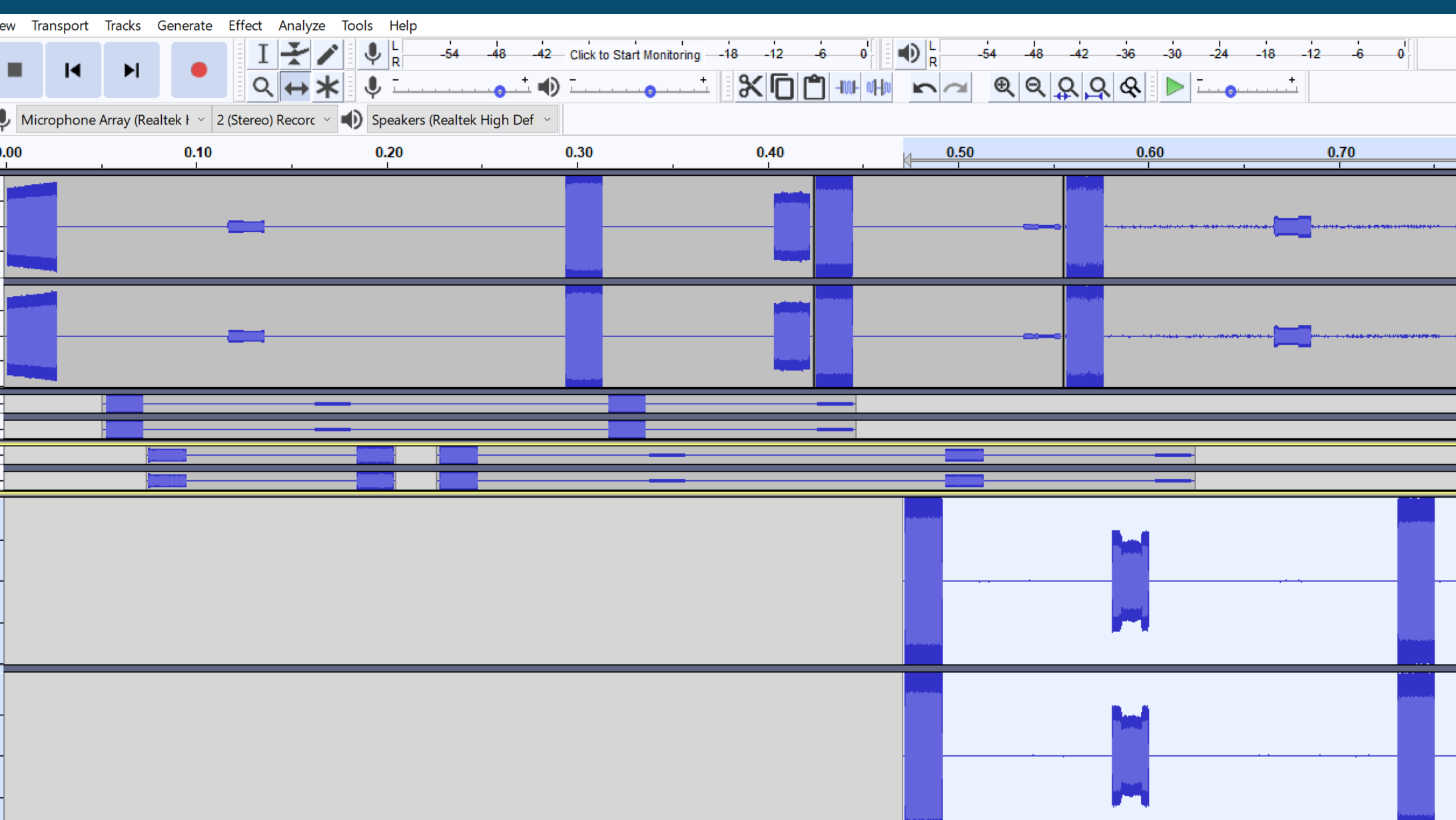
It is possible to manipulate the data as if it was audio. When importing the file as signed 16 bit PCM with two channels, the upper channel contains the I and the second Q, as explained above. You can apply filters, add silences, trim, mix and merge.
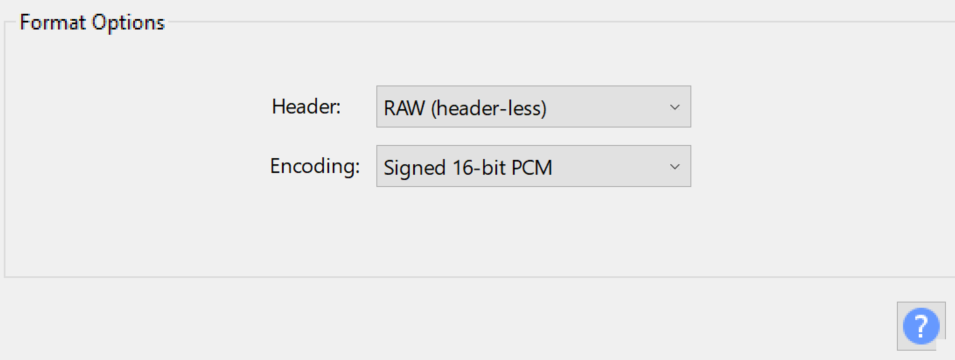
To export the data as a C16 file, select Export, Export Audio ... and then select RAW as a 16 bit signed PCM. After saving, change the extension and you will be able to use the file in the Replay app.
For using the new C16 file in the Replay app, you will also need to include a TXT file with the following metadata (frequency and sample rate):
sample_rate=<RATE IN HZ>
center_frequency=<FREQ IN HZ>
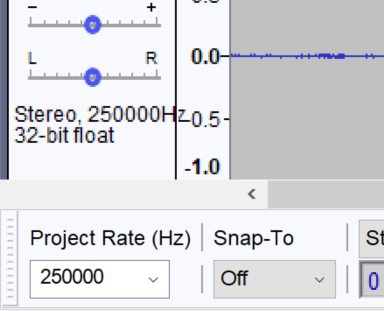
As a final remark, if you created a new file, be sure that the Project Rate matches your capture: