Repository navigation
Home
Play Minecraft: Java Edition on Linux. This snap installs the official Minecraft launcher and keeps it up to date, and from 15.0 it can set up mods for you too.
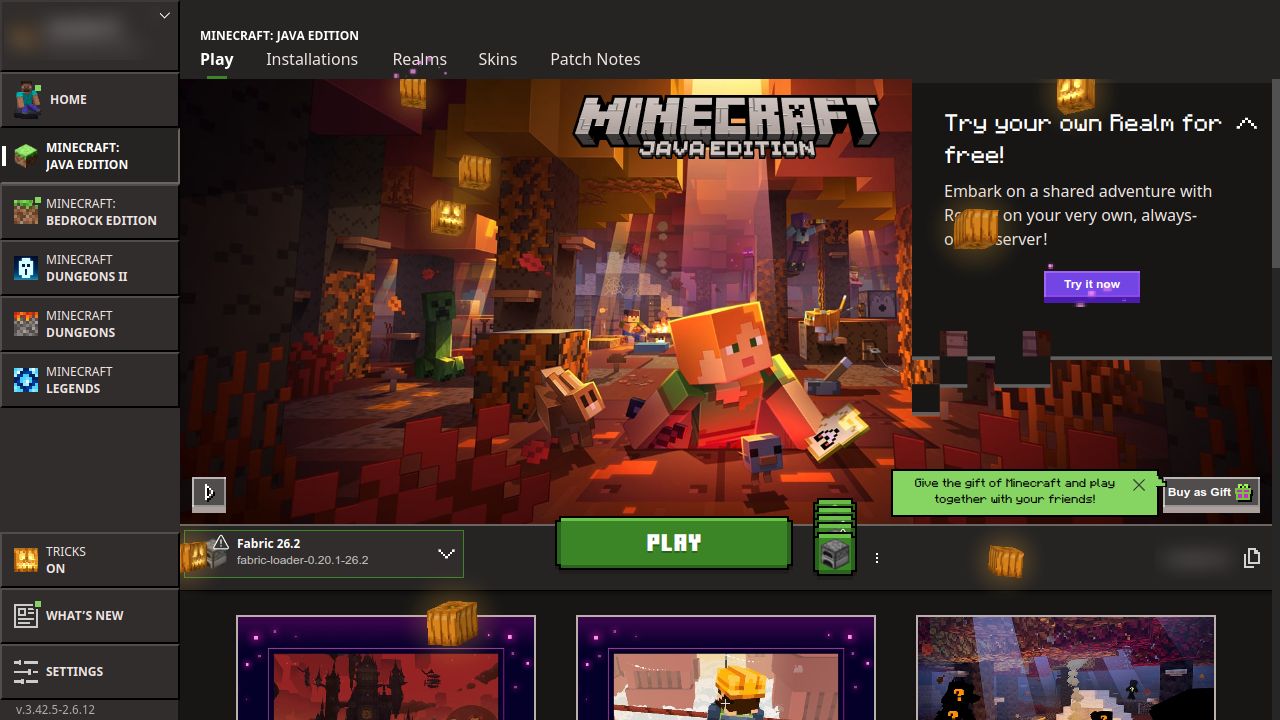
Minecraft itself isn't included: you sign in with the Microsoft account you bought Minecraft with, and the launcher downloads the game.
- Installing: get the snap from App Center or a terminal
- First Start: open it and sign in
- Playing: choose a version, make a world
- Playing on a Server: join friends, family or a public server
- Mods: install Fabric and add mods, including ones a server needs
- Voice Chat and Microphone
- Updates: how the snap, the launcher and Minecraft stay up to date
- Files and Backups: where your worlds are, and keeping a copy
- Troubleshooting
- Uninstalling
Something not working? Check Troubleshooting, then open an issue.
If you like what I'm doing, please consider supporting me on Patreon.
Not an official Minecraft product. Not approved by or associated with Mojang or Microsoft.