Repository navigation
Voice Chat and Microphone
Minecraft itself doesn't use a microphone, but voice chat mods such as Simple Voice Chat do. For privacy, the snap isn't allowed to use the microphone until you say so.
In Settings: open Settings › Apps › Minecraft and switch on Record audio. If it asks for your password, enter it.
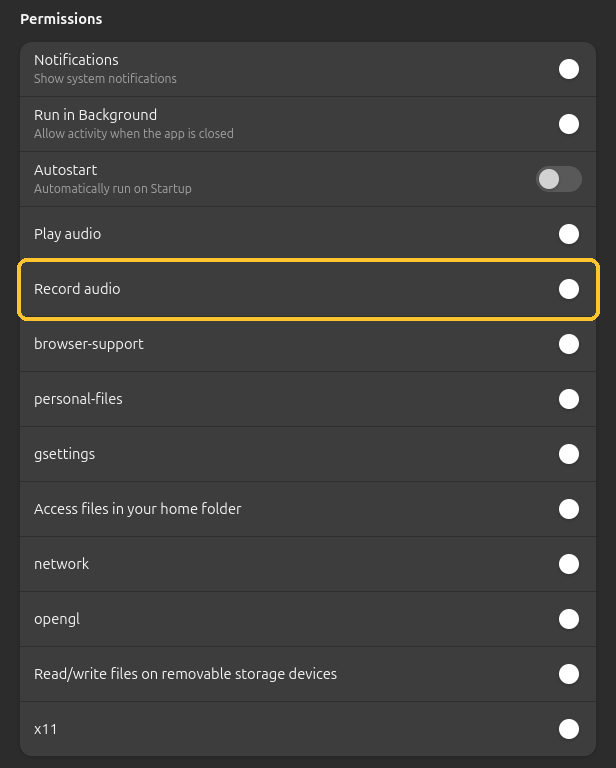
Or in a terminal, once:
sudo snap connect mc-installer:audio-record
Either way, restart Minecraft afterwards.
Switch Record audio off in the same place, or run:
sudo snap disconnect mc-installer:audio-record
Voice chat mods are Fabric (or Forge) mods: set up Fabric first, see Mods. The server you play on needs the same voice chat mod.