Repository navigation
Installing
You need:
- a 64-bit PC running Linux with snap (Ubuntu has it already)
- a Microsoft account that owns Minecraft: Java Edition (sold as Minecraft: Java & Bedrock Edition for PC). Without one, the launcher offers the free demo.
- an internet connection the first time, to download the launcher and the game
-
Open App Center and search for
minecraft. Choose Minecraft Installer by James Tigert.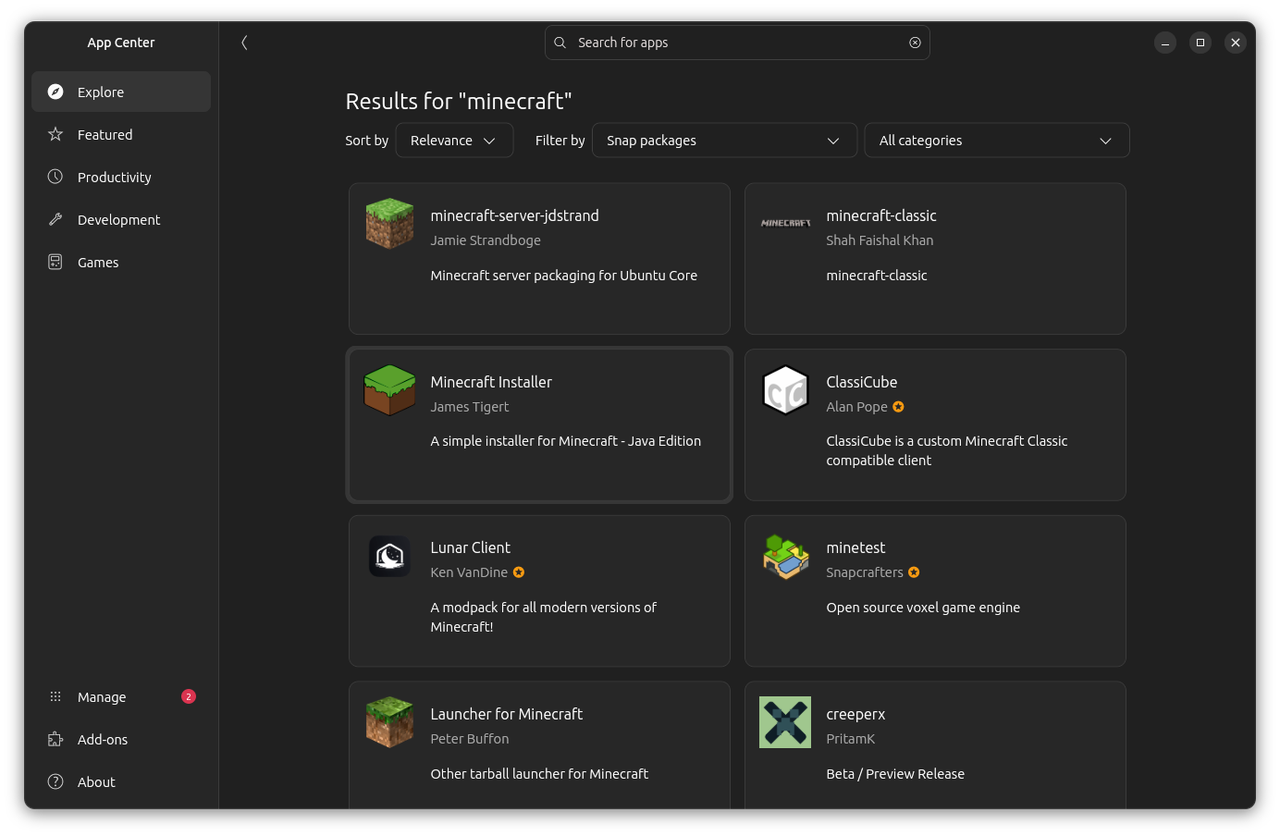
-
Press Install and type your password if asked. Once it's installed, the button says Open.
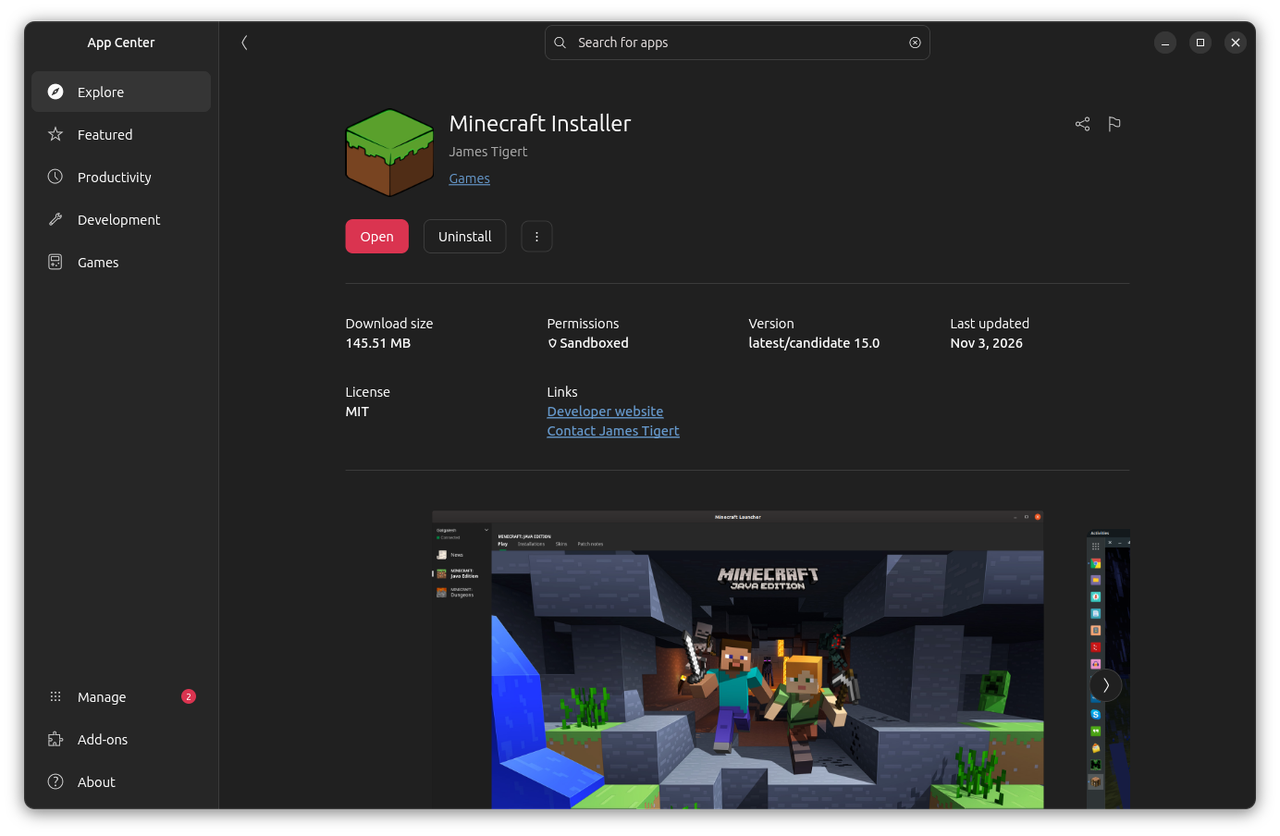
The same page is on the web at snapcraft.io/mc-installer.
sudo snap install mc-installer
Go on to First Start.