Repository navigation
Getting started
Install the latest WorkClock APK, then open the app.
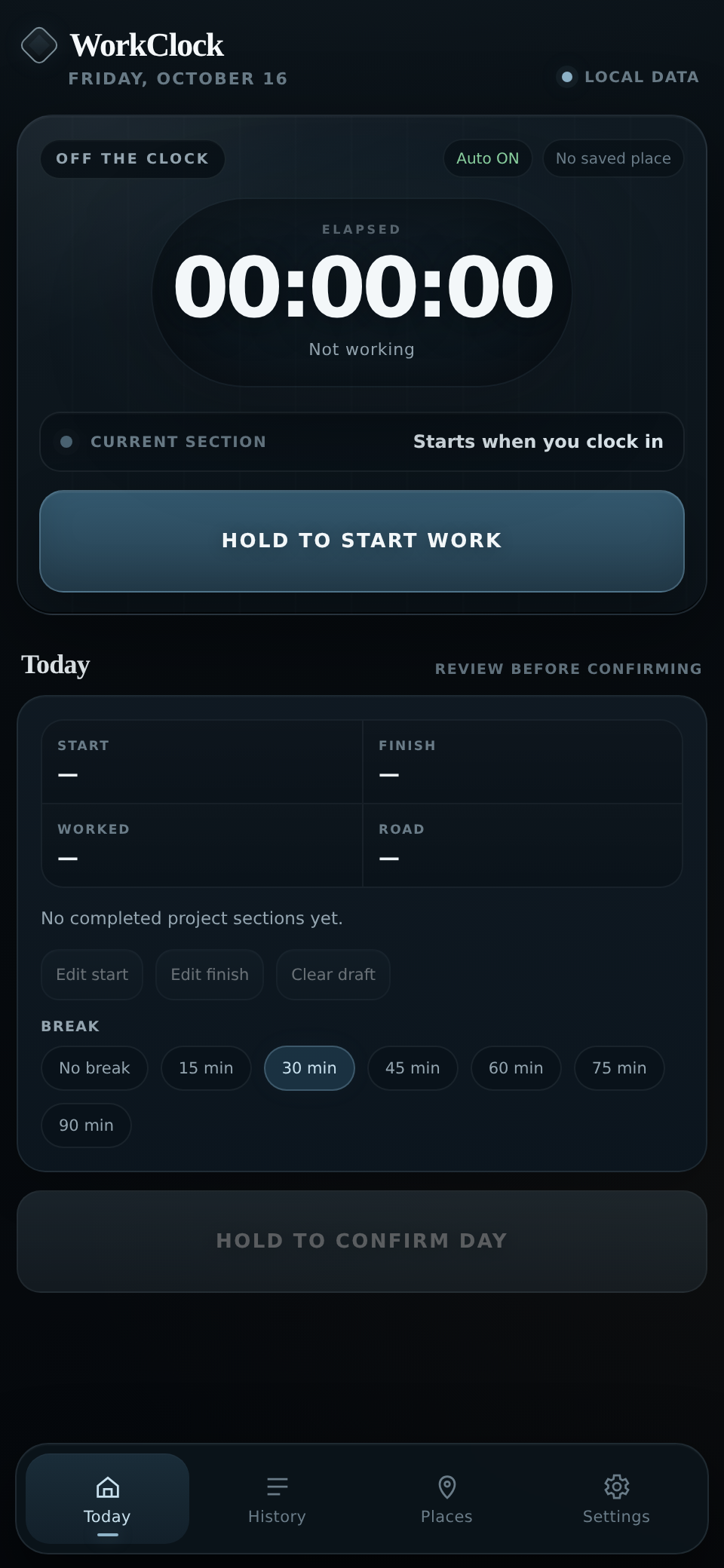
You can start recording hours immediately. Hold Start work when your day begins. The timer uses the saved start time, so you don't need to keep the app open.
For automatic arrival and departure reminders:
- Open Places and save at least one home or workplace. See Save places.
- Grant precise location and background location access when Android asks.
- Open Settings and enable notifications. Use Test notification to check them.
You can use WorkClock without location access. You'll just enter the times and journeys yourself.
WorkClock doesn't automatically confirm your work hours from GPS. You check each day before saving it.