Repository navigation
Workday
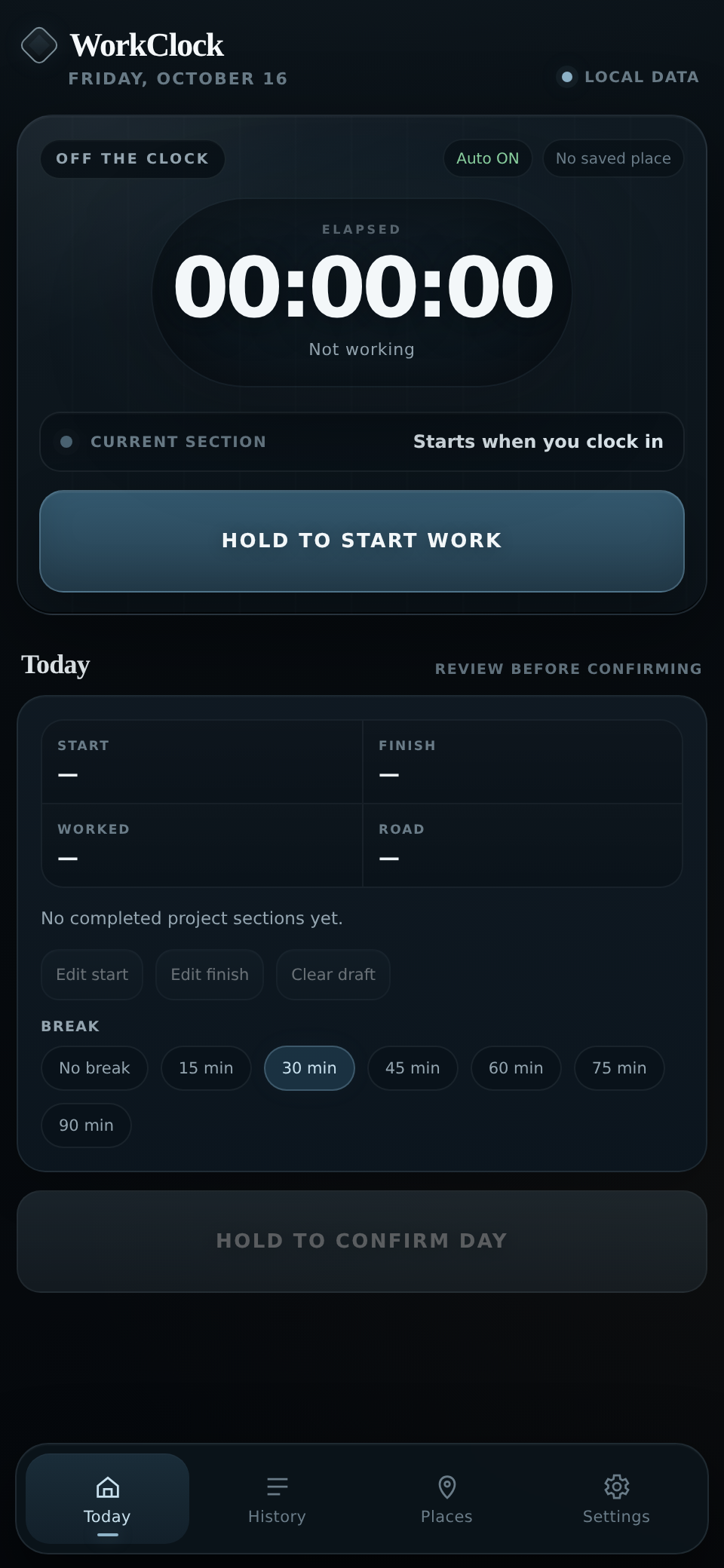
- Open Today and hold Start work.
- When you finish, hold Finish work. If you've forgotten, choose an earlier or exact time.
- Name the project you worked on. If you switched projects during the day, use End project · Keep working when you switch.
- Check the times and break under Today.
- Hold Confirm day. That moves the day into History.
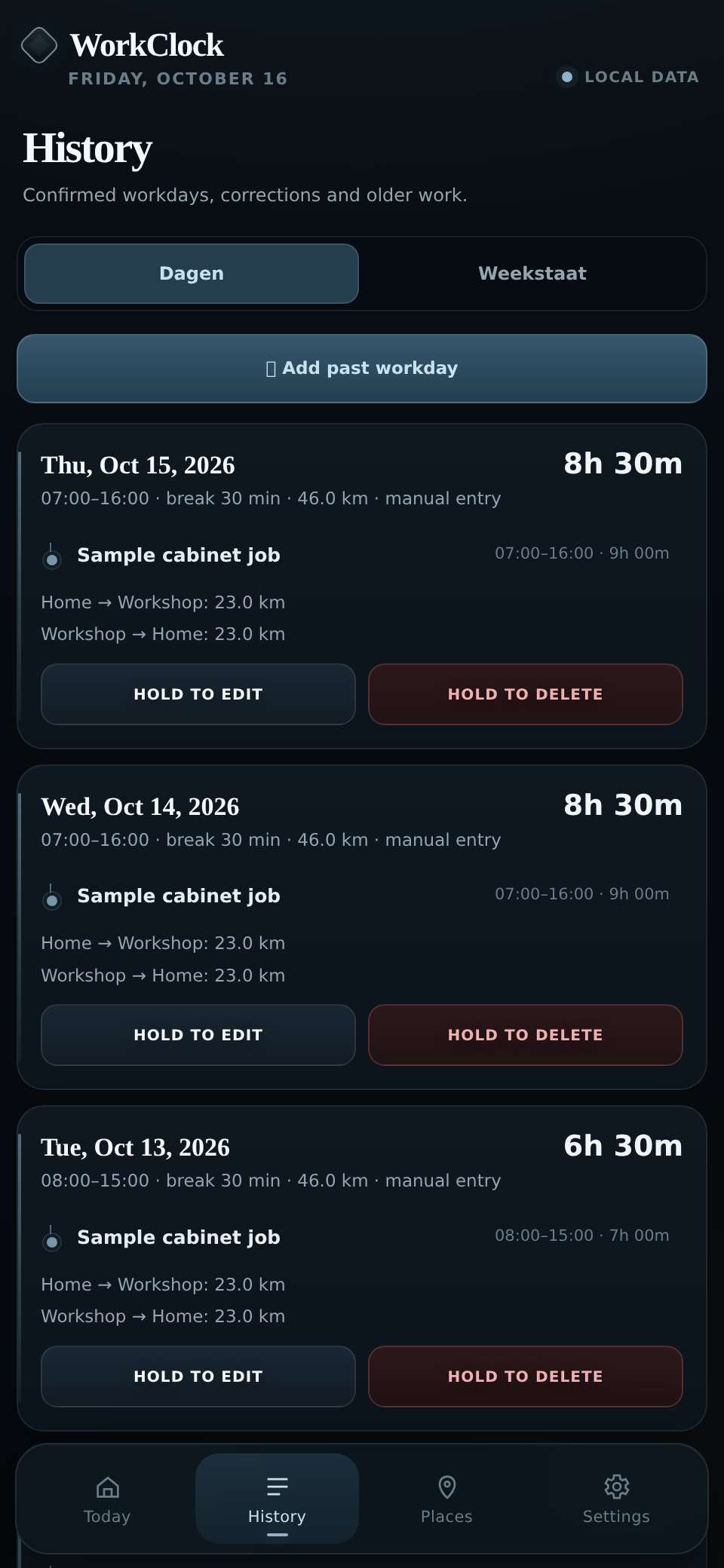
Fix a mistake: Open History → Dagen, then edit the recorded day. To add a day you missed, use Add past workday. Use previous workday can fill in most of the details for you; check them before saving.
A day that is still running isn't an error. If a finished day needs confirmation or a return journey is missing, History may show Review.
The hours are stored on your phone. If a journey is still pending, opening WorkClock later at a saved home may let it complete the return distance.