3. Art
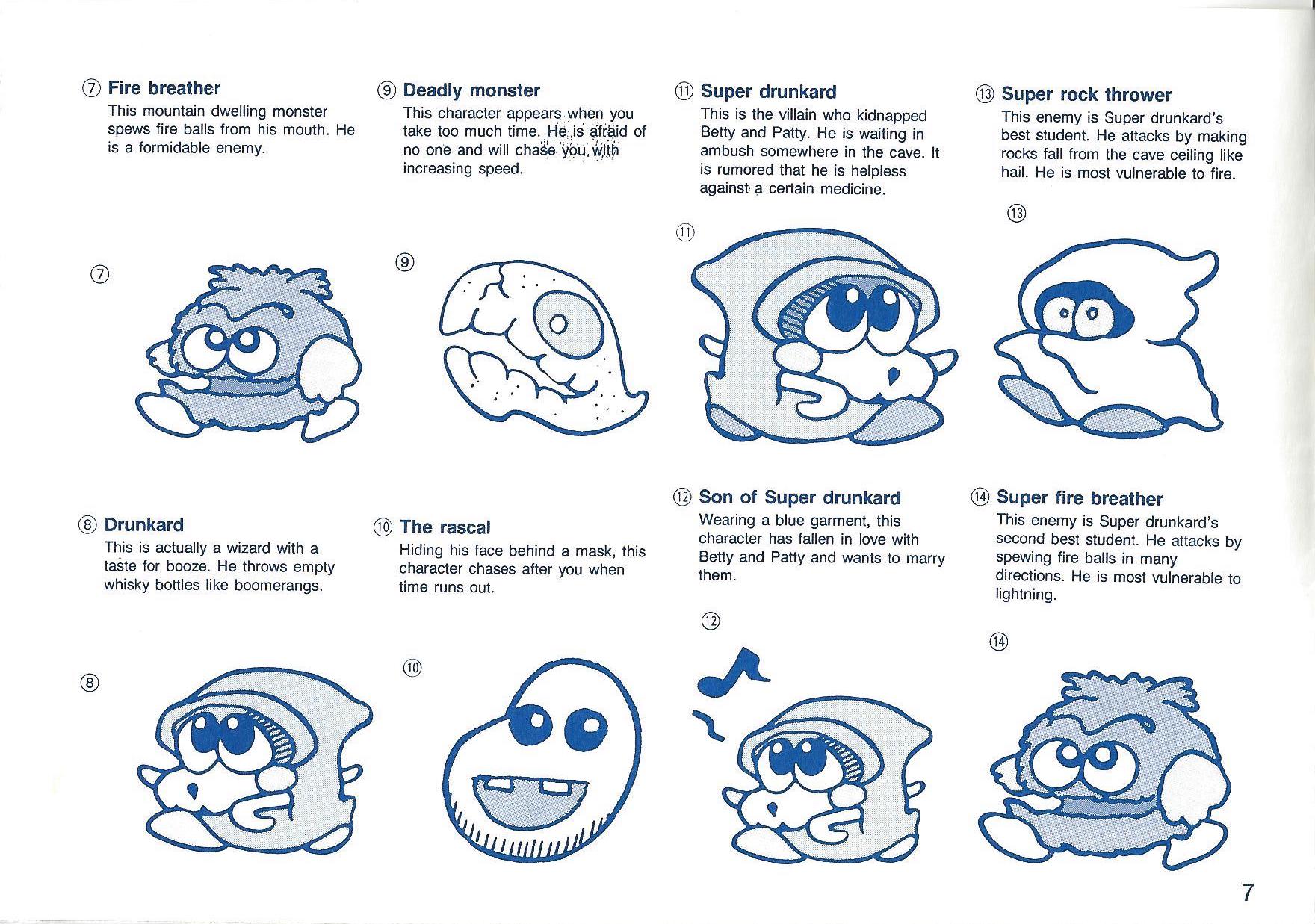
Bubble Bobble art is based in the classical pixel art category. Being a 1986 game, most of it's artistic features are based on pixels, and a "chibby" desing of all its features. It was designed on the idea of being "adorable", and this can be easily noticed looking at the design of the main characters, or even the enemies. This minimalistic and cute approach was striking for the audience in 1987, as we could see little ghosts or spiders, turned into little cute enemies. The environments were also minimalistic, and in Fukio Mitsuji words (Taito developer who had Bubble Bobble idea), the art was designed with the intention of bringing boys and their girlfriends to play together; this helps us understand why all the design on this games are either cute, or simple, for everyone understanding and appreciation.
We couldn't find real Taito concept art for the development of Bubble Bobble, but instead, here we have some images that represent Bubble Bobble art


In order to get the Sprites, we used two programs; First program was Alfred Spritesheet Unpacker that helped us cutting some individual sprite animations for every single character. The second program was Aseprite a animated sprite editor and pixel art tool, that helped us getting the correct sizes for every animation and item.
All sprites can be checked here.
This is the first Bubble Bobble map; it has a candy-like style, to represent what the game want's to transmit to the players correctly. This is one of the simplest maps of all the game, but also one of the maps that portrays the game feeling inmmediatly, or at least, that's what the game creators wanted to achieve.
You can find the map 1 assets Here
This is the third Bubble Bobble map; one of the most eye-catching detail about this map, are the red apples you can find on the sides of the level. This map had also the purpouse of conveying a familiar feeling to the player, but also being a little more complex for the players, having not only a single platform like the first level, making the player feel that they need to move much more in order to complete the level, giving a incremental difficulty sensation.
You can find map 3 assets here
This map already changes what Bubble Bobble offered to the most amateur players, by making all the colors rougher, using stone-like colors, and playing with greys. The art desing changes to make the player understand that he's not on the playground anymore, now real challenge begins, and one way to convey that idea, is by making the artistic background much more mature than the last maps.
You can find map 30 assets here
Following map 30 idea, this map has also the same intention with the player, but also plays with forms for the player to move around. Now block don't look like stone, they look like metal, portraying again the feeling of progression to the player. Back in the day, changing the background to a "better" material (like going from dirt to a palace in mario) was a strategy used by art designers to give the player a feeling of great progression, making them want to play again if they lose.
You can find map 54 assets here
This map combines all the art ideas described until this point; it's not composed by dark or grey materials like maps 30 or 54, but neither of colorfull and comfort colors (like map 1 or 3), instead, this map combines both styles into one. Playing with a really bright red and organge, to transmit danger to the player, but not using well-known materials (like metal or rock), was the perfect formula to make the Final level art; it both conveys progress and difficulty, but also has the game signature feeling.
You can find the Final level assets here