Database Explorer
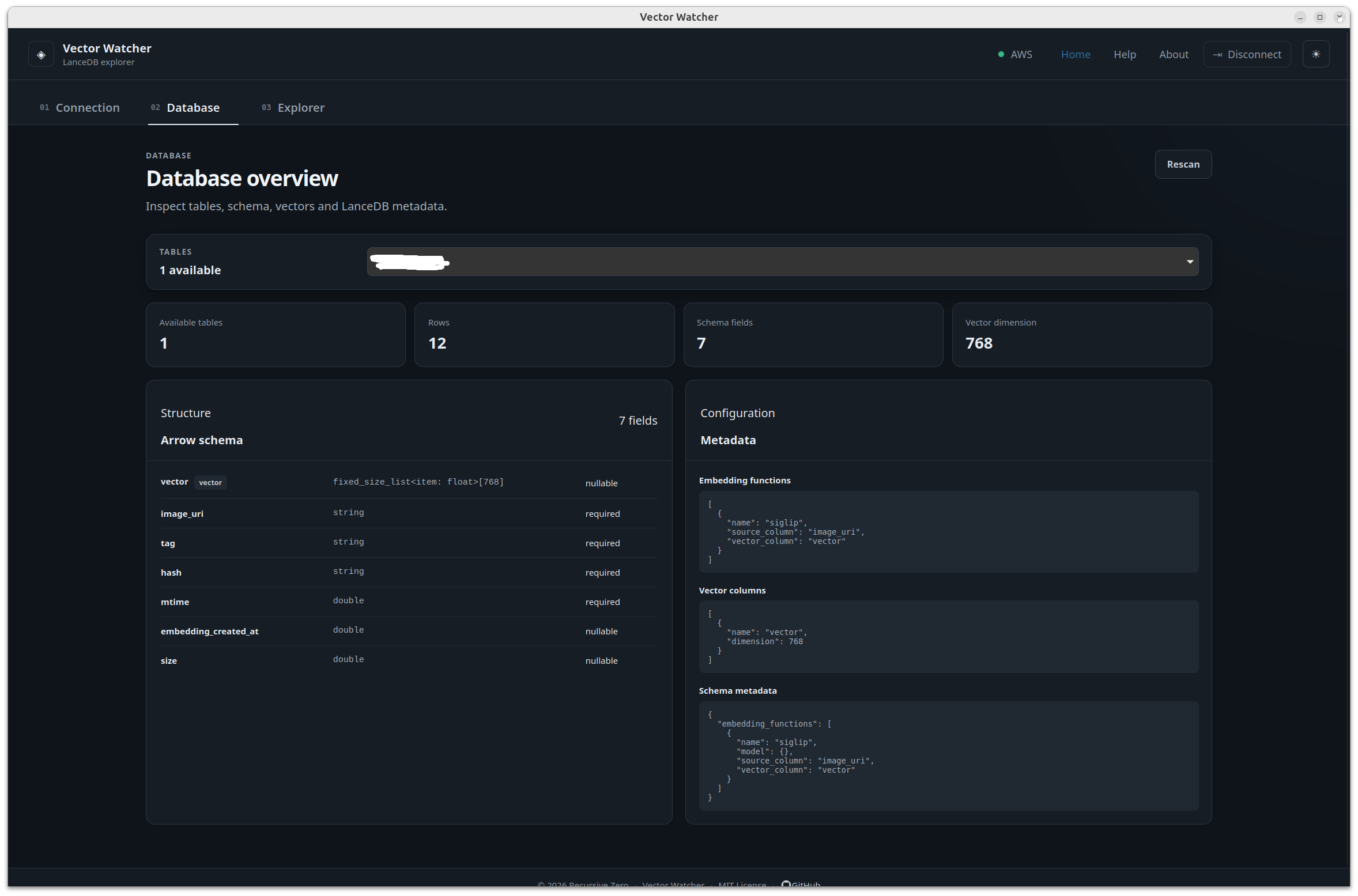
The Database Explorer allows you to inspect the resources available through the active connection.
Before browsing database resources, create or select a connection.
See:
After connecting, the application may display available resources such as:
- Databases
- Tables
- Collections
- Records
- Metadata
Select an available resource to inspect its contents.
📷 Screenshot placeholder: Opened database resource
you can click on rescan button to refresh the data