Getting Started
Welcome to Vector Watcher.
Vector Watcher is a cross-platform desktop application for working with vector and database data through a desktop interface.
The application runs locally on your computer and includes its backend automatically.
You do not need to install or start the Python backend separately when using the packaged application.
Make sure you have installed a Vector Watcher release for your operating system.
See:
After installation, open Vector Watcher from your operating system's application launcher.
The application automatically:
- Starts the Vector Watcher desktop application.
- Starts the local backend.
- Connects the application interface to the local backend.
The backend may take a few seconds to become available after the application opens.
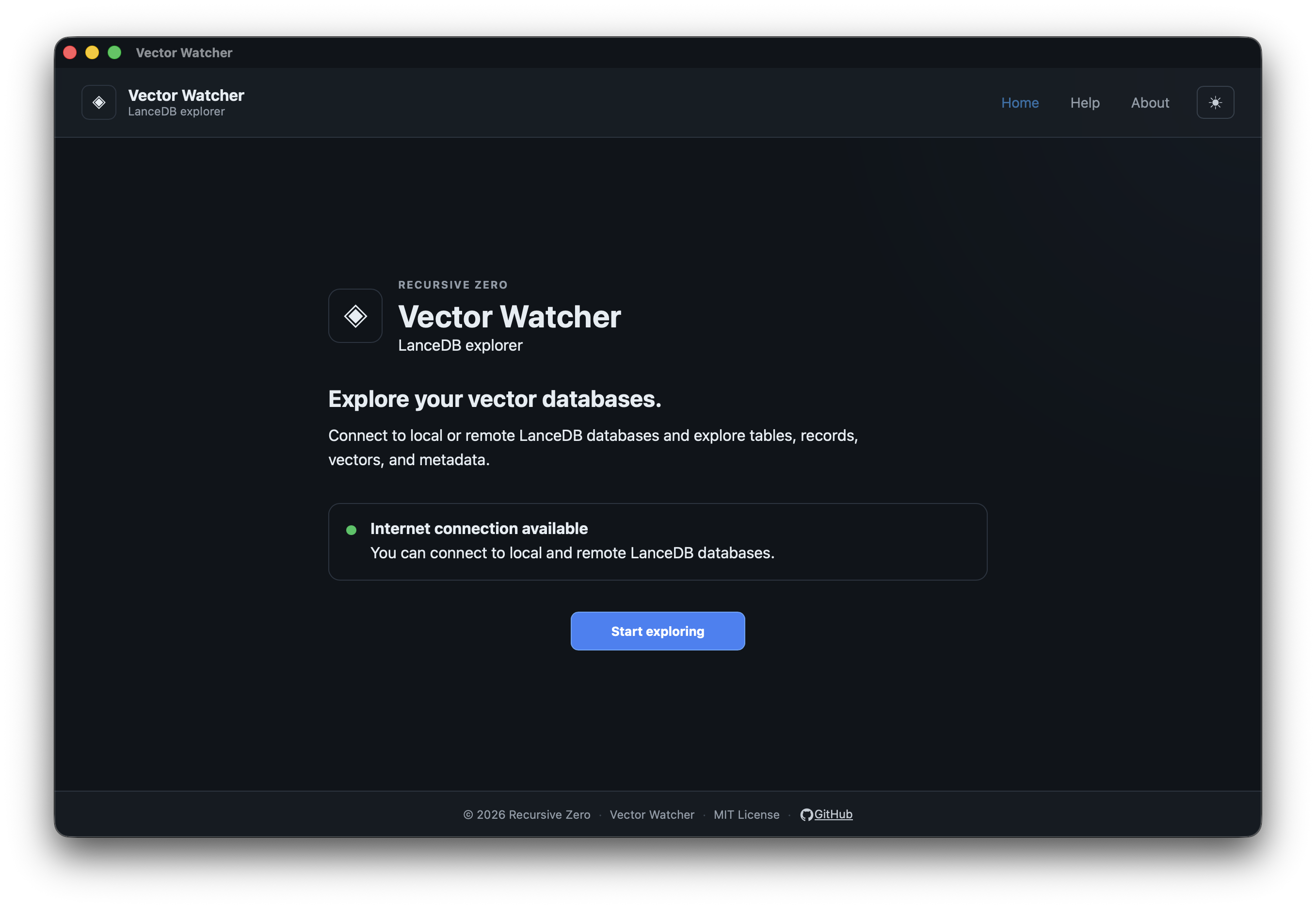
The main application provides access to the available Vector Watcher features.
A typical workflow is:
Start Vector Watcher
        │
        ▼
Create or Select a Connection
        │
        ▼
Connect to the Database
        │
        ▼
Browse Available Data
        │
        ▼
Open Tables or Collections
        │
        ▼
Perform Search or Exploration
The exact workflow depends on the database and features available in the current application version.
Learn how to configure and use database connections:
Learn how to reuse existing connection configurations:
Learn how to browse connected databases:
Learn how to work with available tables:
Learn about search functionality:
Learn about application settings:
Learn where to find application and support information:
If the application cannot communicate with its backend or fails to start correctly, see: