Linux
This page describes building and installing Vector Watcher on Linux.
The current documented target is Ubuntu and Debian-based distributions.
cd backend
./build.shFrom the project root:
cd frontend
npm run clean
npm run tauri:build:linux
Recommended package.json script:
{
  "scripts": {
    "tauri:build:linux": "cd .. && tauri build --config src-tauri/tauri.prod.conf.json --bundles deb"
  }
}The package is generated under: src-tauri/target/release/bundle/deb/
Example: Vector Watcher_1.1.0_amd64.deb
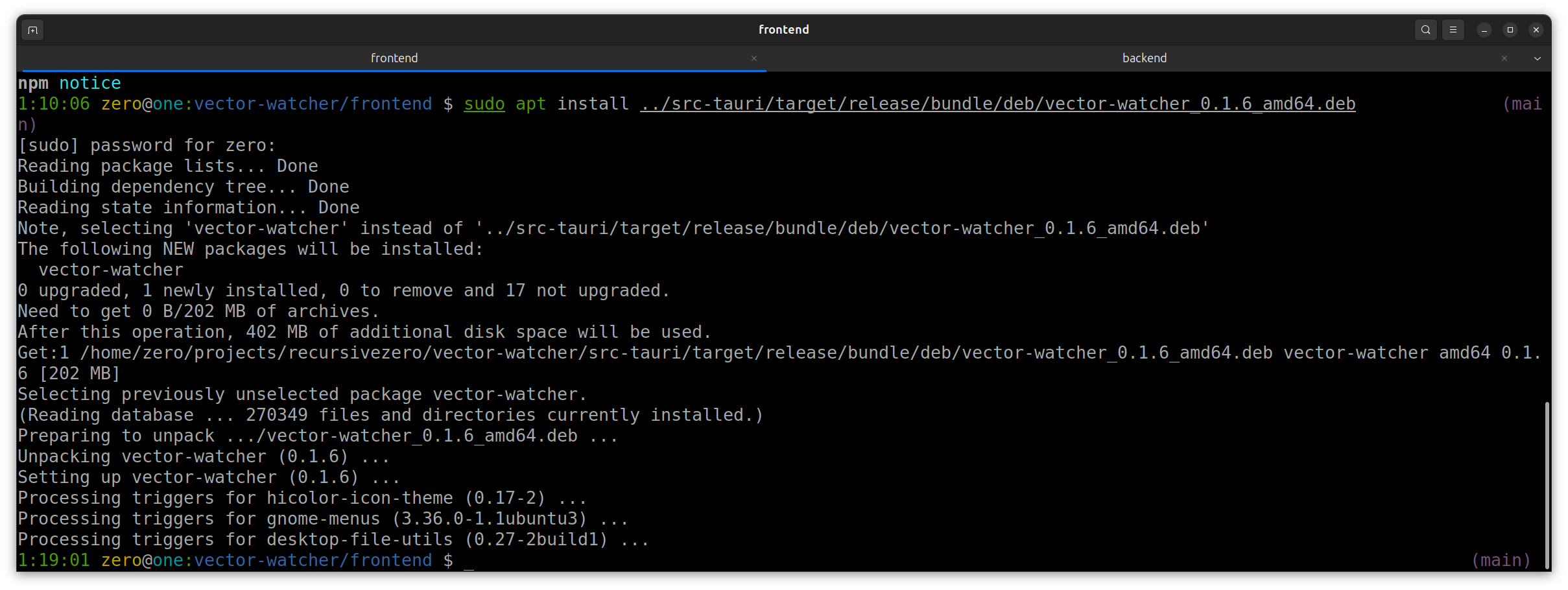
sudo apt install "./src-tauri/target/release/bundle/deb/Vector Watcher_1.1.0_amd64.deb"
Or:
sudo apt install "/absolute/path/to/Vector Watcher_1.1.0_amd64.deb"After installation:
vector-watcher
You can also launch Vector Watcher from the Ubuntu application launcher.
📷 Screenshot placeholder: Installed Vector Watcher application
📷 Screenshot placeholder: Terminal installation command