Repository navigation
Home
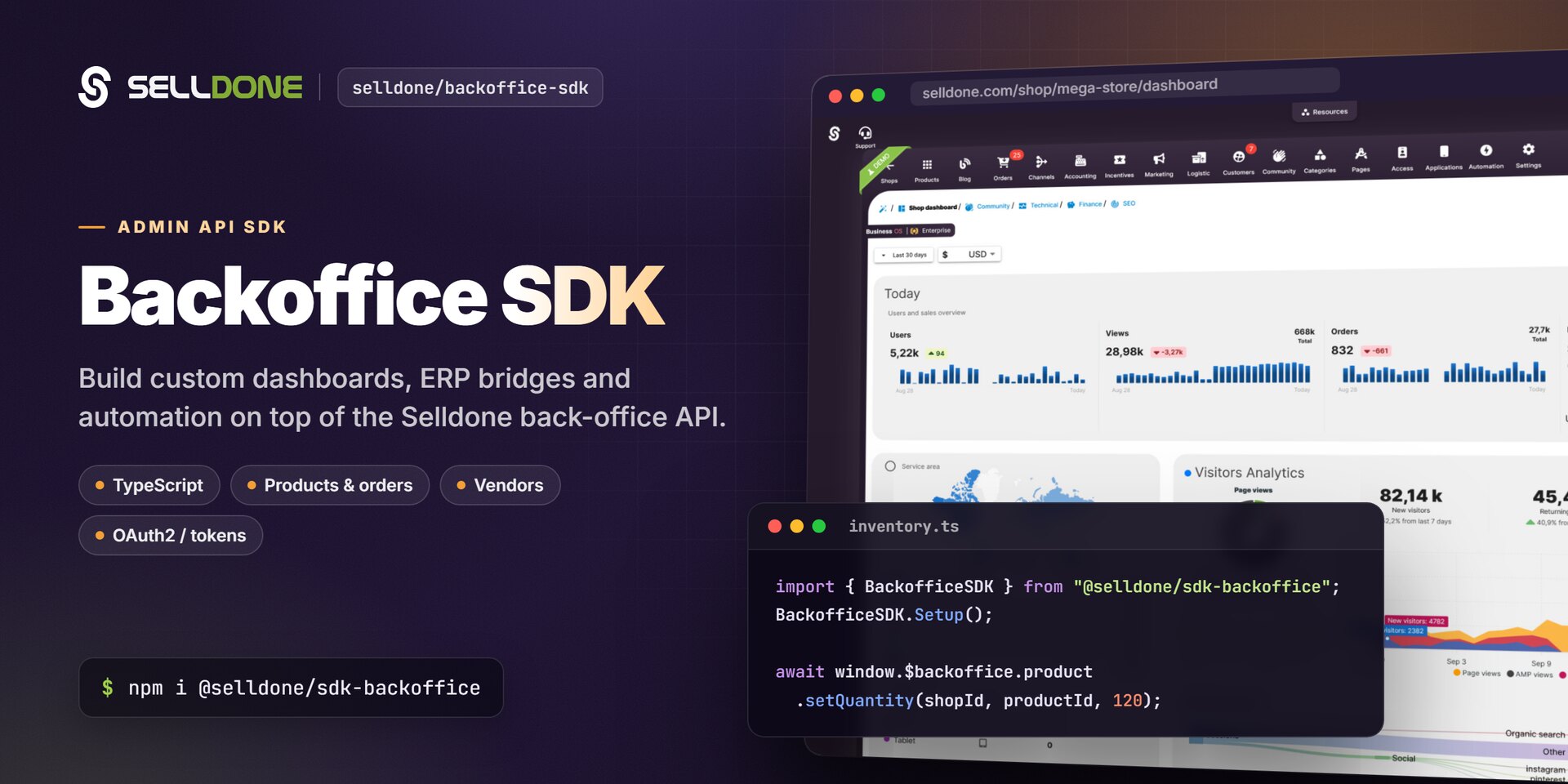
Welcome to the documentation for the Selldone Backoffice API and its JavaScript client,
@selldone/sdk-backoffice. The Backoffice API is the admin
API of Selldone® Business OS. Use it to build integrations and tools that manage shops,
products, inventory, categories, vendors and more: ERP and PIM sync jobs, internal tools, or a complete custom
dashboard.
- Calling the REST API from a server or script? Read the Fast Start guide. It shows how to authenticate, fetch products, update a product and make your first authenticated call in about five minutes.
- Building a browser dashboard in JavaScript or TypeScript? Read Getting Started, then the JavaScript SDK reference.
- Need a token? See Access Token for personal tokens, OAuth2, the ERP Bridge and the full scope list.
| Page | What you'll learn |
|---|---|
| Getting Started | Install the SDK, configure it and make your first SDK and REST calls |
| Fast Start | Sync and update products and inventory with the REST API |
| Access Token | Authenticate with the ERP Bridge, OAuth2 or personal tokens |
| JavaScript SDK | Every window.$backoffice namespace and method |
| Rate Limits | Request budgets and retry strategy |
| Building a Custom Dashboard | Rebuild the full dashboard in any framework with the guideline pack |
| FAQ | Common questions and troubleshooting |
| Page | Endpoint |
|---|---|
| Fetch Products List | GET /shops/{shop_id}/products/all-admin |
| Edit Product | PUT /shops/{shop_id}/products/{product_id}/edit |
| Edit Product's Variant | Variant edit, price and quantity endpoints |
| Add Images to Products/Variants | POST /shops/{shop_id}/products/{product_id}/edit/upload/... |
| Upload Products Category Image | POST /shops/{shop_id}/categories/{category_id}/edit/upload |
If you run a multi-vendor marketplace, some product attributes are vendor-specific: price, inventory (quantity), lead time and variant availability. Editing a product with the global Edit Product endpoint does not change how each vendor lists or manages that product. To control vendor-specific data, use these endpoints:
| Page | Endpoint | Purpose |
|---|---|---|
| Get Vendors List | GET /shops/{shop_id}/vendors |
Retrieve all vendors of the shop. |
| Vendor Products List | GET /shops/{shop_id}/products/{product_id}/vendors |
Retrieve all vendor-specific offers for a product. |
| Vendor Product Add | POST /shops/{shop_id}/products/{product_id}/vendors |
Assign a vendor to a product or variant, with price, quantity and lead time. |
| Vendor Product Update | PUT /shops/{shop_id}/products/{product_id}/vendors/{vendor_product_id} |
Change an existing offer: price, inventory, discount and more. |
| Vendor Product Delete | DELETE /shops/{shop_id}/products/{product_id}/vendors/{vendor_product_id} |
Remove a vendor's offer for a product or variant. |
This vendor-specific layer keeps stock accurate per vendor, allows flexible pricing and supports decentralized fulfillment. Vendors independently manage what they sell, how much they stock, which variants they offer and which delivery time they commit to, while sharing one global product listing.
These endpoints are for the marketplace owner. Vendors manage their own offers from a vendor panel built with the Vendor SDK.
- Managing orders (until then, see the ERP guide for order endpoints)
- Custom reports via API
- Automation hooks
- ERP and CRM integrations
- Webhooks and callback listeners
The Backoffice SDK is the admin-side client of the Selldone open-source ecosystem. It builds on Selldone Core and powers the backoffice widgets in Components.
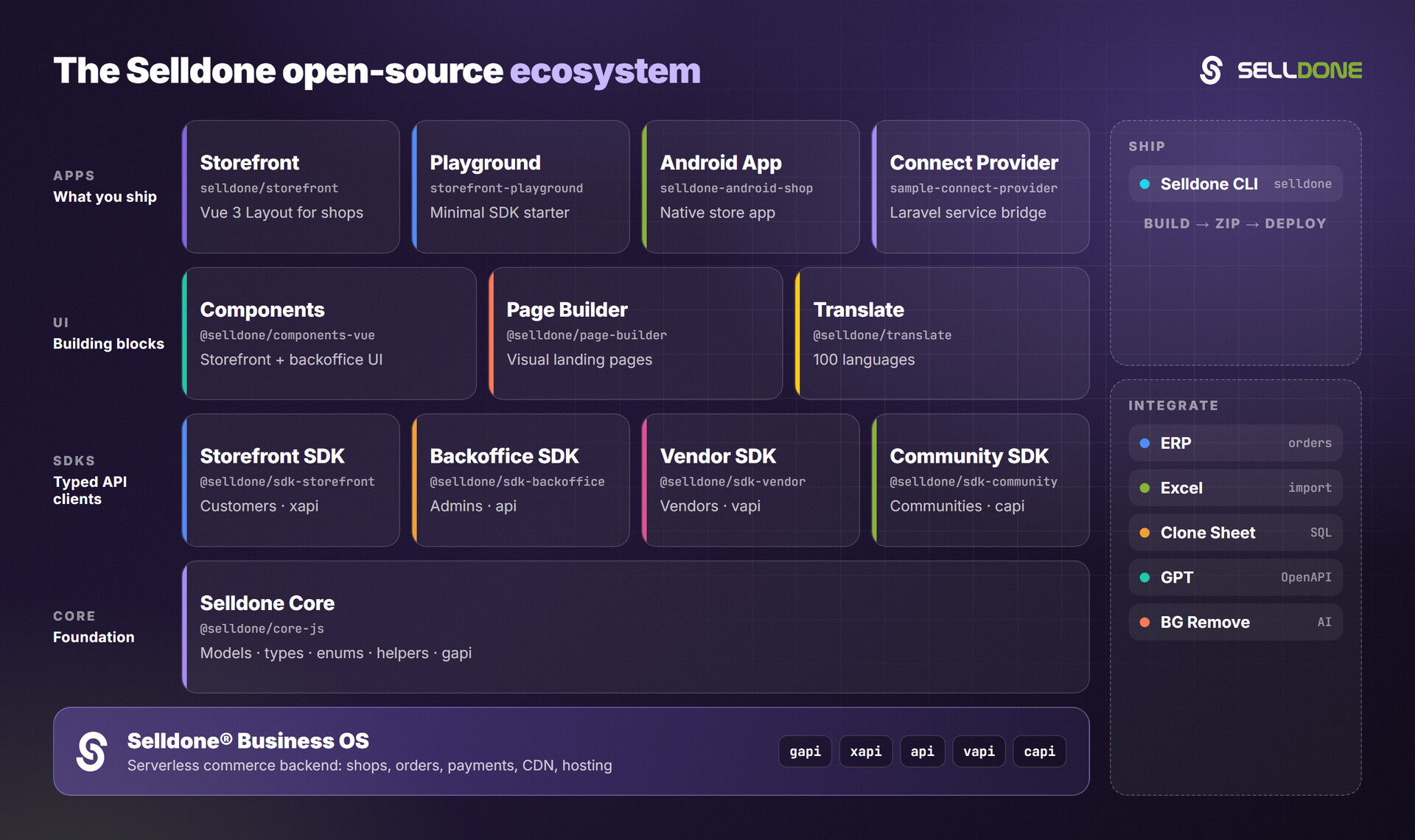
- Vendor SDK: vendor panels for multi-vendor marketplaces
- Storefront SDK: the customer-facing API client
- Components: Vue 3 storefront and backoffice components
- ERP: connect ERP software to Selldone orders
- Sample Connect Provider: embed your service with the Connect Bridge
- Clone Sheet: clone shop data into MariaDB/MySQL
- All Selldone repositories