Repository navigation
Getting Started
This page walks you through the minimum steps to connect an ERP system to a Selldone shop: create a token, make the first API call and set up the order sync and fulfillment loop.
- A Selldone account with access to the shop you want to connect. You must be logged in to Selldone when you open the token link.
- The shop ID.
- An HTTP client in your ERP (or
curlfor testing).
Open this link in a browser while logged in to Selldone:
https://selldone.com/auth/erp?scopes[]=selldone:identification&scopes[]=backoffice:shop:read&scopes[]=backoffice:order:read&scopes[]=backoffice:order:write&scopes[]=backoffice:product:read&scopes[]=backoffice:category:read
-
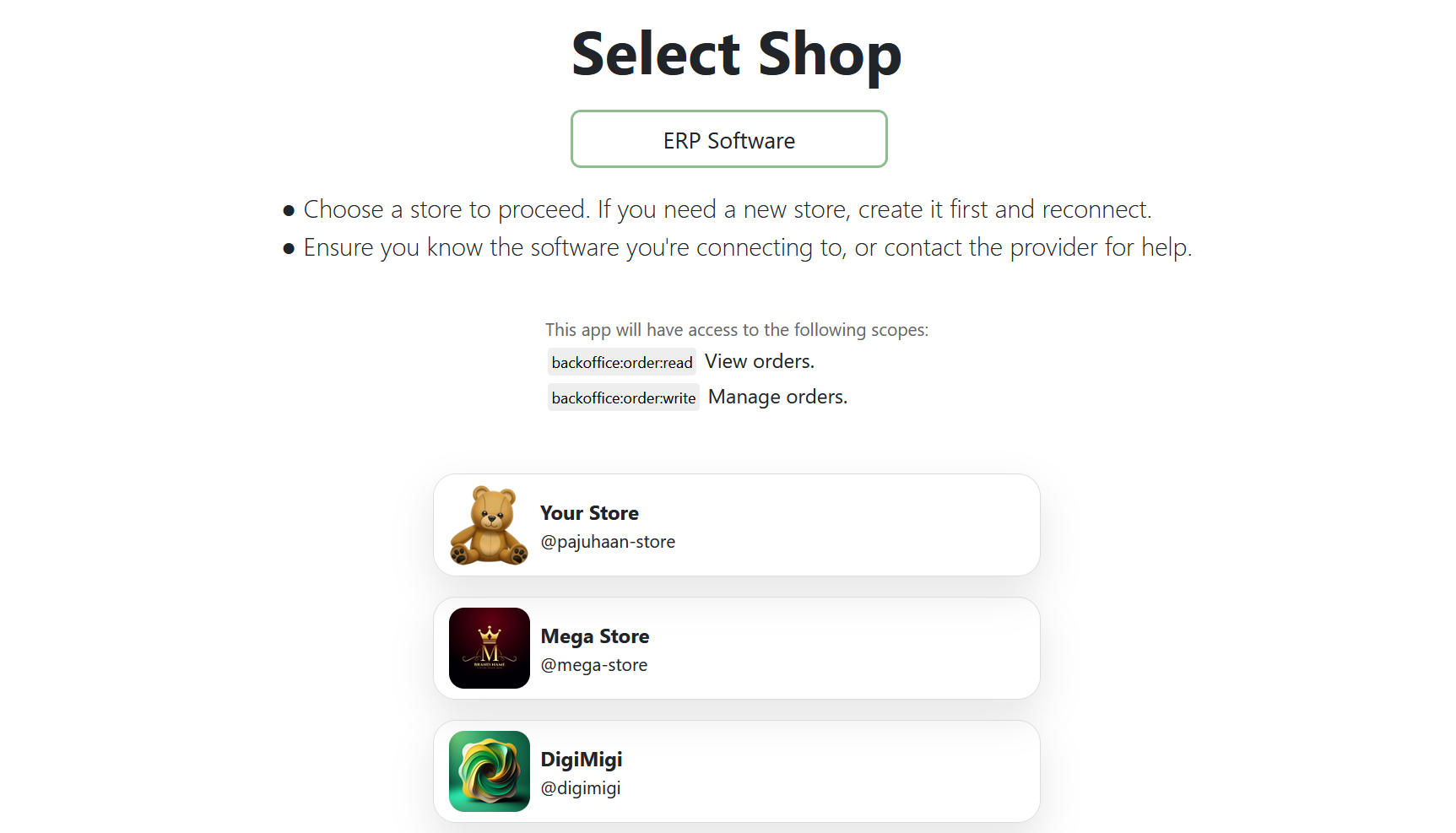
Select the shop.
-
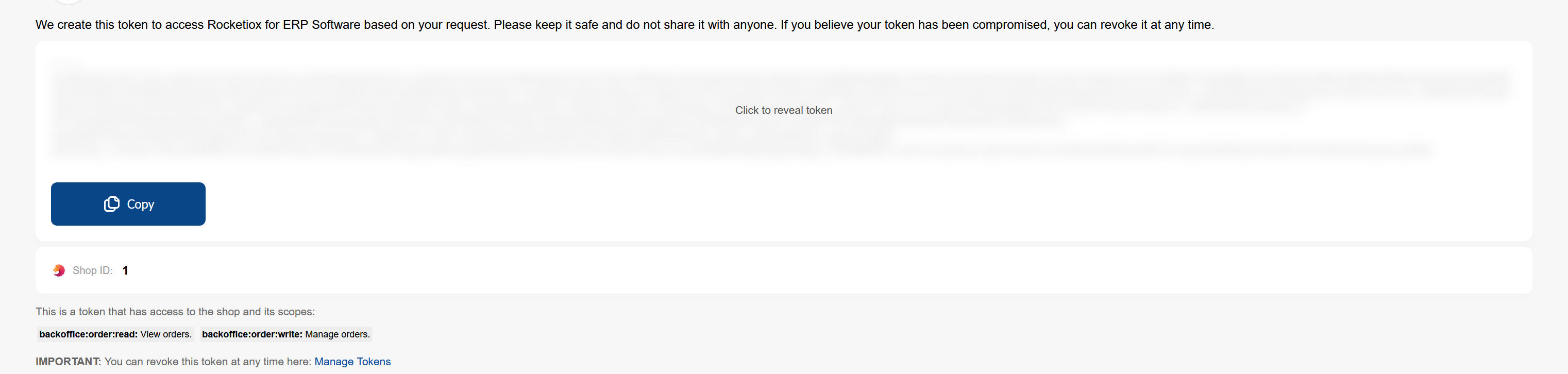
Copy the token from the next page and store it securely in your ERP.
Need other permissions? See Token Generation for all scopes.
curl -g "https://api.selldone.com/shops/{shop-id-here}/process-center/baskets-PHYSICAL?offset=0&limit=10&sortDesc=true&statuses[]=Payed&with[]=items&with[]=buyer&with[]=products" \
     -H "Authorization: Bearer <token>" \
     -H "Accept: application/json"
The same call in JavaScript (this is what the Fetch Orders demo does):
const shopId = 12345;
const token = "<token>";

const url = `https://api.selldone.com/shops/${shopId}/process-center/baskets-PHYSICAL?offset=0&limit=10&sortDesc=true&statuses[]=Payed&with[]=items&with[]=buyer&with[]=products`;

const response = await fetch(url, {
  method: "GET",
  headers: {
    Authorization: `Bearer ${token}`,
    Accept: "application/json",
  },
});

const { orders, total } = await response.json();
console.log(`Fetched ${orders.length} of ${total} orders`);
Each order contains id, status, delivery_state, receiver_info, items (with product and variant), buyer
and more. See Response Structure.
A typical ERP integration repeats these steps:
-
Import new and changed orders with the Orders API. Store the time of your last sync and pass it as
updated_atnext time. -
Confirm the items you can fulfill with
OrderConfirm. -
Prepare the shipment with
PreparingOrder(send the package details indelivery_info). -
Ship with
SentOrder, then set tracking. - Optionally mark the order as delivered with
ToCustomer, or report a failed delivery withdelivery-returned.
Each state must follow the previous one. Details and examples: Order Statuses.
View and revoke tokens at selldone.com/developer/access.