Repository navigation
Home
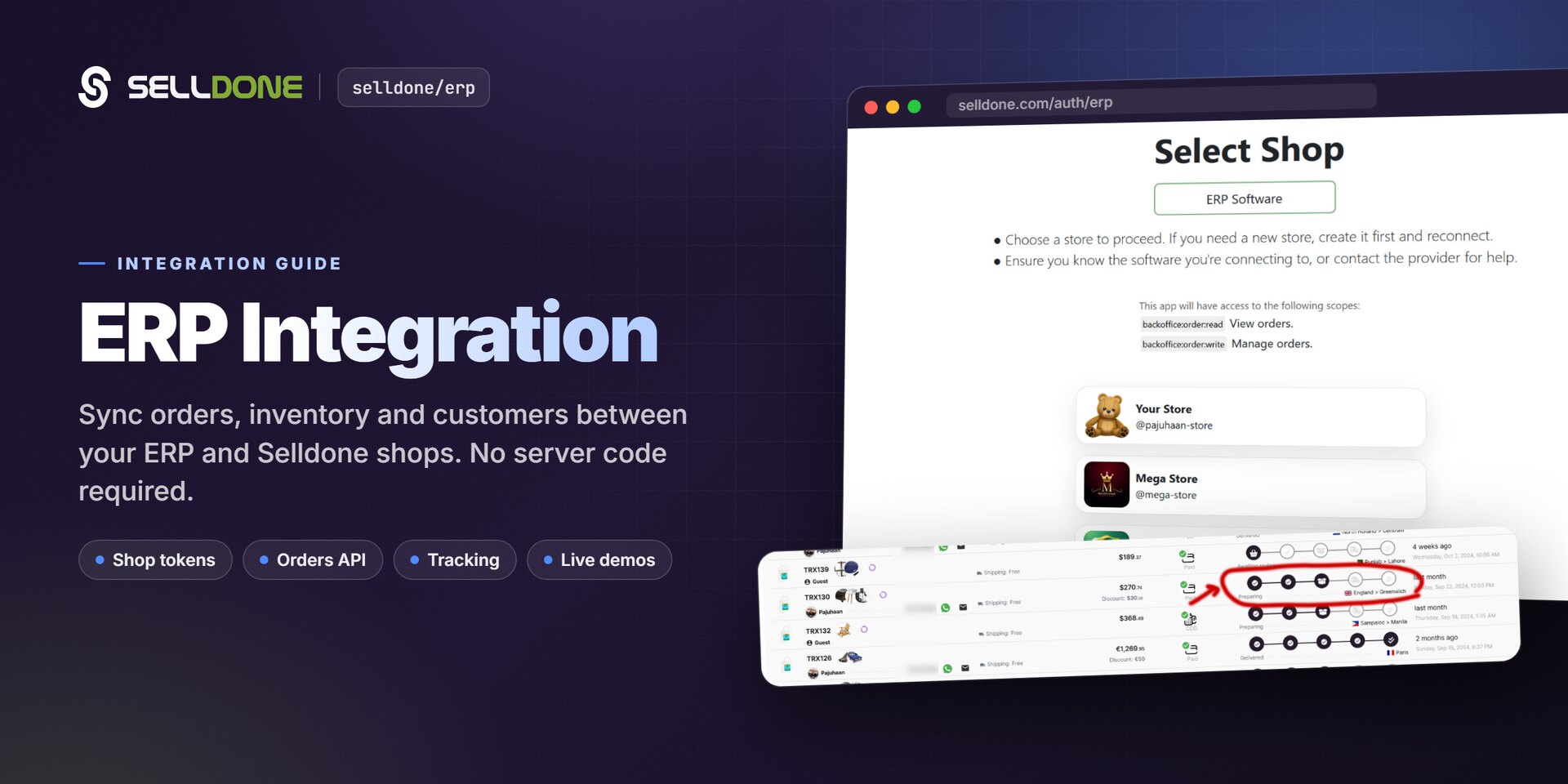
This wiki explains how to connect ERP software to shops on Selldone® Business OS. ERP software often runs on local machines, so instead of server-side OAuth the shop owner creates a personal, scoped token for each shop. Your ERP then uses the Selldone REST API to fetch paid physical orders, move them through fulfillment and set tracking details. Live browser demos let you try every call before writing code.
- First time? Follow Getting Started to create a token and fetch your first orders.
- Building the order import? Read Orders API and Response Structure.
- Building fulfillment? Read Order Statuses and Tracking.
- Want to click through it first? Open the Demos.
| Page | What you'll learn |
|---|---|
| Getting Started | Prerequisites, creating a token, the first API call and the integration loop. |
| Token Generation | The token link, localized URLs, all scopes and token management. |
| Orders API | Endpoint, query parameters, order types, pagination and incremental sync. |
| Order Statuses |
OrderConfirm, PreparingOrder, SentOrder, ToCustomer and returned deliveries. |
| Tracking | Set a tracking code and tracking URL on an order. |
| Response Structure | Every field of orders, items, products and variants. |
| Demos | The three HTML demo pages and how to run them. |
| FAQ | Common questions and troubleshooting. |
| Action | Method | Endpoint |
|---|---|---|
| Fetch orders | GET |
https://api.selldone.com/shops/{shop_id}/process-center/baskets-PHYSICAL |
| Update fulfillment state | POST |
https://api.selldone.com/shops/{shop_id}/process-center/baskets/{order_id}/state |
| Report a returned delivery | POST |
https://api.selldone.com/shops/{shop_id}/process-center/baskets/{order_id}/delivery-returned |
| Set tracking | PUT |
https://api.selldone.com/shops/{shop_id}/process-center/baskets/{order_id}/tracking |
All requests send Authorization: Bearer <token>.
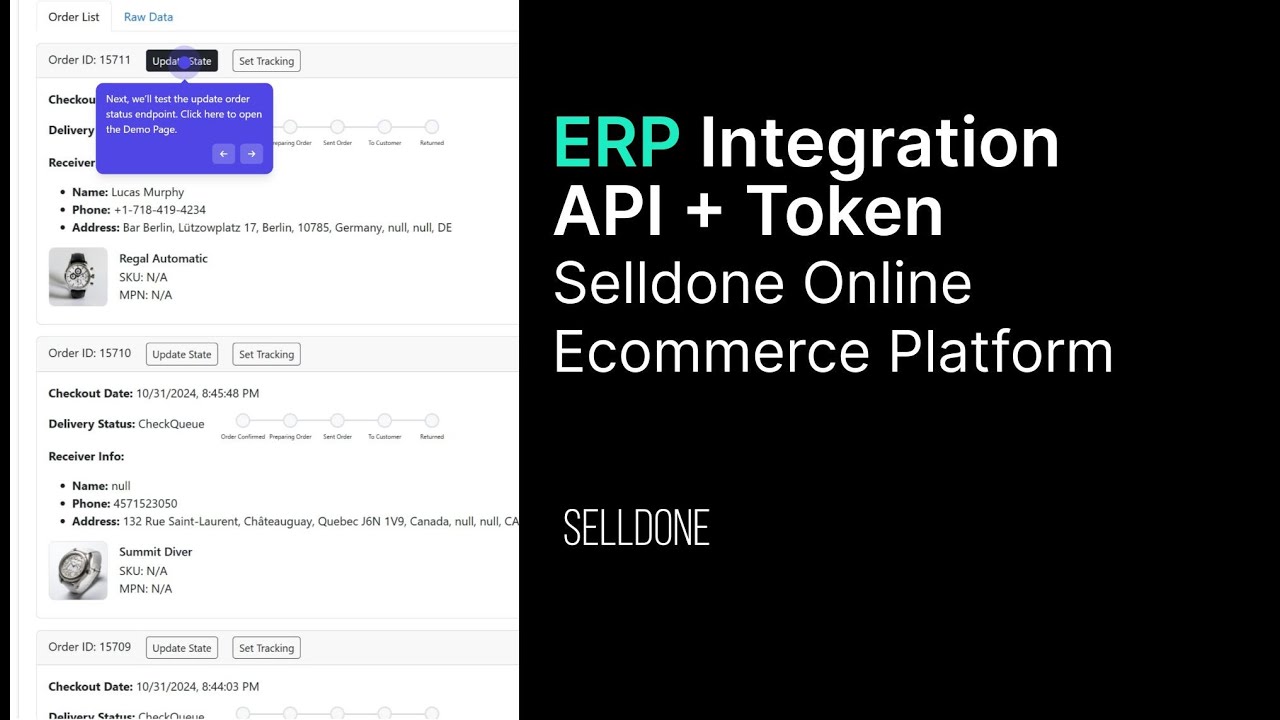
ERP integrations call the shop-admin API (api), the same API used by the Selldone dashboard and the
Backoffice SDK. For bulk data, use Excel
templates to import and Clone Sheet to copy shop data into your own database.
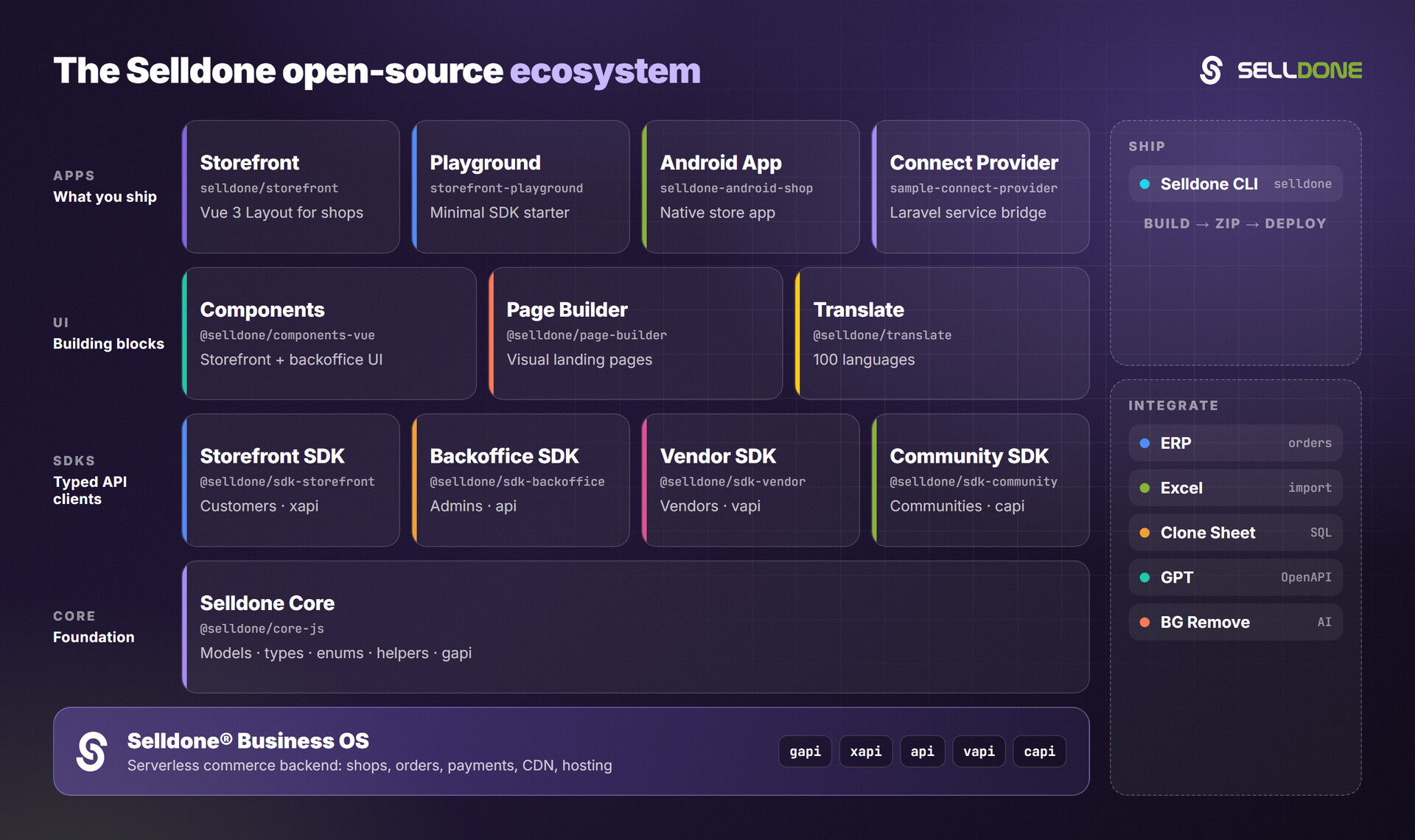
| Project | Description |
|---|---|
| Backoffice SDK (wiki) | Admin API client for custom dashboards and integrations. |
| Clone Sheet (wiki) | Clone shop data into MariaDB/MySQL. |
| Excel (wiki) | Excel templates for bulk import. |
| Core (wiki) | Shared models, types, enums and helpers. |