Repository navigation
Managing Groups and Types
WP User Groups uses the standard WordPress taxonomy interface, so creating and editing a Group works much like managing a post category.
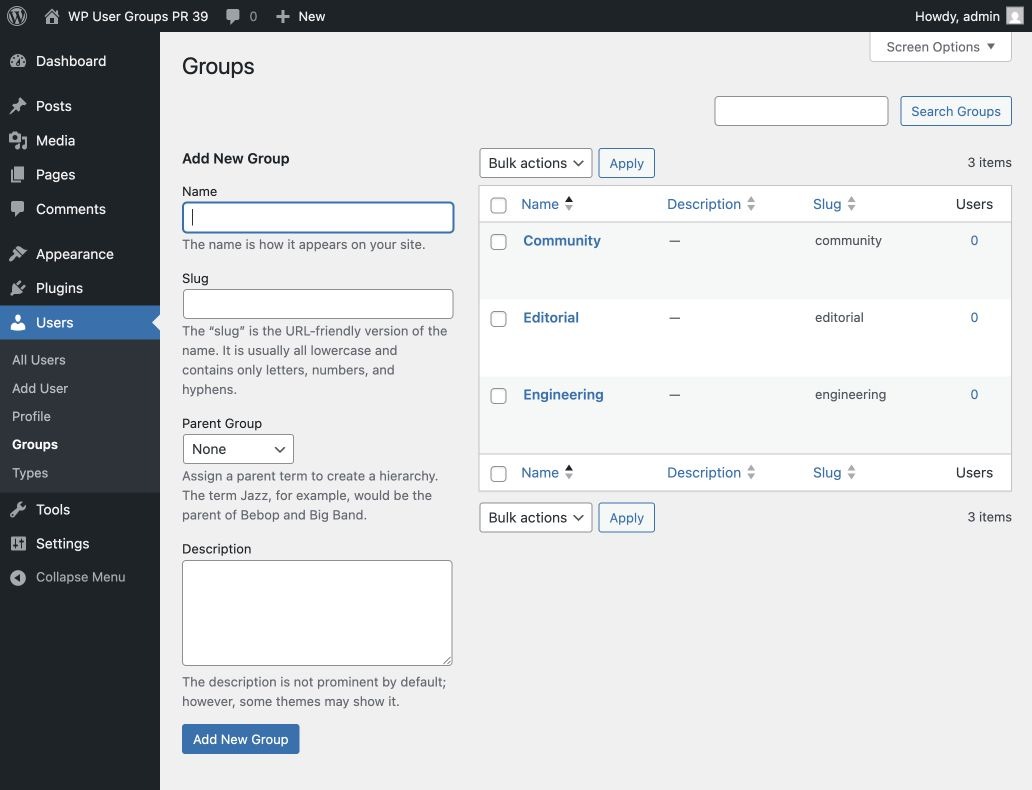
Go to Users → Groups. Enter a name, optional slug, optional parent, and an optional description, then select Add New Group.
Go to Users → Types and follow the same process.
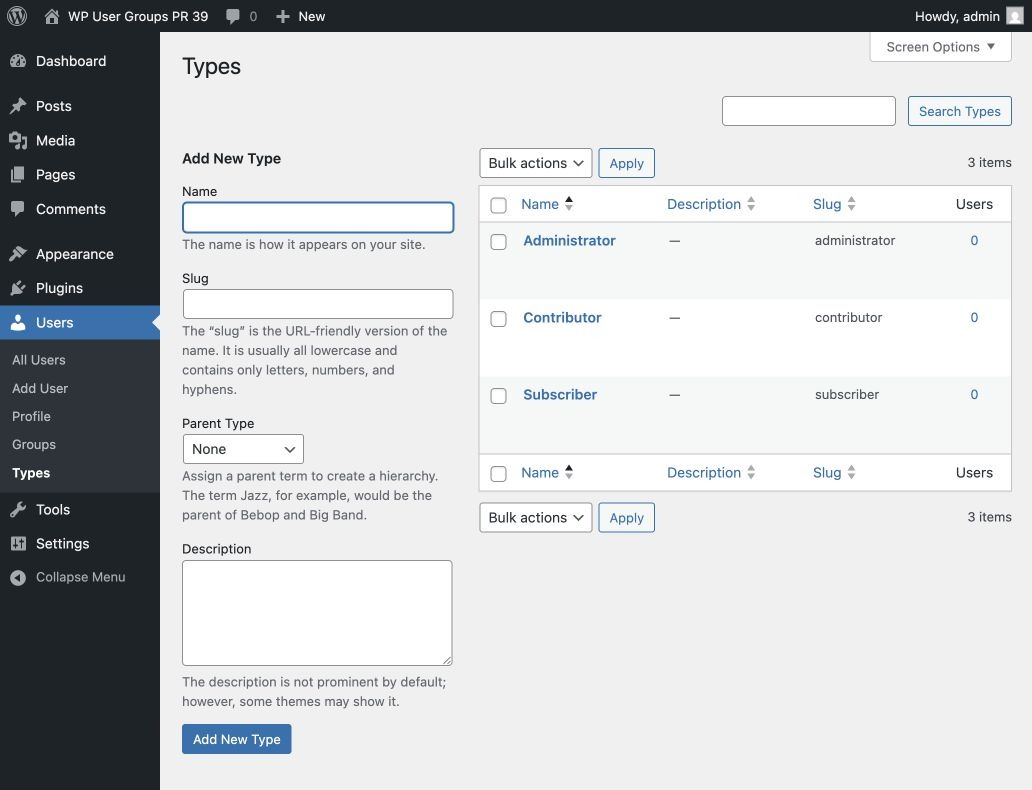
Both defaults are hierarchical. A parent Group can contain more specific child Groups—for example, Engineering may contain Platform and Product. Hierarchy describes the terms; it does not automatically assign a user to the parent when the user is assigned to a child.
The Users column shows how many users are directly related to a term. Selecting the number opens the Users screen filtered to that term. The Groups and Types columns on the Users screen provide the same shortcut.
Hover over a term to edit, quick-edit, or delete it. Deleting a term removes its relationships but does not delete user accounts. Deleting a user removes that user's term relationships.