Google Calendar
Two-way sync of selected Google calendars into the dashboard view. Events created or edited in Kinboard get pushed back to Google; events created in Google flow into Kinboard at the next sync interval. Per-event mapping rules let you assign events to specific family members based on title patterns.
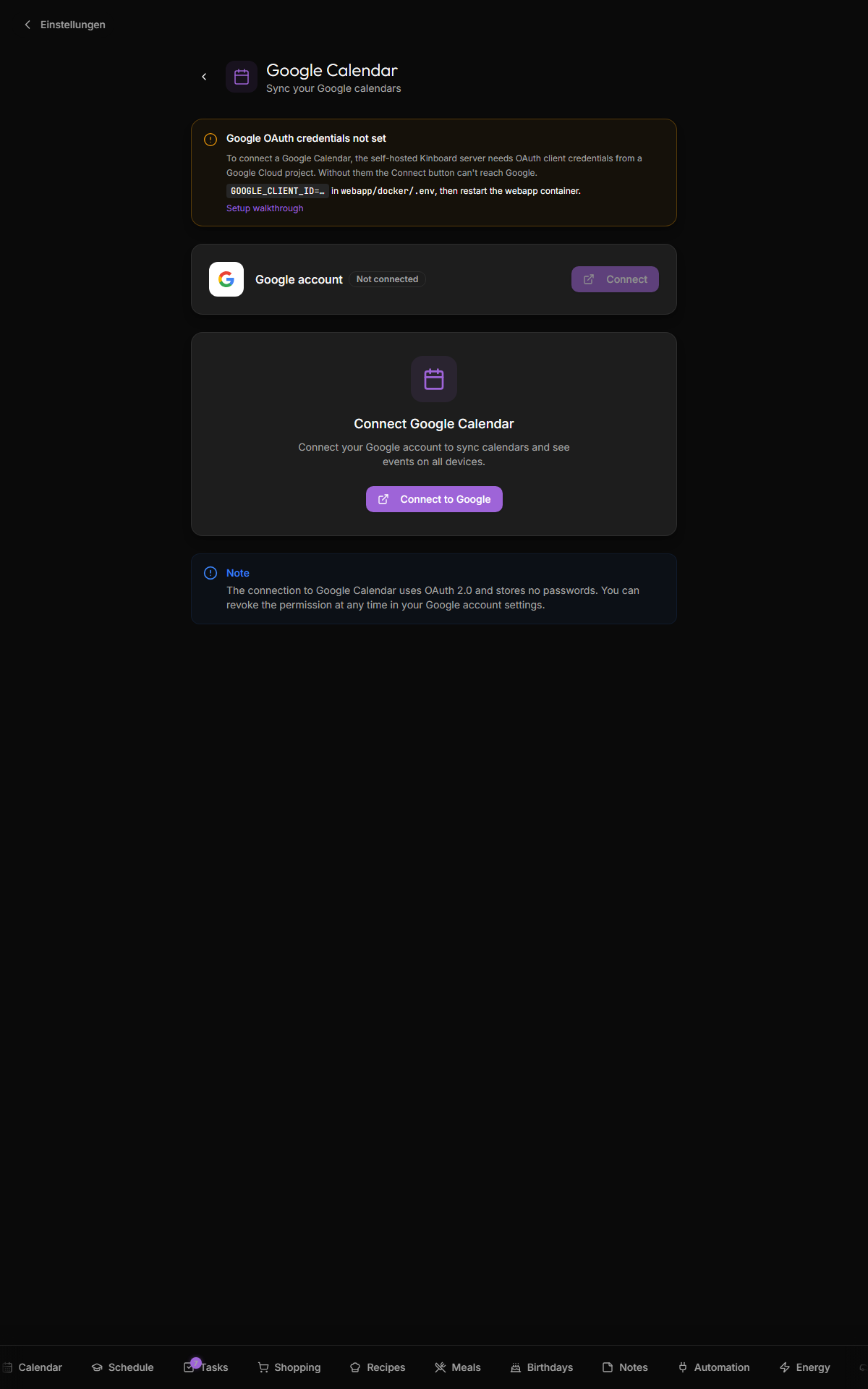
- OAuth into your Google account, list calendars, let you pick which ones to sync
- Pull events into
public.eventson a schedule (default 15 min) or on demand - Push events created/edited/deleted in Kinboard back to the chosen Google calendar
- Assign events to specific people via mapping rules ("starts with
Emma:" → assign to Emma) - Show holidays + waste-collection calendars distinctly (badges per type)
- Doesn't write to Google calendars Google itself marks read-only (subscribed public calendars, calendars shared to you with view-only permission). Those round-trip is suppressed; you'll see an error toast if you try.
- Doesn't sync attendees, attachments, or recurring-event exceptions beyond the basics.
- Doesn't dedupe across overlapping subscribed calendars (if two of your enabled calendars include the same event, it shows twice).
You need a project with the Google Calendar API enabled. The free tier is plenty.
- Open https://console.cloud.google.com/projectcreate
- Create a project named
kinboard(or whatever). - Enable the Google Calendar API: APIs & Services → Library → search "Google Calendar API" → Enable.
- Create OAuth credentials: APIs & Services → Credentials → Create Credentials → OAuth client ID → Application type Web application.
- Authorized redirect URI:
-
http://localhost:3001/api/google/callbackfor local dev -
https://<your-domain>/api/google/callbackfor production (your Kinboard URL)
-
- Save the Client ID and Client secret.
GOOGLE_CLIENT_ID=<paste from Cloud Console>
GOOGLE_CLIENT_SECRET=<paste from Cloud Console>
GOOGLE_REDIRECT_URI=https://<your-domain>/api/google/callback
Restart the webapp:
cd webapp/docker
./start.sh restart- Open Settings → Google Calendar
- Click Connect
- Sign in to Google in the popup, grant calendar read access
- Pick which calendars to sync (toggle them on)
- Optional: assign each calendar to a specific person (the per-row "Person" select)
- Optional: mark a calendar as a holidays calendar (party-popper icon) or waste-pickup calendar (recycle icon) — these get special widget treatment
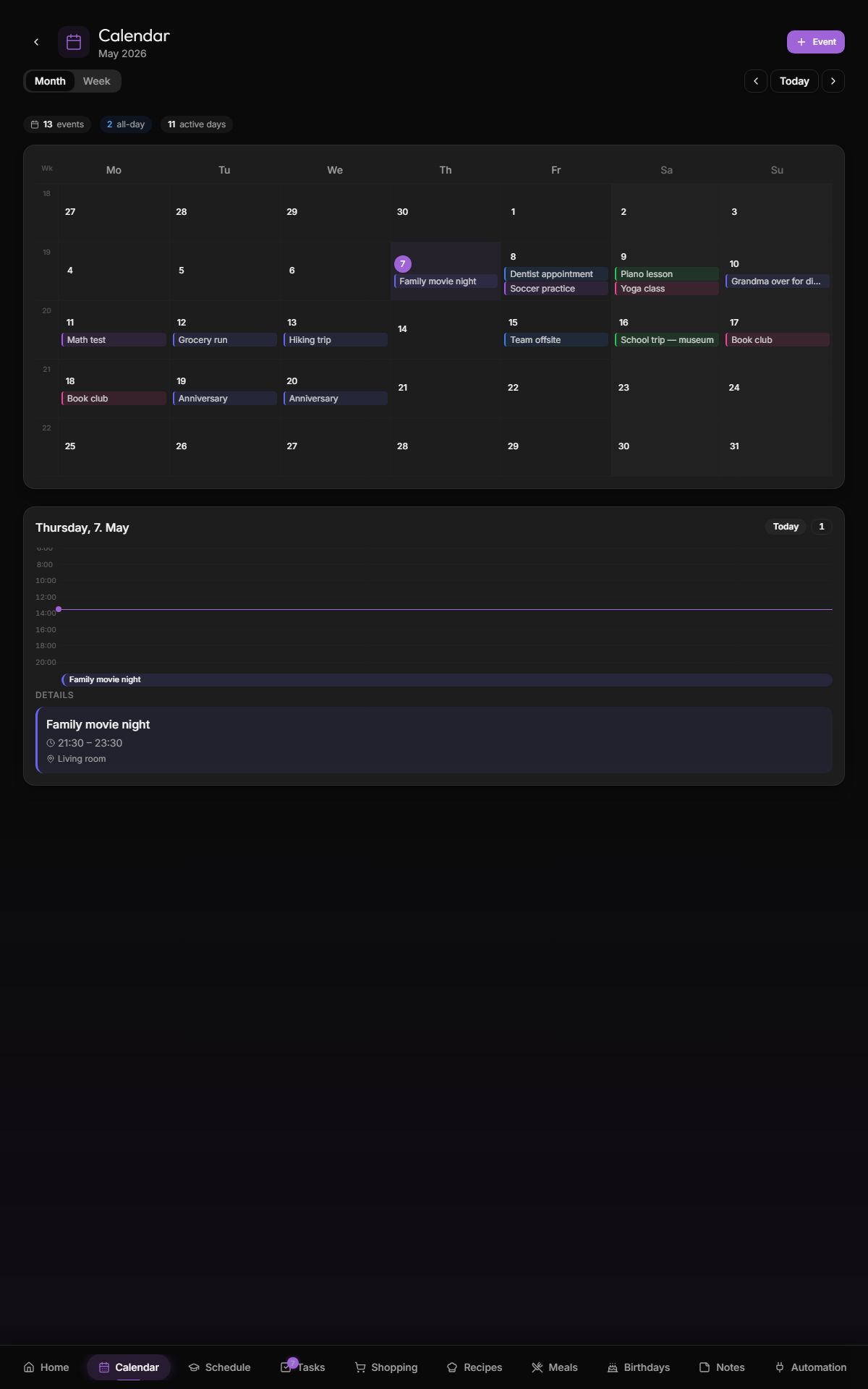
The Settings page shows Last sync. Click Sync now to trigger an immediate fetch. New events appear on the dashboard within a few seconds.
If you have a single shared family calendar but want events auto-assigned to people based on title patterns, use mapping rules:
TODO: screenshot of /settings/google mapping rules
| Match type | Example | What it matches |
|---|---|---|
contains |
Emma |
Any event title containing "Emma" (case-sensitive substring) |
starts_with |
Mama: |
Title begins with "Mama:" |
ends_with |
(Papa) |
Title ends with "(Papa)" |
regex |
^[A-Z][a-z]+ — |
Custom regex |
Rules are evaluated in priority order; first match wins. Higher-priority rules override lower. Test rules with the Test button — it runs them against the next 30 days of synced events and shows which person each would be assigned to.
Enable the Automatic synchronization toggle to have the cron container poll Google every 15 minutes. Configured in webapp/docker/ofelia.ini. When auto-sync errors (token expired, network blip, etc.), the badge on the Settings page surfaces it.
Settings → Google Calendar → Disconnect. Local synced events stay in the database; they just stop being refreshed. To remove the synced events too, delete the calendar rows in /settings/google first.
The OAuth tokens stored in settings.value are deleted on disconnect.
| Symptom | Likely cause |
|---|---|
| "Connection failed" in the OAuth popup | Redirect URI mismatch — must match exactly, including http/https and port |
| No calendars listed after connect | API not enabled in Cloud Console; or your account has zero calendars |
/api/google/callback 500 error |
GOOGLE_REDIRECT_URI env var doesn't match the one in Cloud Console |
| Auto-sync stops after 6 months | Google's refresh tokens expire if unused. Click Sync now once to refresh, or revoke + reconnect |
-
Database-Schema —
calendarsandeventstables - Notifications — event-based reminders (planned, not shipped in v1.0)