Immich
Pull screensaver and gallery photos from your self-hosted Immich instance.
TODO: screenshot of the screensaver showing a photo from Immich
- Picks a configured Immich album (or auto-rotates through monthly albums) and serves photos to the screensaver + gallery widget
- Photo metadata (location, date) appears as an overlay on the screensaver
- Auto-rotates through the album at a configurable interval (default 30 s)
- Doesn't upload to Immich; one-way read only
- No album browsing UI in Kinboard — pick an album in /settings, that's the active one
- Doesn't deduplicate photos already shown today
In Immich: your profile (top-right) → Account Settings → API Keys → + New API Key. Copy the value.
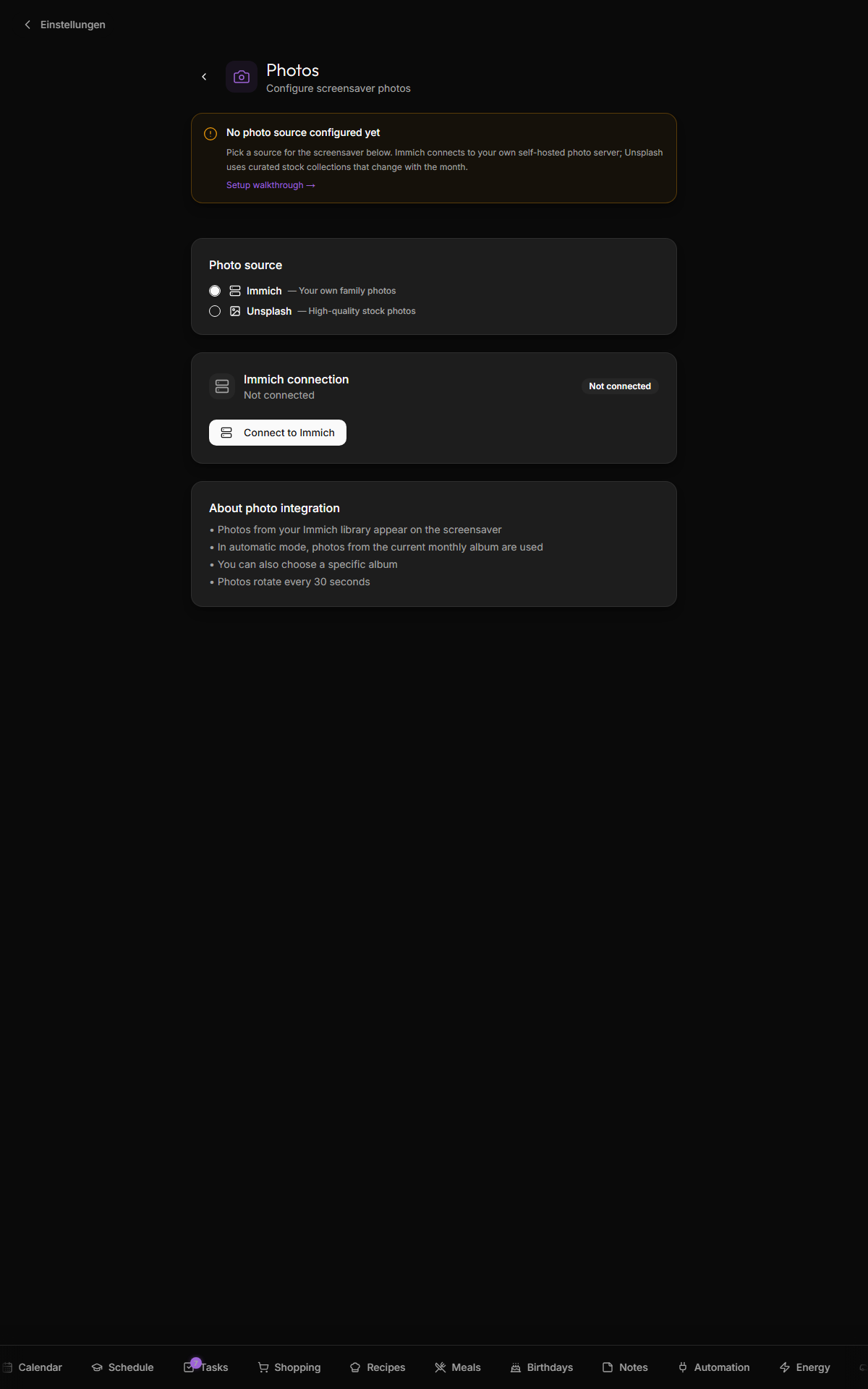
- Open Settings → Photos
- Choose Immich as the source
- Click Connect to Immich
-
Immich Server URL — without
/api. If LAN:http://<immich-ip>:2283. Behind reverse proxy:https://immich.example.com. - API Key — paste
- Connect
The dropdown shows all albums you can access with that key. Two modes:
-
Automatic (monthly album) — Kinboard looks for an album whose name matches the current month + year (e.g.
2026-05,May 2026,Mai 2026) and uses it. Falls back to a default album if none match. - Specific album — pick one and the screensaver always uses it.
The Refresh albums button re-queries Immich if you've just created a new album.
Kinboard matches against three patterns when picking the "current month" album:
${year}-${MM}                     → "2026-05"
toLocaleDateString("en-US", …)    → "May 2026"
toLocaleDateString("de-DE", …)    → "Mai 2026"
Match is case-insensitive substring against album.name. Pick whichever convention you already use in Immich.
Set in Settings → Screensaver → Photo rotation, not in the photo source settings. Defaults to 30 s. Range is 10 s to 5 min.
Settings → Photos → Disconnect (under the Immich connection panel). The screensaver falls back to the configured fallback (Unsplash, if set, or clock-only mode if neither is configured).
| Symptom | Likely cause |
|---|---|
| "Connection failed" on connect | URL has /api suffix (drop it), or wrong protocol, or API key invalid |
| Album dropdown is empty | API key has no album access — Immich permissions issue |
| Photos load slowly on the screensaver | First load fetches asset metadata + thumbnails; subsequent loads are cached. If chronically slow, your Immich box may be the bottleneck |
| Photos rotate but always the same N | The album has fewer photos than you expected. Kinboard caches the asset list per session. |
- OpenWeatherMap — Unsplash is the secondary photo source if you don't run Immich
- See
webapp/src/components/screensaver.tsxfor the screensaver internals