Home
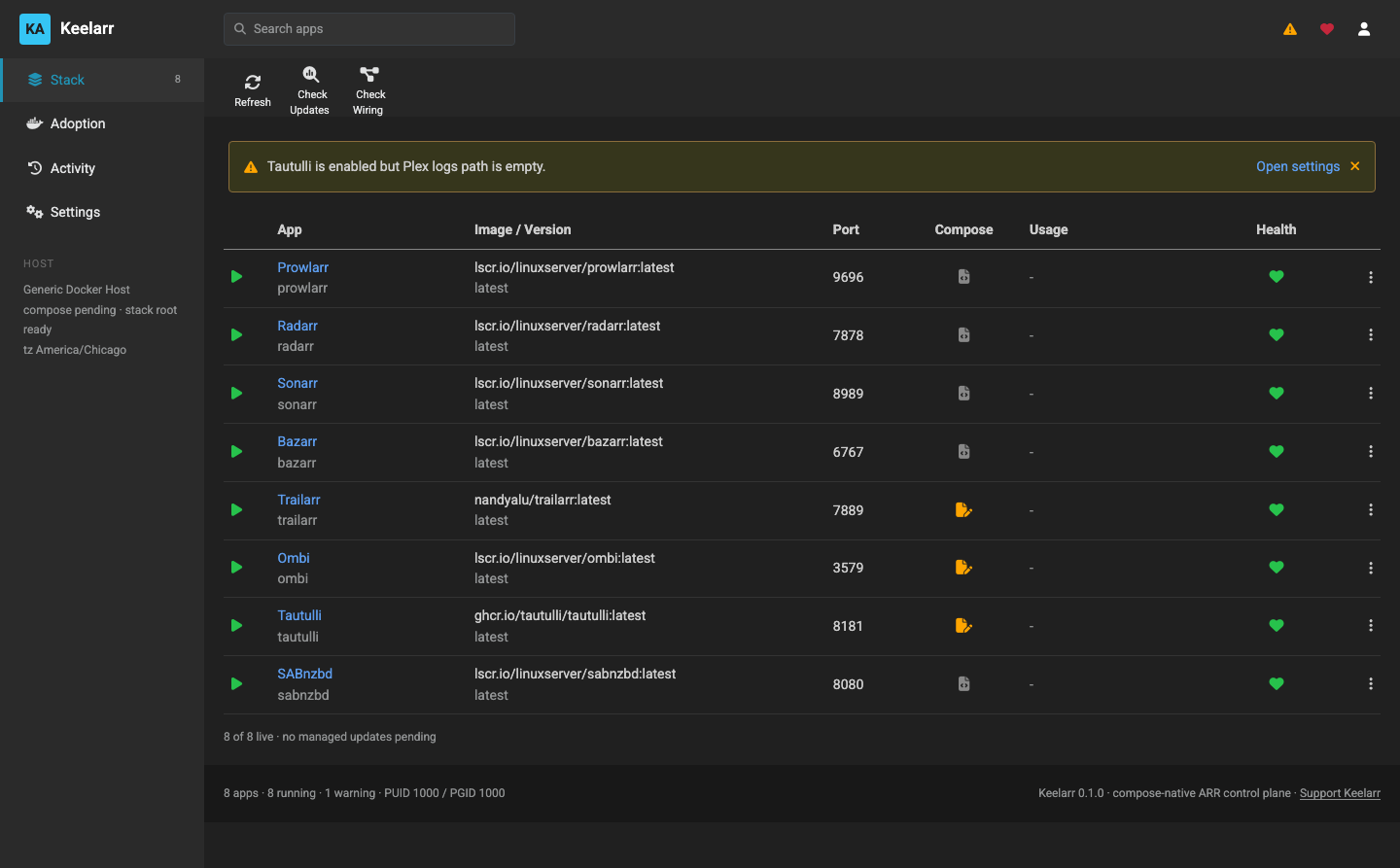
Keelarr sets up and runs a self-hosted *arr media stack with Docker Compose. It installs the apps, connects them to each other, and writes Compose files you own.
This wiki is the long-form documentation. The README is the short version, and docs/testing.md is the record of what has actually been proven and on which host.
| Page | For |
|---|---|
| Installation | Getting the controller running |
| First Run and Host Setup | The wizard, host detection, and the path model everything depends on |
| App Catalog | The twelve apps, their ports, and what each is for |
| Page | For |
|---|---|
| Wiring | What gets connected to what, how addresses are resolved, and why a connection is sometimes refused |
| Adopting an Existing Stack | Taking over containers Keelarr did not create |
| Lifecycle | Upgrades, rollback, config snapshots, removal and reinstall |
| Security Model | What Keelarr reads, what it writes, and what it deliberately never touches |
| Page | For |
|---|---|
| Configuration Reference | Every setting, environment variable and API route |
| Troubleshooting | Real failures, what they mean, and how to fix them |
| Contributing and Testing | How the codebase is organised and the rules it holds to |
The containers were never the hard part. The work is everything between them: registering the download client in each app with the right category, registering each app in Prowlarr with an address that resolves from Prowlarr's side of the network, pointing Bazarr at Radarr and Sonarr, creating library folders that exist both inside the container and on the host. Keelarr automates that, writes ordinary Compose files you can read and keep, and reports what it actually did rather than what it hoped it did.
Your Compose files are yours. Keelarr is not a runtime. Every service it
manages is a real compose.yml and .env on disk in a directory you choose.
Stop the controller and delete it — your stack keeps running, because nothing
depended on it being alive.
It reports three states, not two. A container that is running is not necessarily reachable, and a connection that was not written is not necessarily broken. Where Keelarr cannot determine something it says so, instead of showing green. Most of those distinctions exist because the cheerful version was wrong first and a dashboard hid it.
Verified live on QNAP Container Station (x86_64) and macOS with Docker Desktop (arm64). Linux with native Docker is untested, and so is any arm64 host. See Troubleshooting and the platform table.
If you run it somewhere new, a report that it worked helps as much as a bug report — issue #1 for Linux, issue #2 for arm64.