BlinkStick
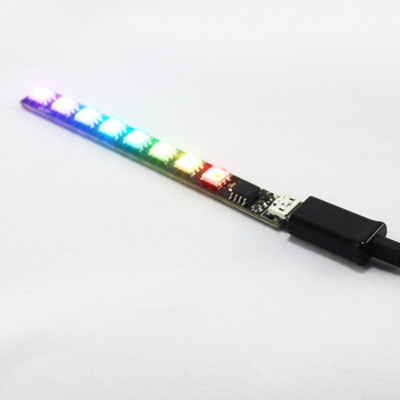
the tulogic Blinkstick is a Smart LED controller with integrated USB firmware.
| Property | description | range of values | operations |
|---|---|---|---|
| color | color of the LED light |
0-255
|
write |
The color property defines the color of the LED lights. It is composed of three values in the range of 0 to 255 defining the RGB color space. A value of 3 0s indicates that the light is turned off.
To use this device under linux, see Linux setup for additional required steps.
- Connect to the BlinkStick by clicking the
Things and Resourcescategory and thenconnect via WebHID. - Select
Agile Innovative Ltd BlinkStickand clickConnect. - (optional) Give the device a name.
- The device is now selectable on the
webHID deviceblock in theThings and Resourcescategory.
- Create
/etc/udev/rules.d/85-blinkstick.rules - paste the following rule into it
SUBSYSTEMS=="usb", ATTRS{idVendor}=="20a0", ATTRS{idProduct}=="41e5", MODE="0666"
- reload udev rules using
sudo udevadm control --reload-rules - Unplug and re-plug the device.