2.1.1 Creating a DialogDataAsset
| Visual | Instructions |
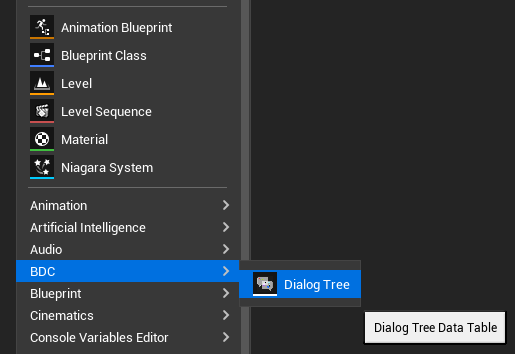 |
To create a Dialog Tree Data Asset, simply open the Content Browser. 1. Right-click in an empty space to open the Context Menu. 2. Navigate to the "BDC" Option. 3. Find the "Dialog Tree" Factory inside the submenu. |
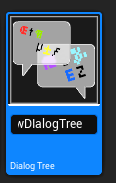 |
4. Click on "Dialog Tree" to create the asset in place. 5. Give the new DialogDataAsset a name of your choice. |