4.3 Listing Options
To determine if a Message has options, you can check the OptionMessagesCount integer in the Message Data. If greater than zero, options are available.
Alternatively, use the Subsystem function below.
| Visual | Description |
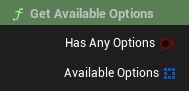 |
Get Available Options Use the Subsystem's
|
| Visual | Step Details |
 |
1. Hierarchy Create a simple Widget Blueprint. The most basic approach requires a Button and a Text Block to display the option text. |
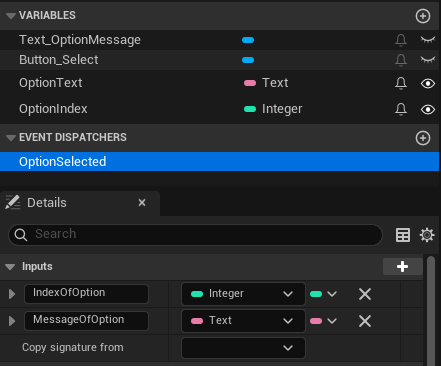 |
2. Variables & Dispatchers Add the following variables and mark them as Exposed and Instance Editable:
Create an Event Dispatcher called |
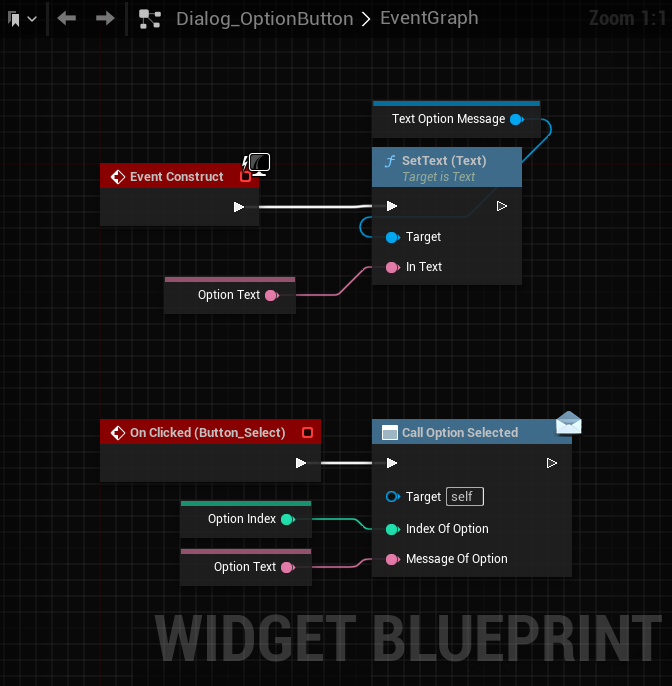 |
3. Setting Data In the Graph (e.g., on Construct), break the |
 |
4. On Click Logic Implement the Call the |
| Visual | Step Details |
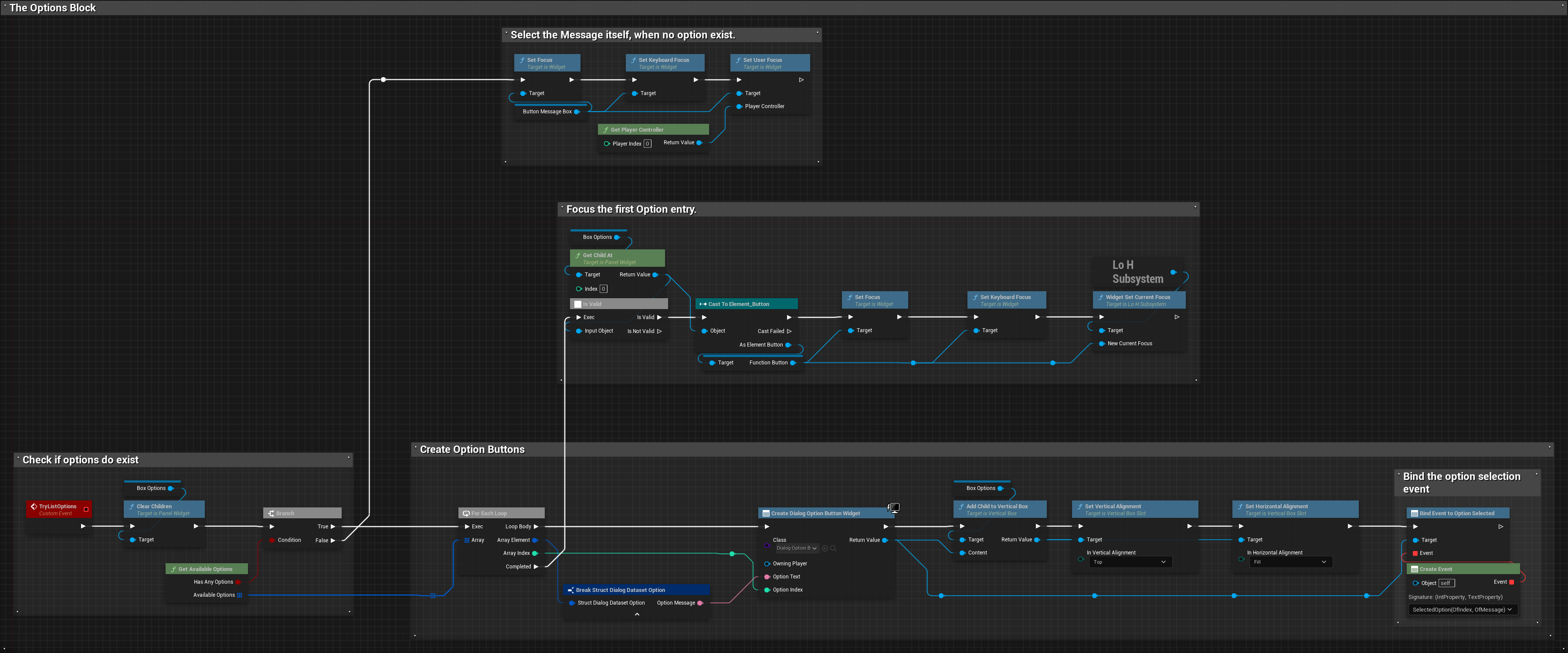 |
1. Spawning the Loop Iterate through the Array returned by
|
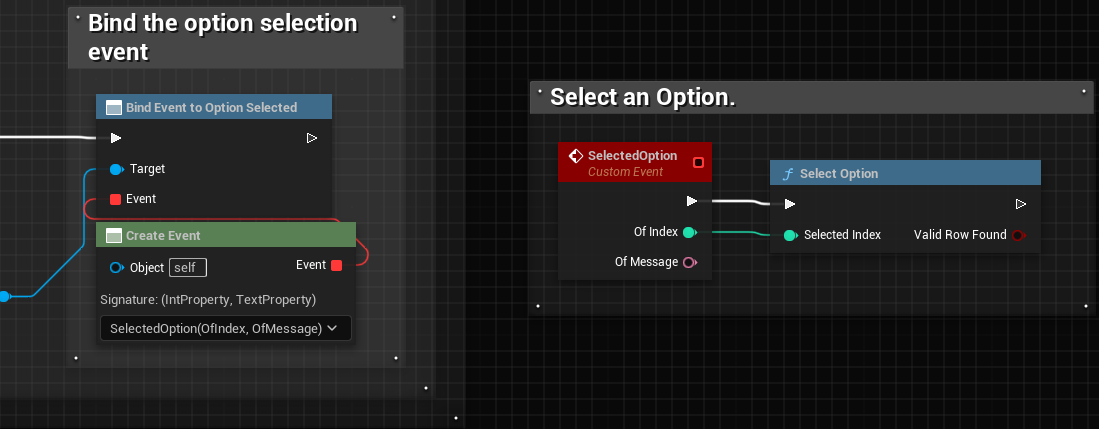 |
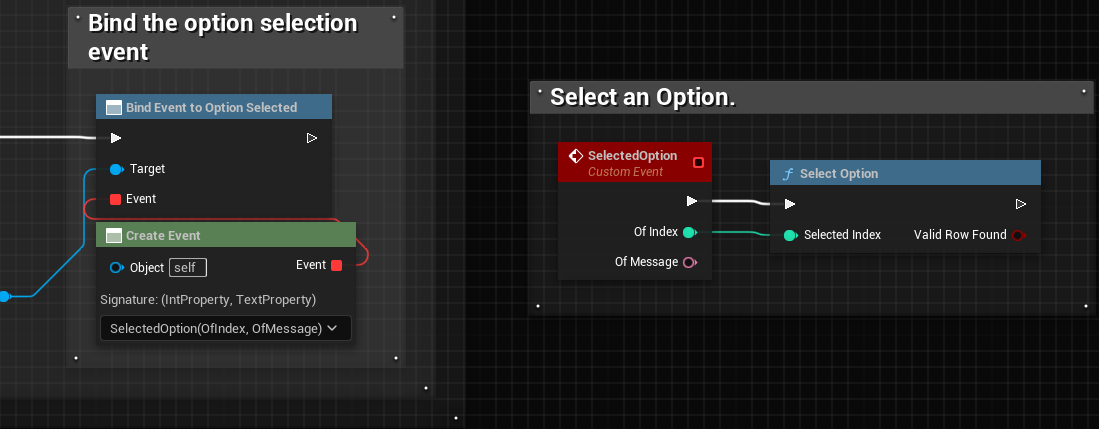
2. Binding the Event After adding the child, use the This allows your main Dialog UI to react when the player clicks an option. |
Tip: After spawning all options, it is recommended to set the User Focus to the first child of your option container (Index 0) to support Gamepad navigation immediately.