-
Notifications
You must be signed in to change notification settings - Fork 0
2.1.1 Creating a DialogDataAsset
BDC_Patrick edited this page Sep 19, 2025
·
5 revisions
To create a Dialog Tree Data Asset, you simply open the Content Browser.
Do a click with the right Mouse Button, to open the Context Menu.
Inside that, you find the "BDC" Option. And Inside that, you find the "Dialog Tree" Factory.
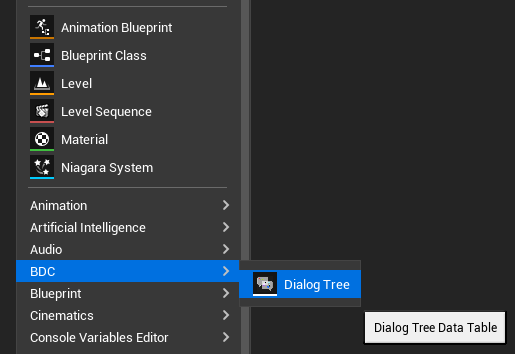
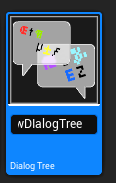
Click this "Dialog Tree", to create a DialogDataAsset in Place. Give it a Name of your choice.
I. What is the Dialog Backend?
II. Setting up
|