4.5 Global Values
The Dialog backend comes with a Global Value System, giving you a bunch of Variables you can define by Name.
| Supported Data Types |
|
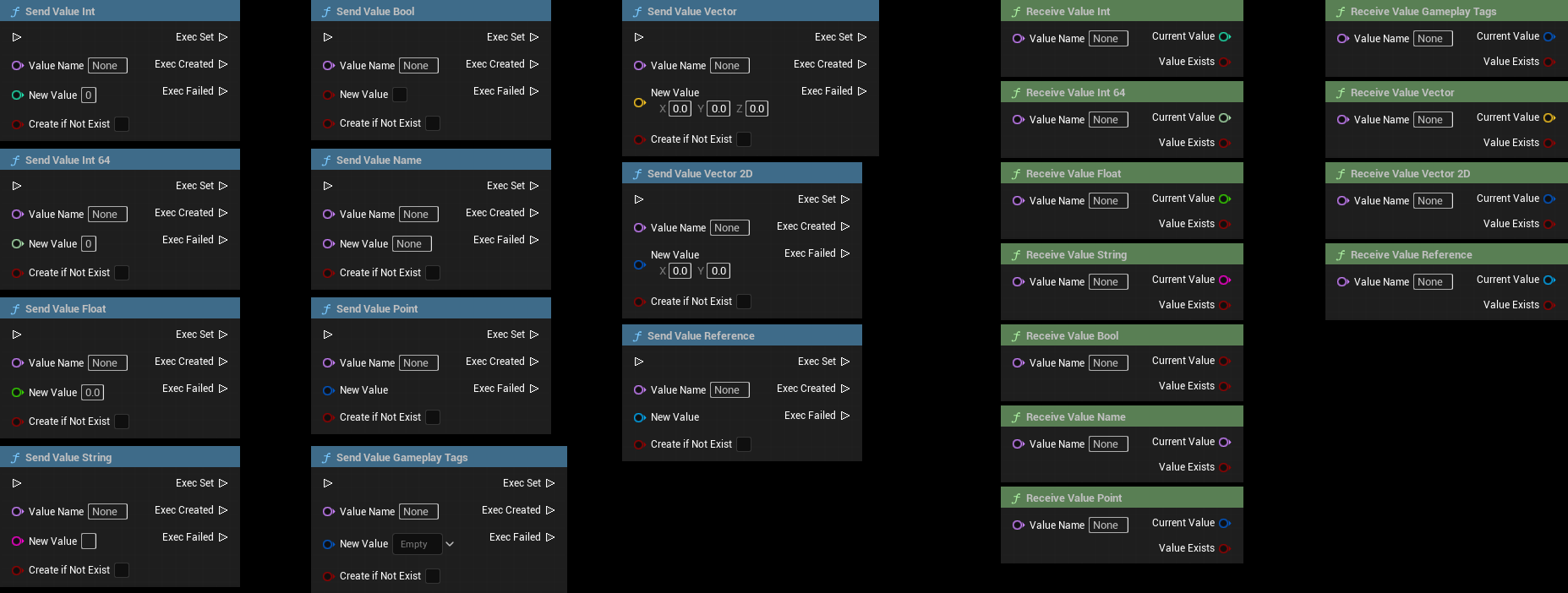
Each Variable comes with a Setter and a Getter Function.
You are able to set and get the values of your Globals within any Blueprint by calling the corresponding function of the Blueprint Function Libraries.
| Context | Description |
| Project Settings |
You can define and set default values in the project Settings. These are loaded on Subsystem Startup. The System also offers a Function to Get and Set a whole Structure of all GlobalValues, useful for Saving to and Loading from a SaveGame Slot. |
| In Dialogues |
GlobalValues are essential for handling Dialog Flow:
|
| Visual | Description |
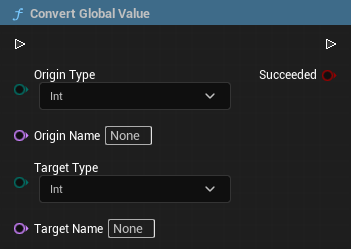 |
To convert a GlobalValue from type A into Type B, you can use the predefined Subsystem function:
This function lets you convert all valid variables (except for Actor References) into another type. This can also be done automatically by the Beacon Node inside a Dialog. |