Platform achievements downloading
So you already set up all of your achievements on Steam and/or Epic and don't want to set it up here too? Understandable. That's why there is a function that can download them all for you.
Note: I'd recommend doing this when you are either testing, or are sure that your current list is final since this will override all your current achievements!
So there are 2 buttons you will need to press in order to attempt to download the achievements from the selected platform:

As you can see, there is a safety check to make sure you don't accidentally overwrite all your current achievements.
This will attempt to download as much data as it can from the chosen platform. It does not set Stats (for progress achievements), set Progress Goal (again, no Stats) or the Platform Upload Type (more Stats data).
It does use the Id both for it's own Id of that platform as well as for they local id (key).
Here's an example of how it worked with Spacewar (default Steam App for testing, ID 480):
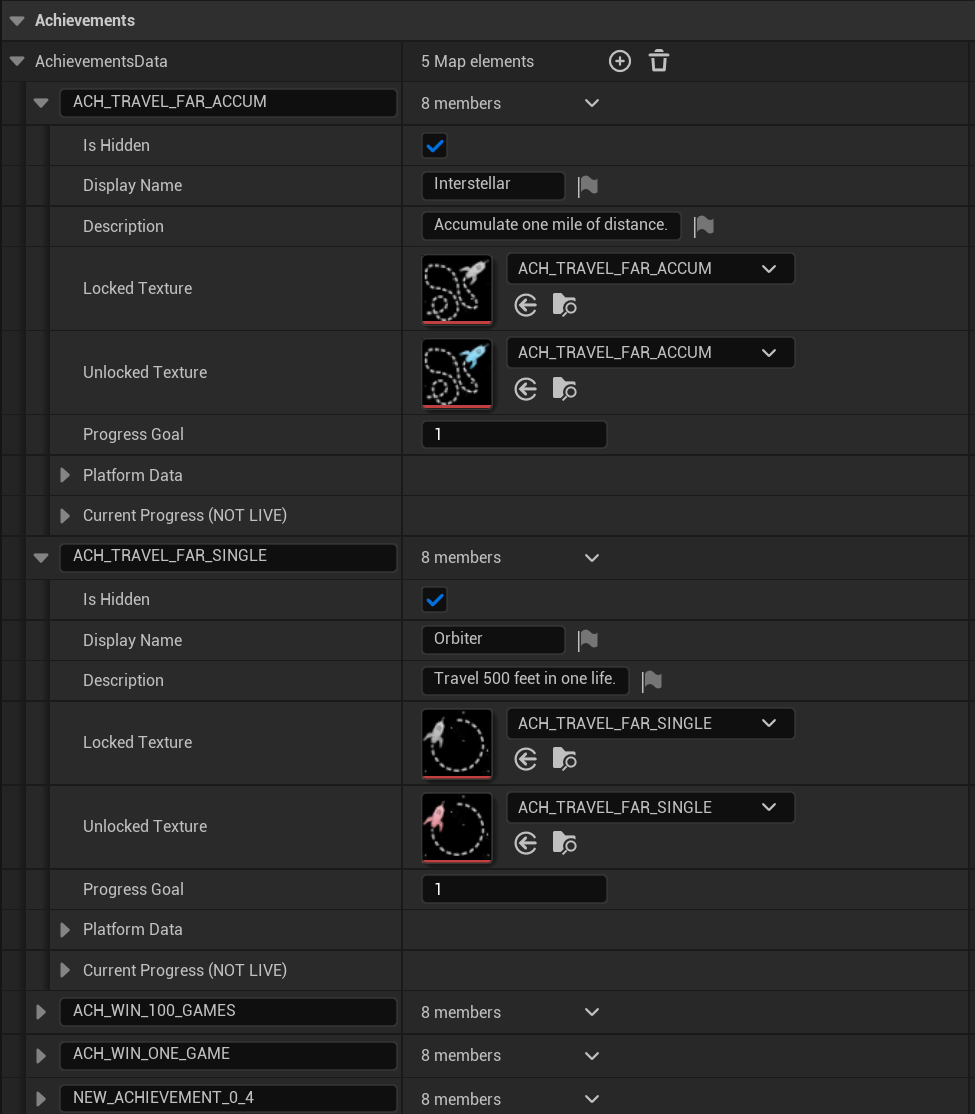
As you can see, it sets the key to the same as the Steam Achievement ID, it checks Is Hidden, Display Name, Description, Achievement Icons and Steam Achievement ID.
EOS' works the same way except for that it sets the Epic Achievement ID instead and does not actually download/set Icons.
Sometimes the downloading doesn't work right away. It first needs to initialize the platform which may take a bit and could also be issues with the platform's servers. I have some troubleshooting tips here: Troubleshooting