Repository navigation
Screenshots and Videos
Captured 25 Aug 2026 on v1.1.18 (Pure Black theme).
| Recording | Link |
|---|---|
| Shell walkthrough (25 Aug 2026) | demo.mp4 |
| Earlier walkthrough (13 Aug 2026) | Download MP4 |
GitHub wiki does not inline-play large MP4s — open the download link (VLC / browser).
Repo gallery index: docs/media/README.md
Downloaded headset recordings are written to %AppData%\MetaQuestTrayTool\captures\. On the Headset page, Stop & download latest recording snapshots known Quest recording folders before Stop, disables the recording property, waits for a new or changed MP4/MOV to stabilize, pulls it with ADB, and verifies the local file is non-empty before reporting success.
Screenshot PNGs are written to %AppData%\MetaQuestTrayTool\screenshots\.
Use tray → Screenshots → Take screenshot (Quest Link preferred), Ctrl+Shift+Num 8, or voice take screenshot / capture screenshot / save screenshot. The app captures the Quest Link / Air Link mirror when an active Meta Link stream is detected, then falls back to the trusted-headset ADB path.
Use tray → Screenshots → Take Quest Link mirror screenshot, the Quest Link page button, or voice take link screenshot / quest link screenshot / mirror screenshot. This uses Meta's OculusMirror.exe, requires an active Quest Link / Air Link stream, and does not require ADB.
Use tray → Screenshots → Take headset screenshot (ADB), tray → Headset (ADB) → Take headset screenshot (ADB), the Headset page button, Ctrl+Shift+Num 9, or voice take headset screenshot / quest screenshot / ADB screenshot. This requires a trusted, ready Quest over USB or wireless ADB and validates the PNG before reporting success.
When Speak status in headset can reach the Quest audio path, the app says “Screenshot taken.” after the file is saved.
| Page | Preview |
|---|---|
| Status | 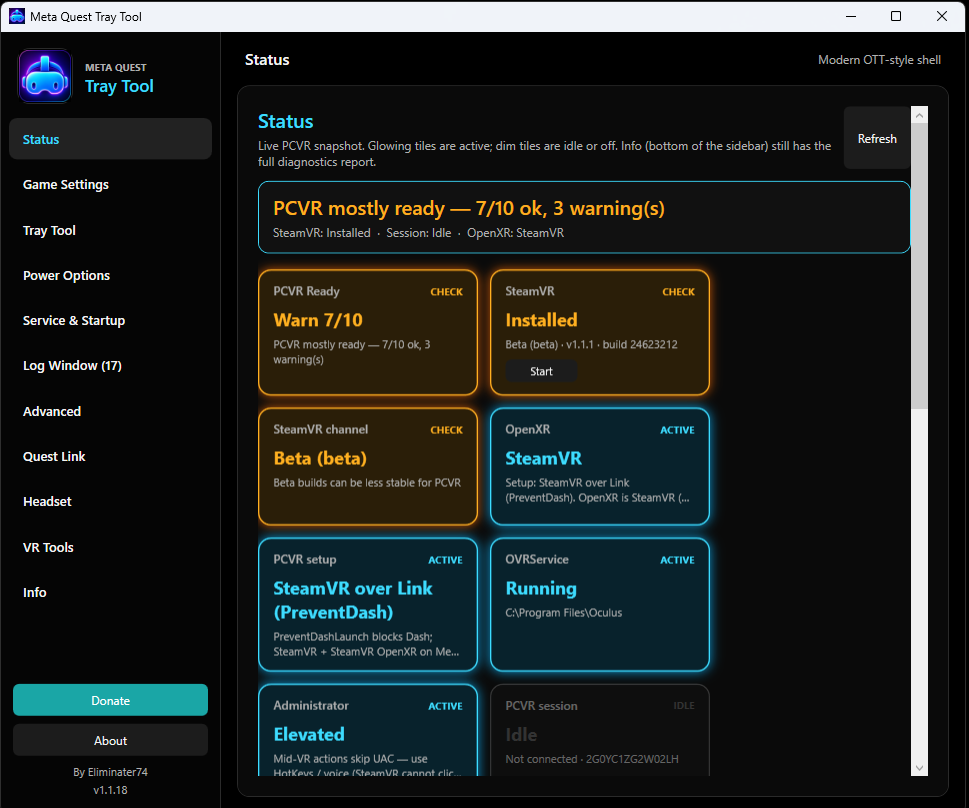 |
| Game Settings | 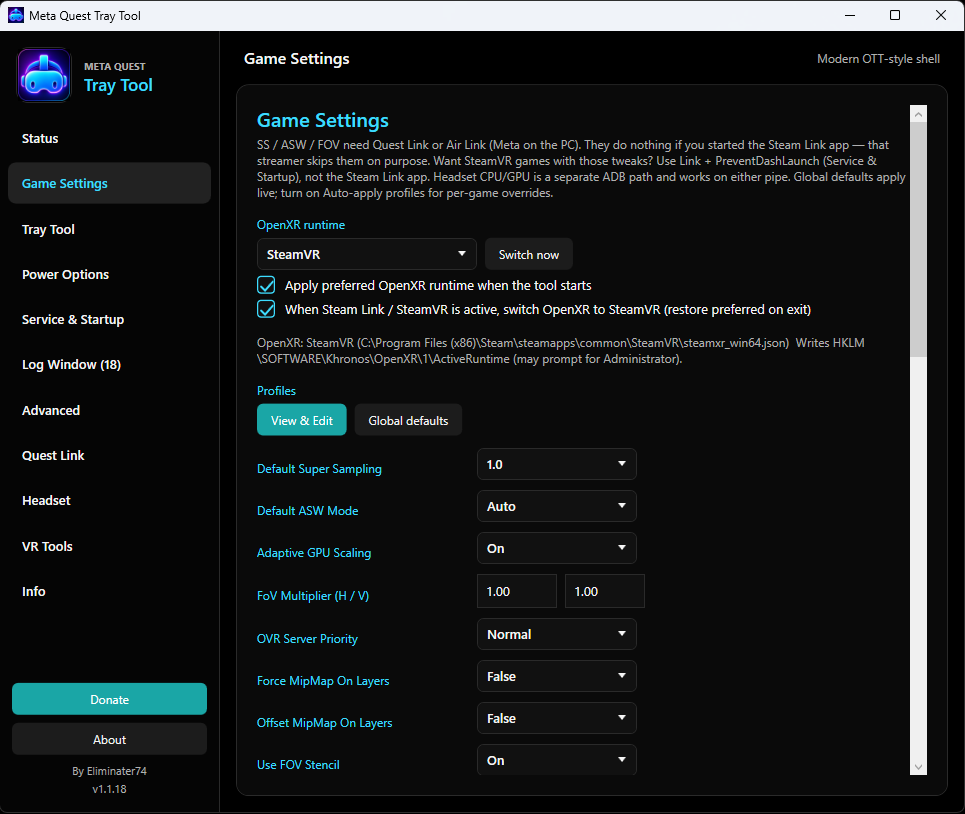 |
| Game Settings (custom CLI / ADB) | 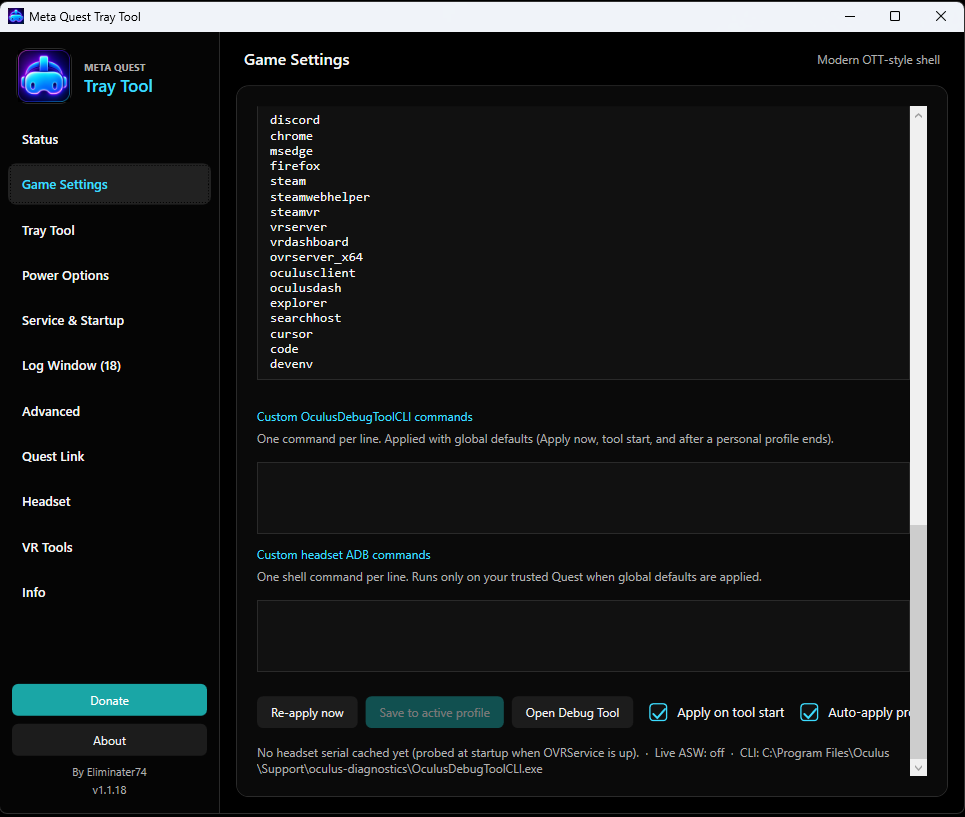 |
| Tray Tool | 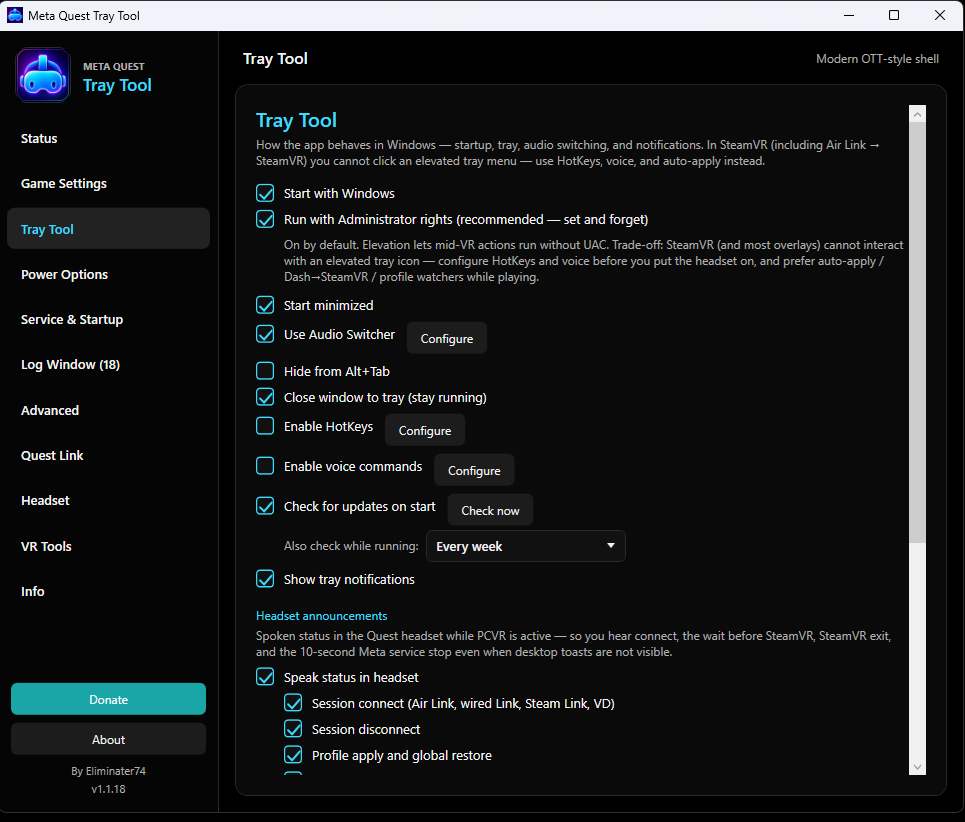 |
| Power Options | 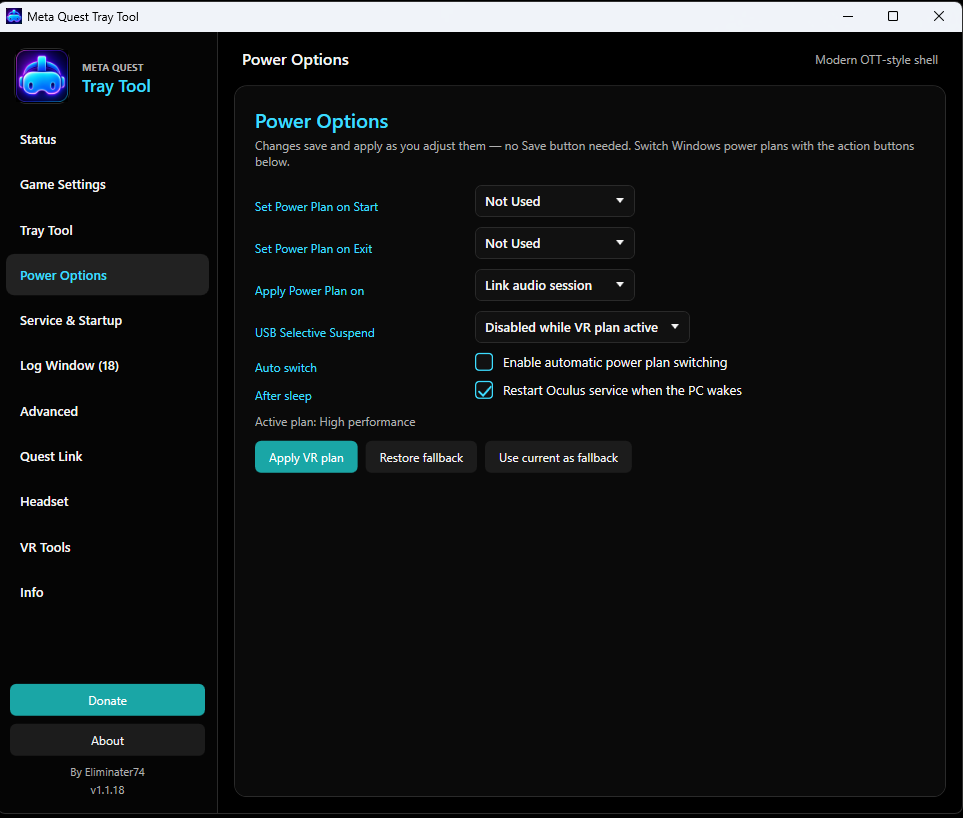 |
| Service & Startup | 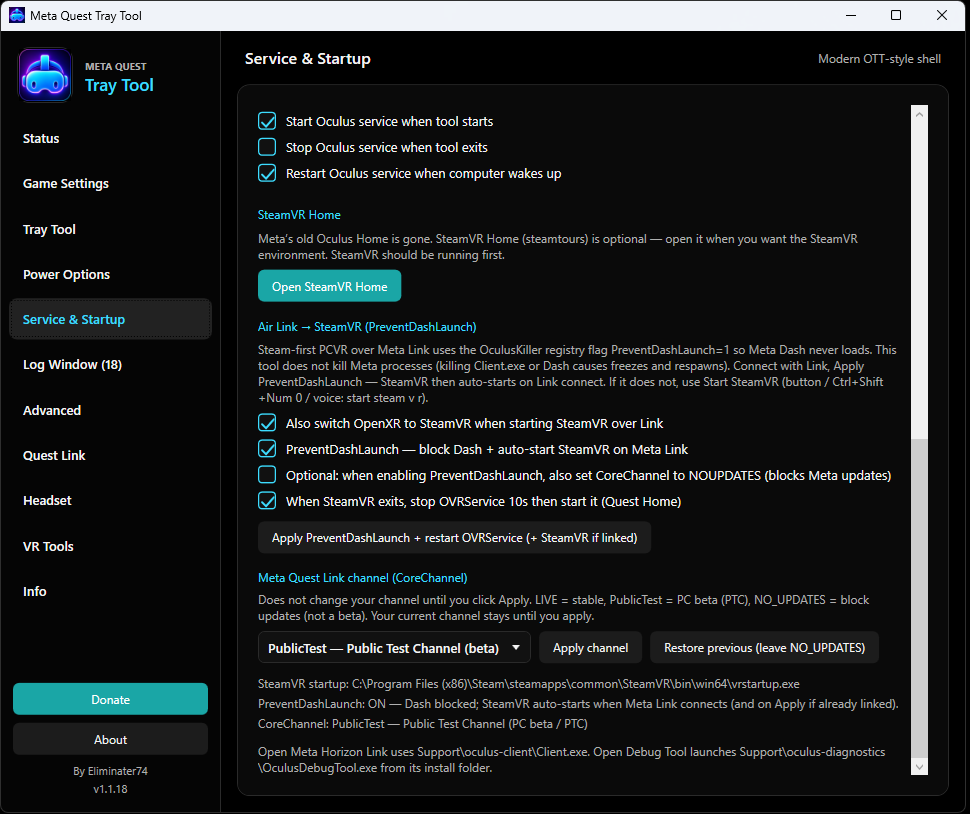 |
| Log Window | 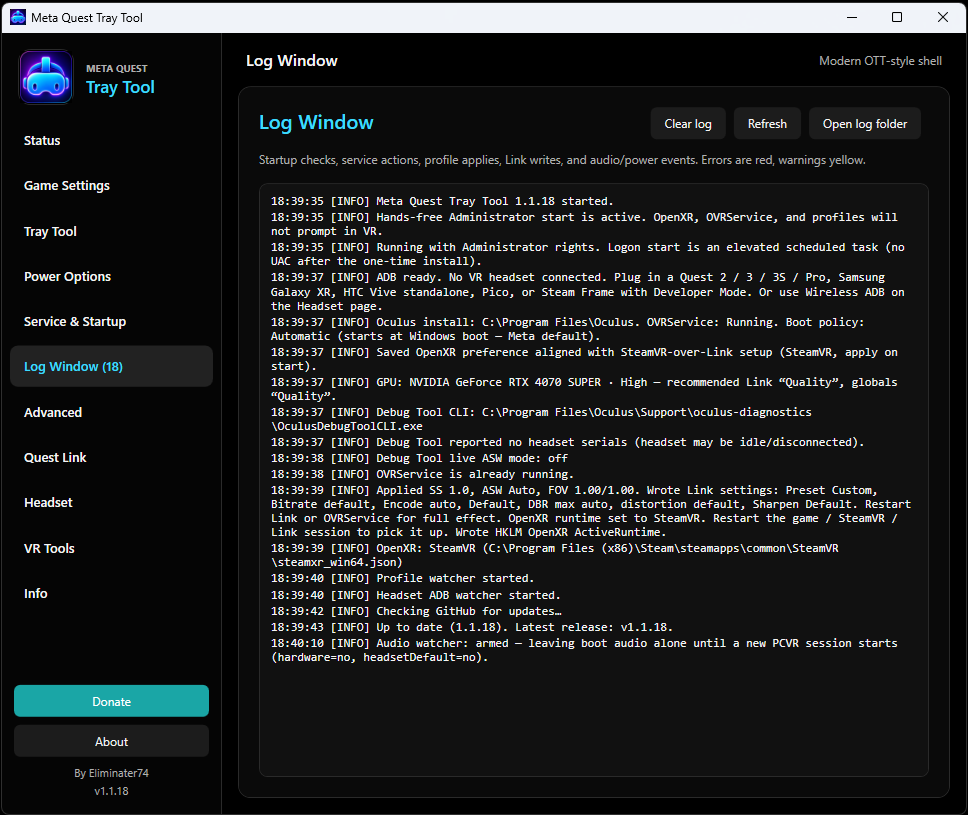 |
| Advanced | 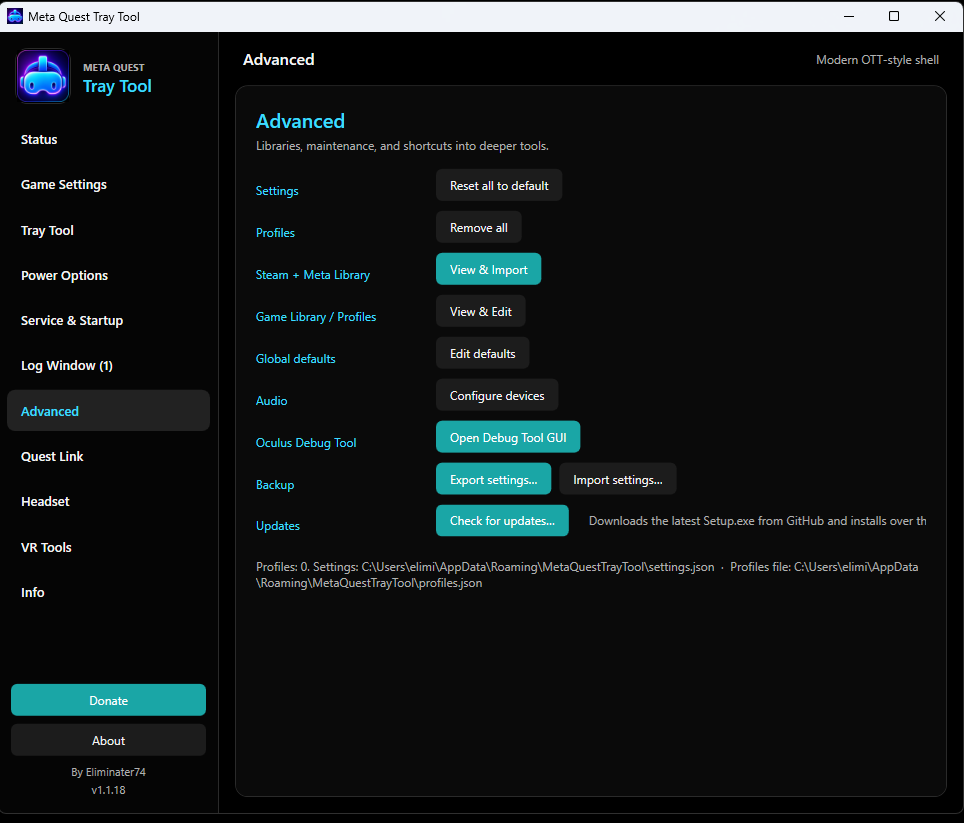 |
| Quest Link | 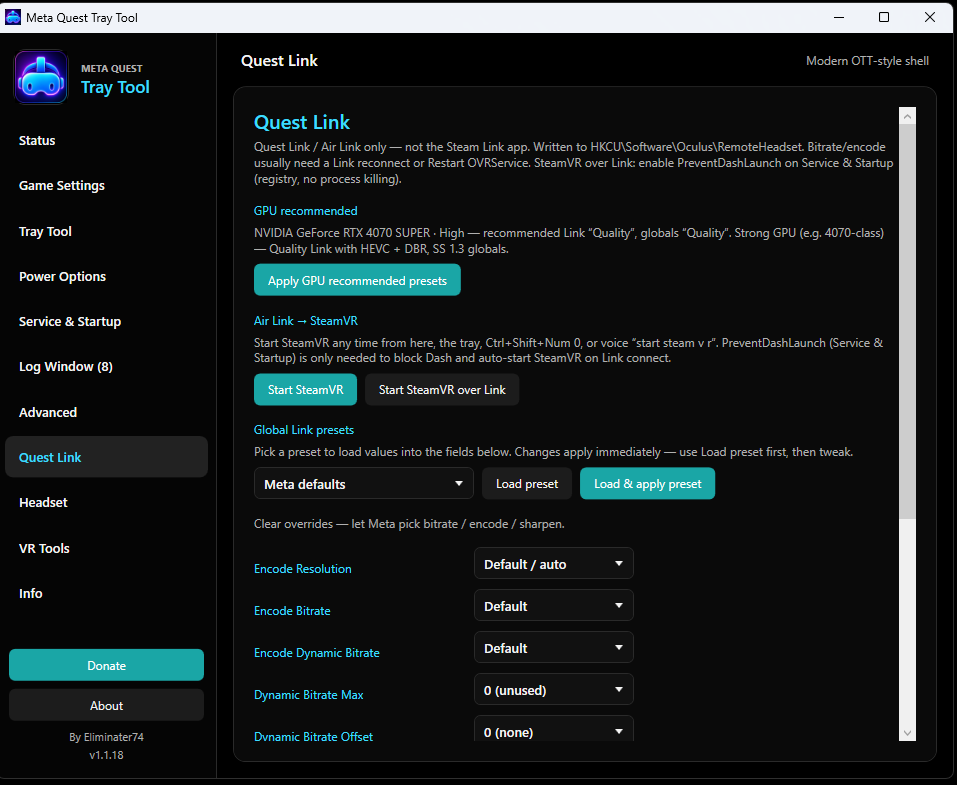 |
| Headset (capture / trust) | 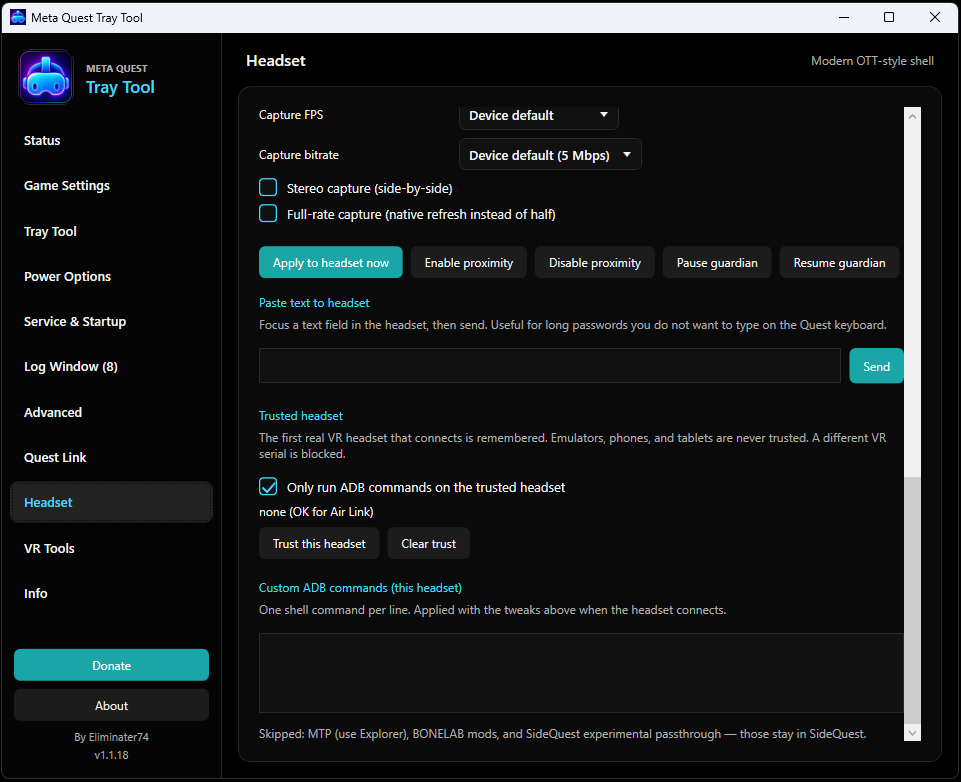 |
| Headset (performance) | 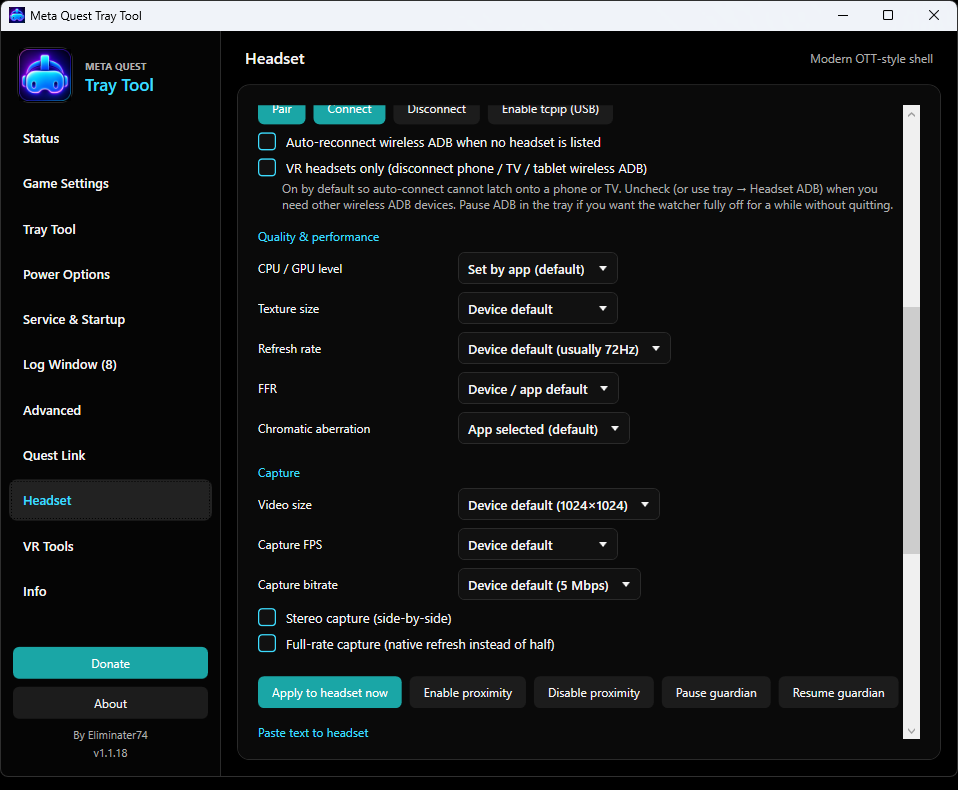 |
| Info | 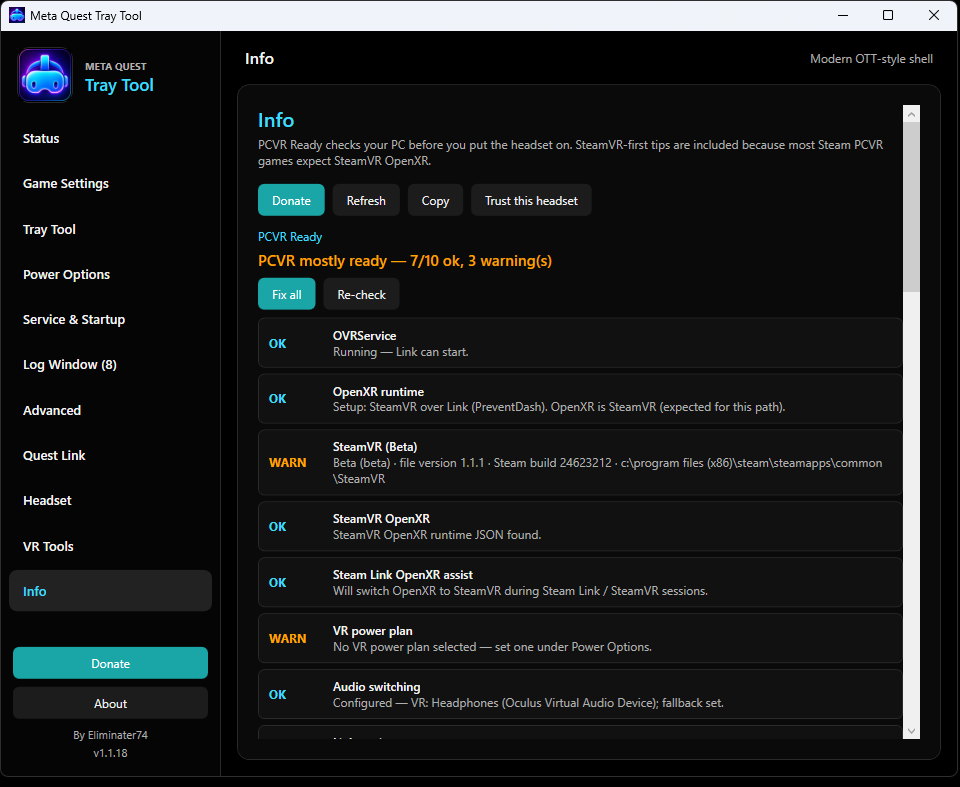 |
| About | 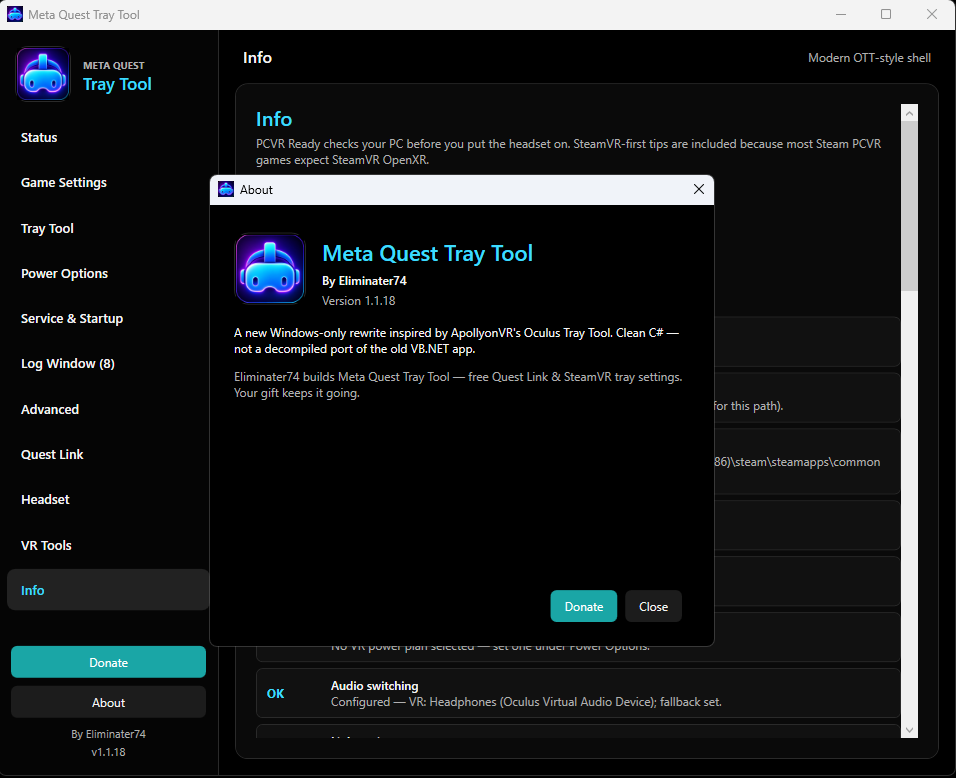 |
| VR Tools | 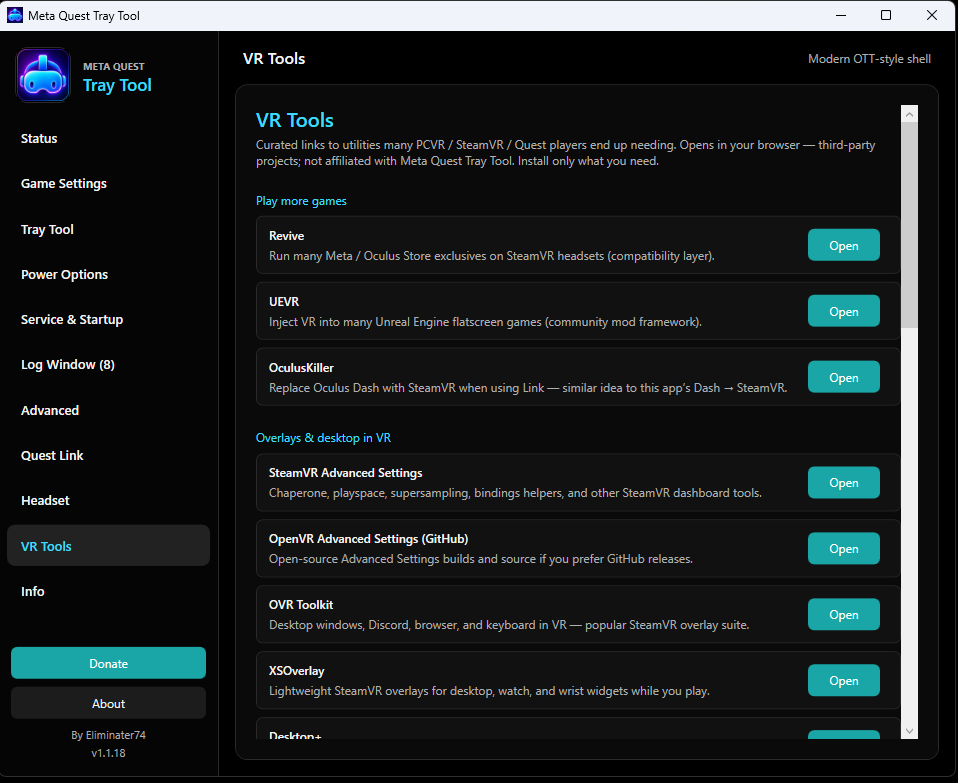 |
| Window | Preview |
|---|---|
| Steam & Meta library | 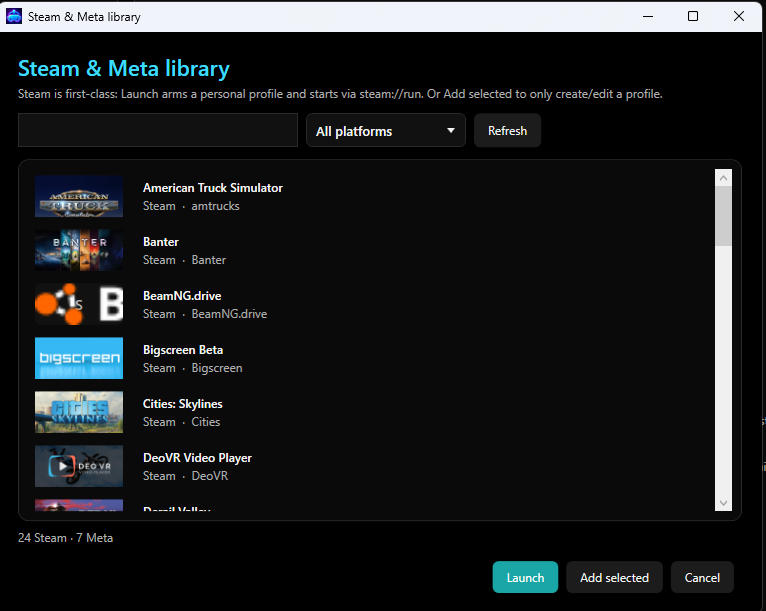 |
| Profiles | 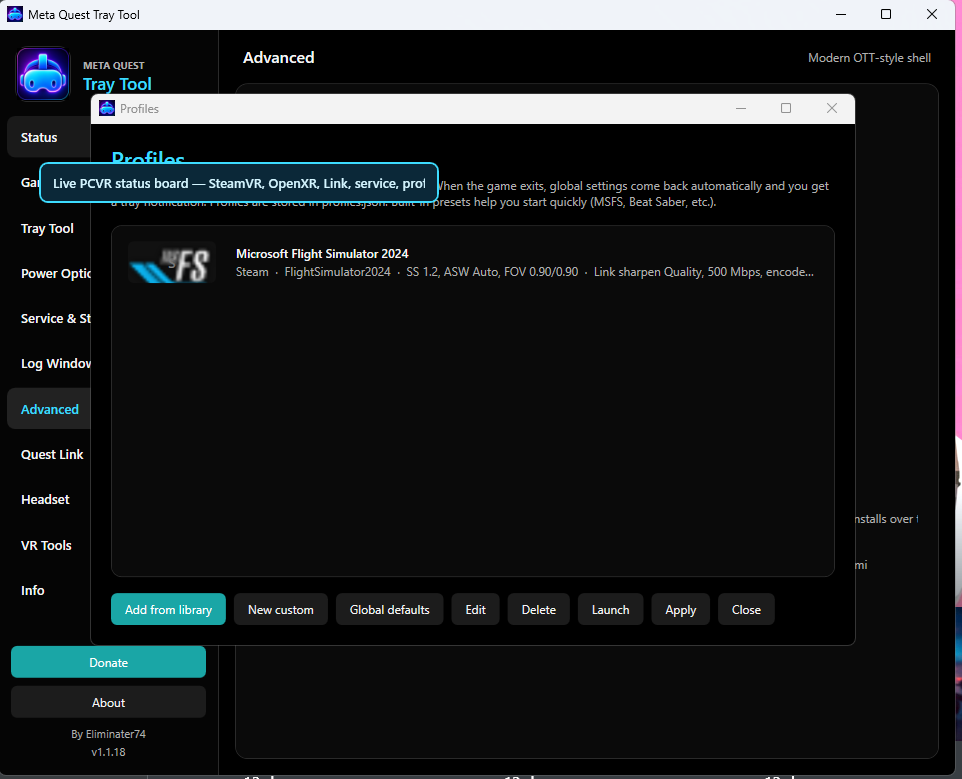 |
| Audio switching | 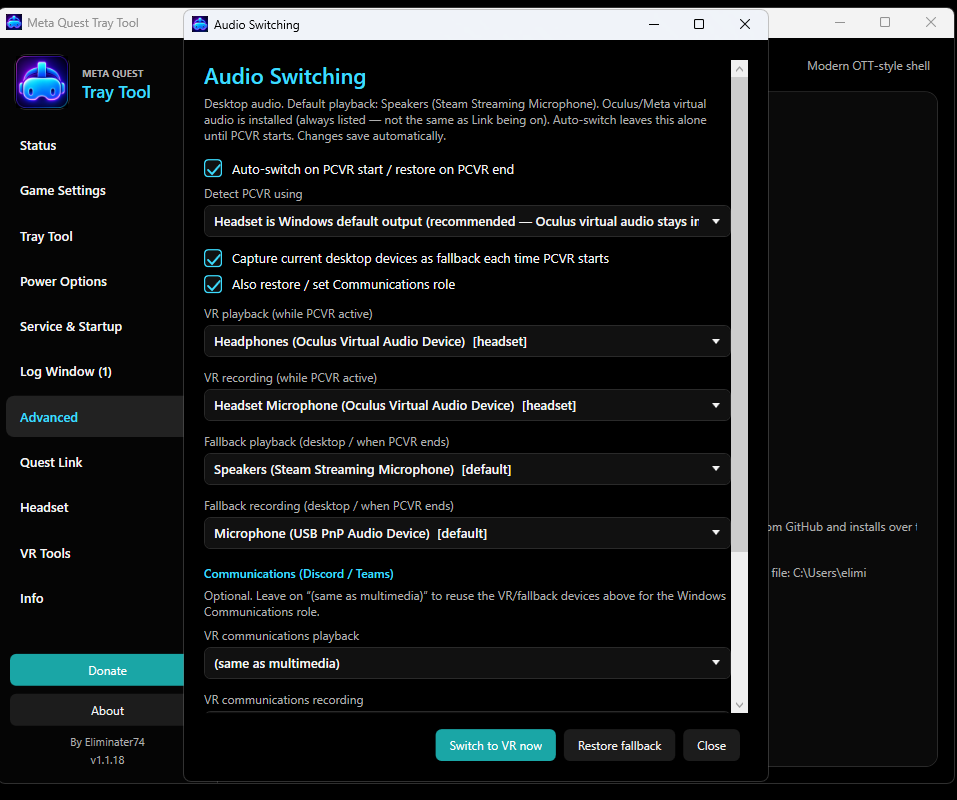 |