Picker_Channel
Channels for color spaces and precise editing.
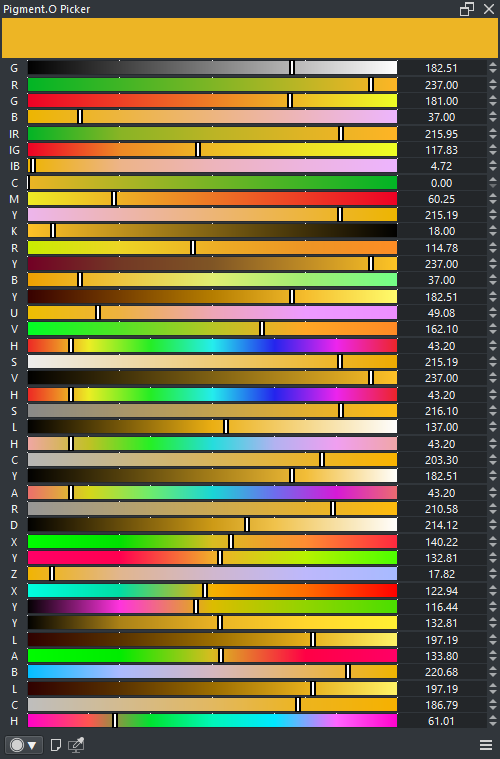
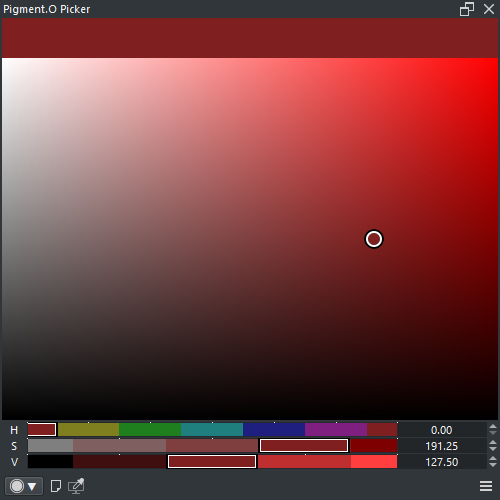
- LMB : Select a value
- SHIFT + LMB : Set value to half
- CTRL + LMB : Snap to nearby mark
- ALT + LMB + Drag : Select amount of marks
- ALT + LMB x2 : Reset amount of marks
- RMB : Toggle auto snap to marks
Locks are modifiers to the basic behavior of channels and they can be activated by clicking the labels or through actions.
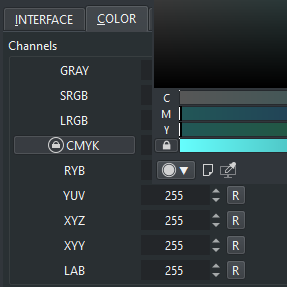
- Lock CMYK : Maintains the value of Key constant ( no KEY compensation )
- GRAY
- SRGB
- LRGB
- CMYK
- RYB
- YUV
- HSV
- HSL
- HSY
- ARD
- XYZ
- XYY
- LAB
- LCH