Picker_Pin
Pin is a small palette of colors. When the active color matches the pin it will be highlighted on top. Panel Selectors will also display Pin colors and allow direct editing of Pins. Each Pin has associated an action that allows a shortcut to call the color.
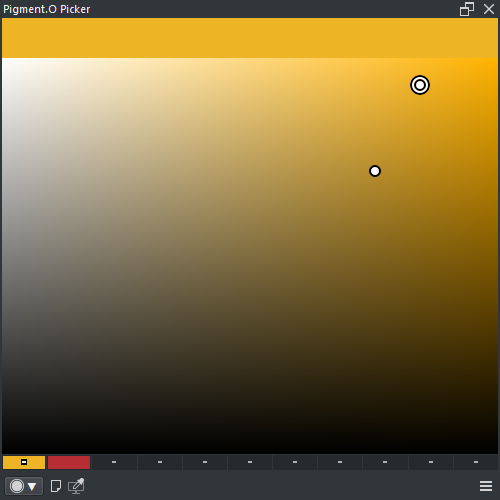
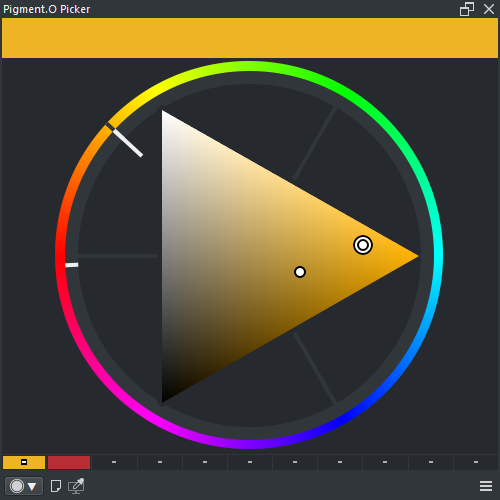
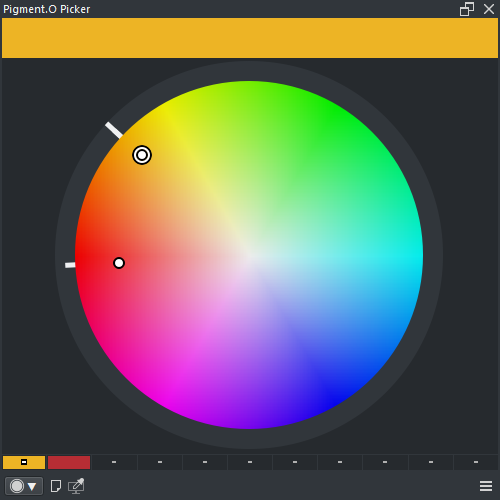
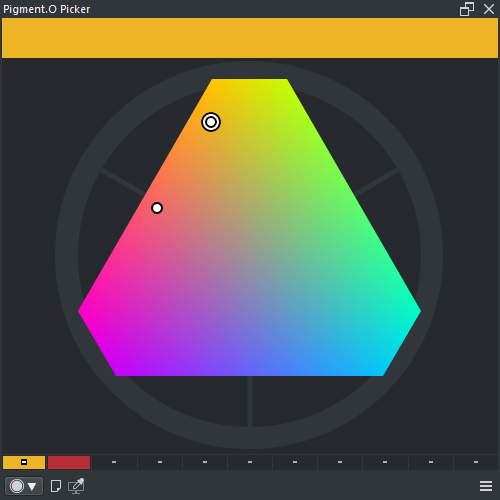
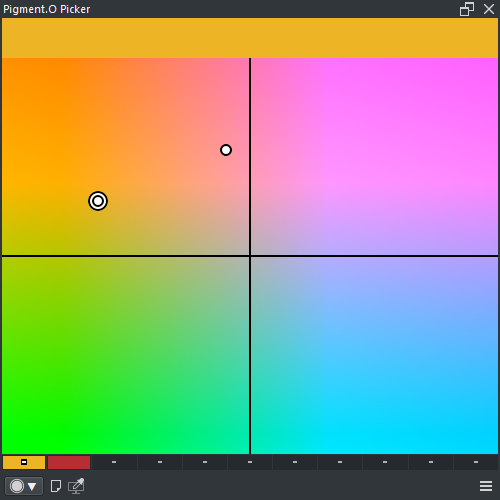
- LMB ( Swipe Up ) : Apply pin color to Krita
- LMB ( Swipe Down ) : Save active color to pin
-
RMB : Pin menu
- APPLY : Apply pin color to Krita
- SAVE : Save active color to pin
- CLEAN : Clean pin color
- SHIFT + CTRL + ALT + LMB : Clean pin color