Sampler_Range
Split method Range will consider a custom color space volume.
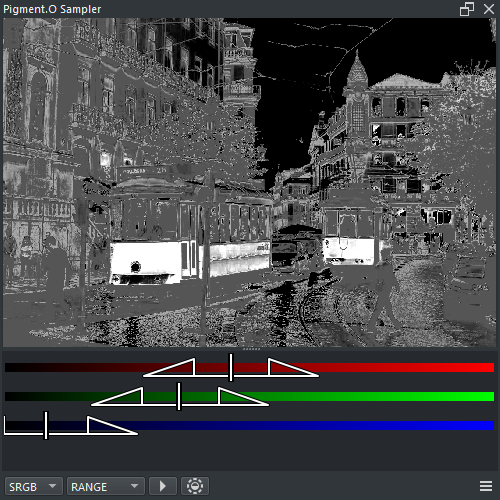
-
RMB : Context menu
- Insert : Insert mask into the active document
- Clean : Clean sampler Display and Selection
- Shift + LMB ( Drag ) : Camera Pan
- Shift + RMB ( Drag Vertical ) : Camera Zoom

- Marker Color : Active color reference ( no interaction )
- Triangle Top : Selection is 100%
- Triangle Bottom : Selection is 0%
- LMB ( Drag ) : Move triangle edges to the desired range
- Shift + Ctrl + Alt + LMB : Reset triangle selection to default