Picker_Panel_Gamut
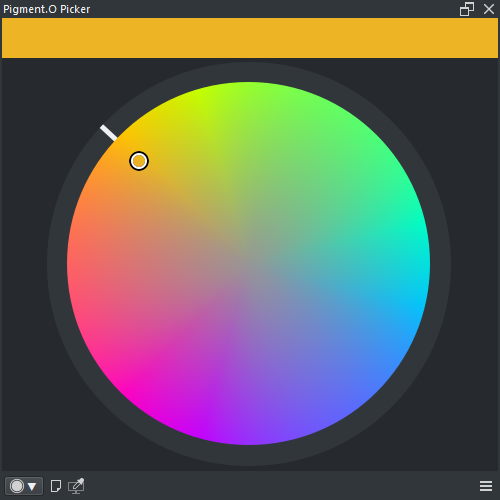
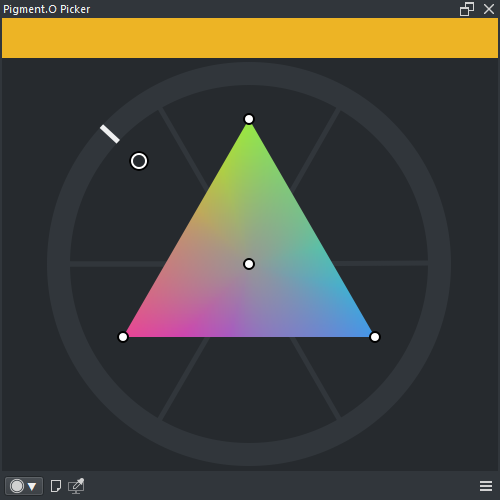
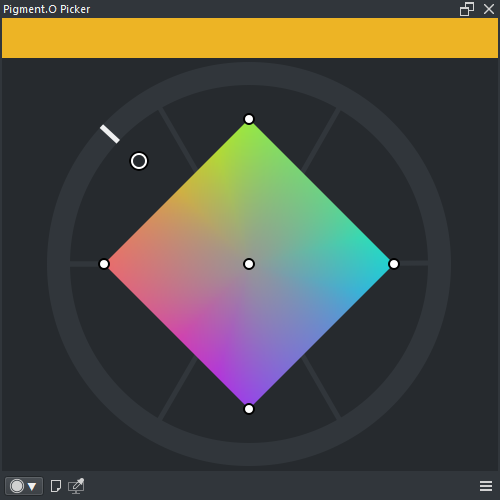
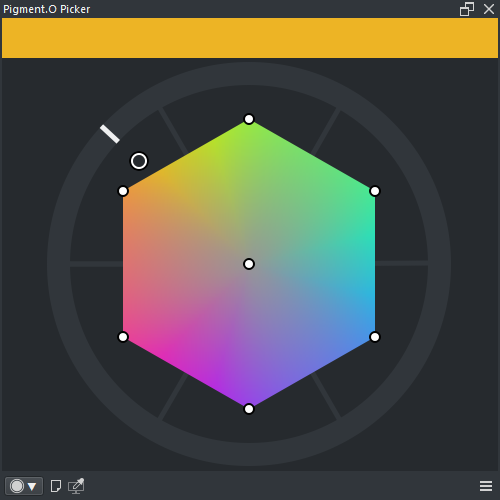
Panel Gamut is a Selector panel. Various Gamut Masks are available.
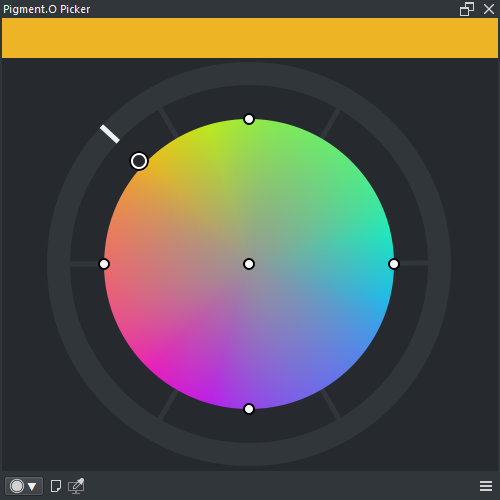
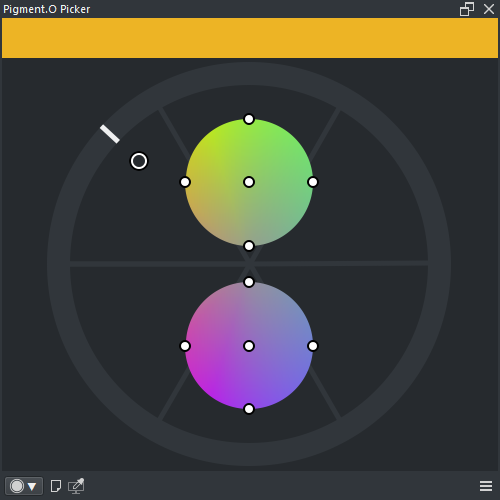
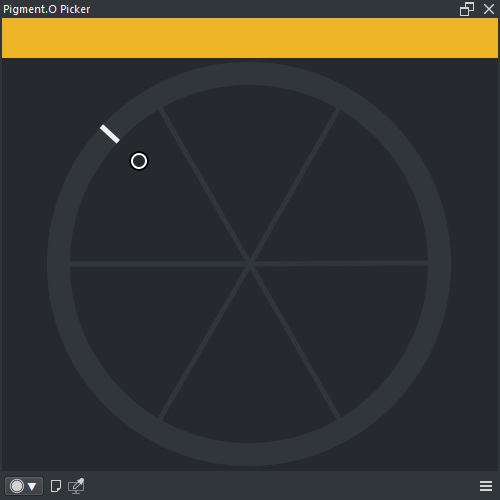
-
WHEEL : Hue circle section
- LMB : Select hue
- SHIFT + LMB : Snap by 1 degree
- CTRL + LMB : Snap by 5 degree
-
GAMUT : Gamut mask section
- LMB : Select color
- SHIFT + LMB : Select color with zoom
- CTRL + LMB ( Drag ) : Value axis shift
- ALT + LMB : Select Pin color ( includes mask pins )
- ALT + RMB ( Drag ) : Select and edit Pin color ( includes mask pins )
- SHIFT + CTRL + ALT + LMB ( Drag ) : Rotate the mask
-
Wheel : Hue circle section
- Harmony : True
- Wheel : True
- Space : HSV, HSL, HCY, ARD
- Analyse : False
-
Gamut : Gamut mask section
- Harmony : True
- Wheel : True
- Space : HSV, HSL, HCY, ARD
- Analyse : True
Check Tab Interface in the Settings.