Sampler_Channel
Split method Channel will consider the entire color space range. Total Ink Coverage channel can be added to the calculation and if there is a pixel going over the limit, Red pixels will be shown.
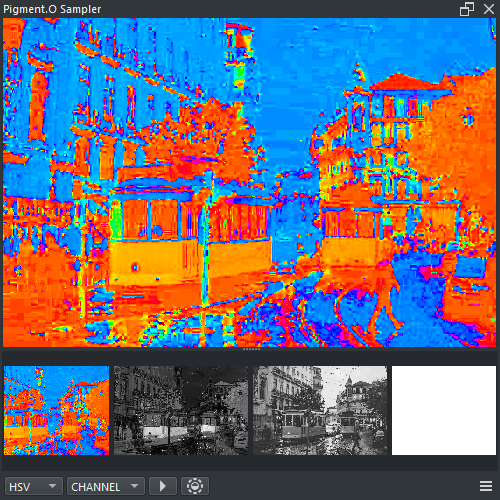
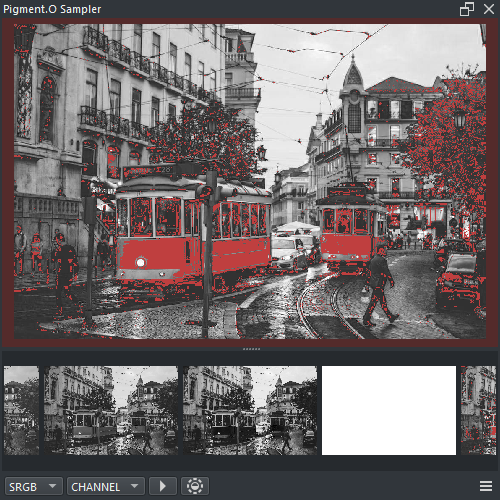
-
RMB : Context menu
- Insert : Insert mask into the active layer
- Clean : Clean sampler Display and Selection
- Shift + LMB ( Drag ) : Camera Pan
- Shift + RMB ( Drag Vertical ) : Camera Zoom
- LMB : Select color space channel mask
- Wheel : Cycle between channels