Picker_Panel_Luma
Panel Luma is a Selector panel. The middle cross represents the neutral gray point of the components.
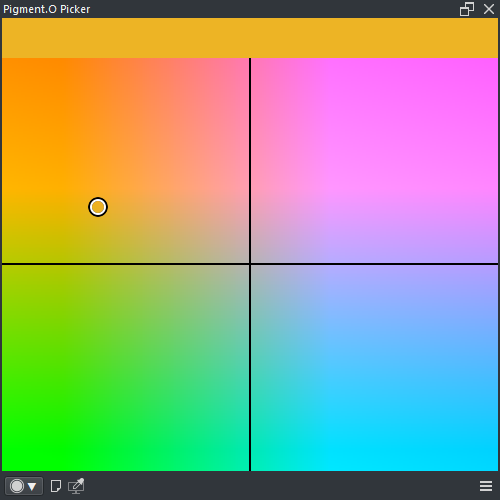
- LMB : Select color
- SHIFT + LMB : Select color with zoom
- CTRL + LMB + Drag : Depth axis shift
- ALT + ( LMB or RMB ) : Select Pin color
- ALT + RMB + Drag : Select and edit Pin color
- Harmony : True
- Wheel : False
- Space : YUV
- Analyse : True