Picker_Panel_Mask
Panel Mask is a Mixer panel. Created to be a dynamic color mixing surface. Custom mask maps can be added and also shared. All Pin colors are organized in a layer system ( Foreground(F), Diffuse(D), Background(B) ).
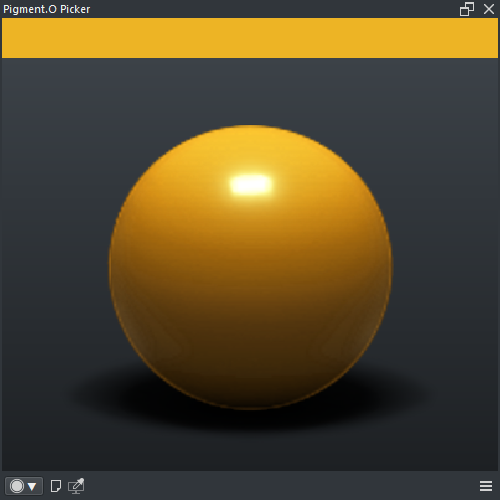
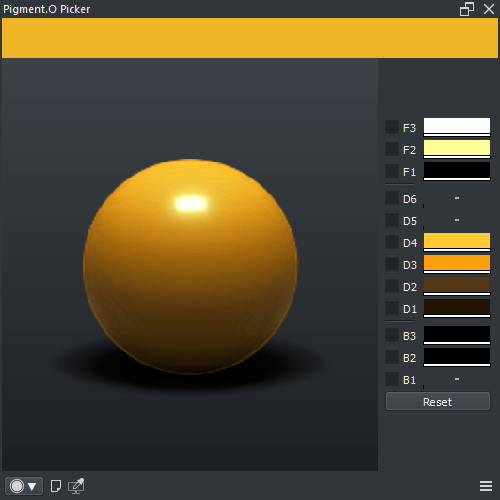
- LMB : Select color
- SHIFT + LMB : Select color with zoom
- Auto-Save Color : Toggle auto-saving active color into Pin color layer
- Pin Color : Pin color of layer
- Reset : Reset to default Pin color swatch
- LMB + Drag_UP : Pin color Apply
- LMB + Drag_Down : Pin color Save
- ALT + LMB + Drag : Pin alpha
-
RMB : Pin color menu
- APPLY : Apply color as active color
- SAVE : Save color from active color
- CLEAN : Clean color to None
- SHIFT + CTRL + ALT + LMB : Clean color to None
- Harmony : False
- Wheel : False
- Space : False
- Analyse : False
Check Tab Interface in the Settings.