Picker_Tab_Interface
Interface options for each section
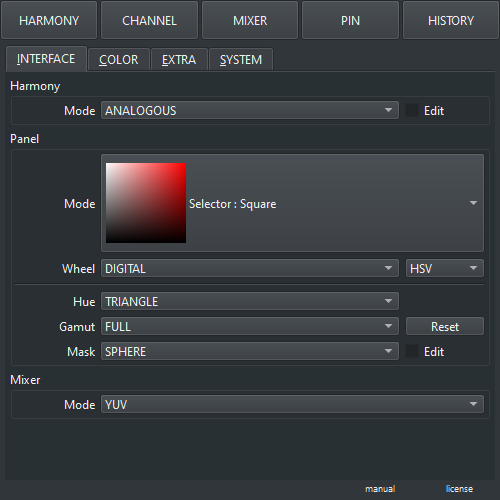
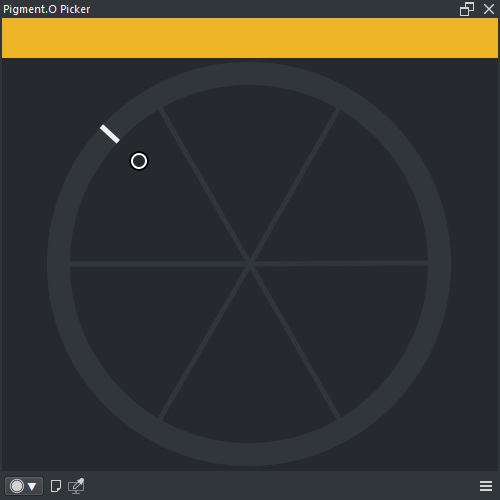
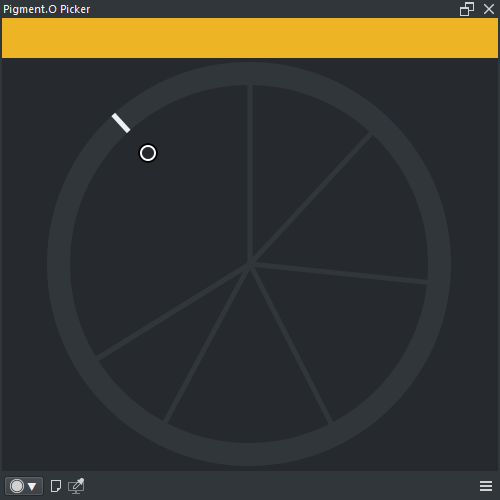
- Harmony Rule : Hue spread method for the generated swatch ( Analagous, Tetradic, Triadic, Complementary, Monochromatic )
- Edit : Toggle edit mode
-
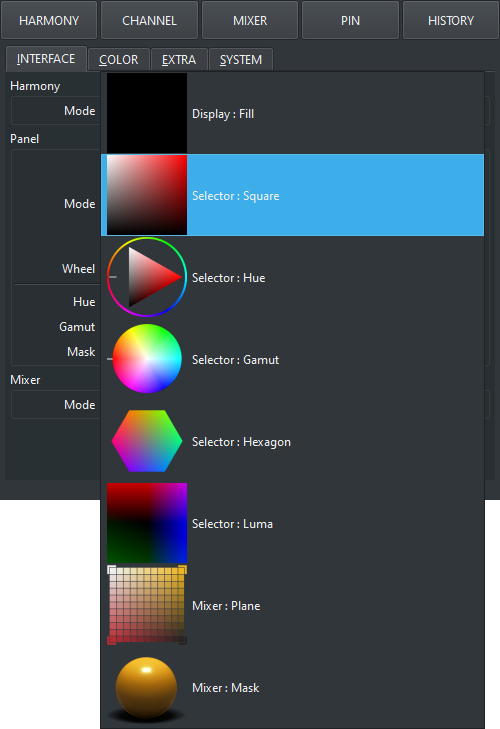
Mode : Panel mode
- Display : Fill : Display a single block of color
- Selector : Square : Select active color in a Square
- Selector : Hue : Select active color with a Hue wheel and a Shape
- Selector : Gamut : Select active color with a Hue wheel and a Gamut mask
- Selector : Hexagon : Select active color with a Hexagon
- Selector : Luma : Select active color in a Luma square
- Mixer : Dot : Mix colors in a matrix
- Mixer : Mask : Mix colors with custom Masks
- Wheel Mode : Wheel hue spacing ( Digital, Analog )
- Wheel Space : Wheel color space and sub panels ( HSV, HSL, HCY, ARD )
- Hue Shape : Sub panel Shape ( Triangle, Square, Diamond )
- Gamut Mask : Gamut mask ( Full, Triangle, Square, Hexagon, Circle_1, Circle_2, None )
- Gamut Reset : Reset the active Gamut mask
- Dot Dimension : Number of dots in the matrix
- Dot Edit : Toggle the view of the dot panel Pin colors
- Mask Folder : Select the mask set to display. The entries depend on the folder structure inside the "MASK" folder.
- Mask Edit : Toggle the view of the mask panel Pin colors
- Mode : Mixers interpolation color space ( GRAY, SRGB, LRGB, CMYK, RYB, YUV, HSV, HSL, HCY, ARD, XYZ, XYY, LAB, LCH )