Repository navigation
Home
MyCAD is Fusion-style CAD, native on Linux. Local, no subscription, made for 3D printing: the workflow of Fusion 360, the look of Liquid Glass, and a handful of ideas you won't find in any other CAD program. It runs as an AppImage on Arch-based systems, nothing to install; elsewhere you build it with one script until it's on Flathub.
Inside the app, the built-in help (Help at the bottom left, or F1 over any tool) explains every tool step by step, in English or German, depending on the language you picked. This wiki is the overview for everyone else.
| You want to … | Read |
|---|---|
| see everything MyCAD can do | Features, all on one page |
| get going right away | Tutorial: a bracket for 3D printing (about 20 minutes) |
| connect parts that move | Tutorial: an assembly with joints |
| look something up | the topic pages below |
- Modeling: sketches, every tool, the timeline, sizes on the model, errors that explain themselves
- Notes and Parameters: calculate in a note and define parameters right there
- Red Pen and Scribble: sketch ideas, handwriting, write corrections on the model
- 3D Printing: Print View, printing to your slicer, fits, Screw Here, print threads
- Versions and Variants: always saved, nothing gets lost
- Assemblies: components, joints, closed loops
- Controls and Settings: navigation, shortcuts, pen tablets, language, materials
- For Developers: build, test, how the code is organized
- Always saved. No save button, no question when you close. Every state becomes a version you can compare and bring back.
- Double-click a face, change a number. Double-click a face and the sizes that make it appear right on the model.
-
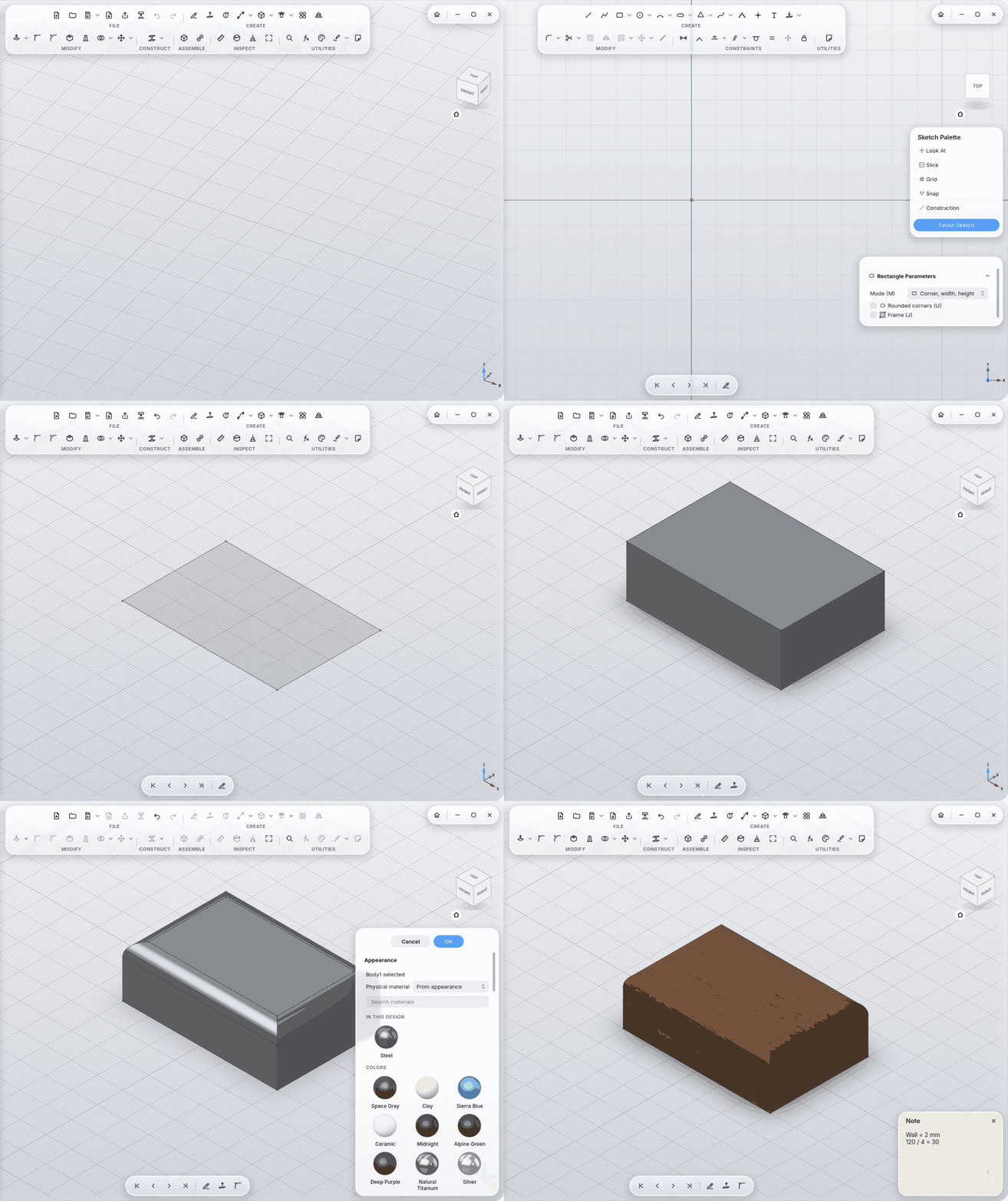
Your note is your parameter list.
Wall = 2 mmin a note is a parameter any size field can use. -
Red Pen. Write
R2next to an edge,M5on a face, and MyCAD turns them into a fillet and a tapped hole. - Errors explain themselves. A fillet too big? MyCAD tells you which radius fits and sets it in one click.
- Tools for a purpose. Screw Here joins two parts in one step; Fit makes a hole and its pin fit, to ISO or for your printer.
- Printing in the viewport. Overhangs, bed faces and thin walls on the model; Print opens your slicer.
- Ctrl+K finds every command, body and sketch, typos included.