Home
欢迎来到 Manual Loop Closure Tools 的项目 Wiki。
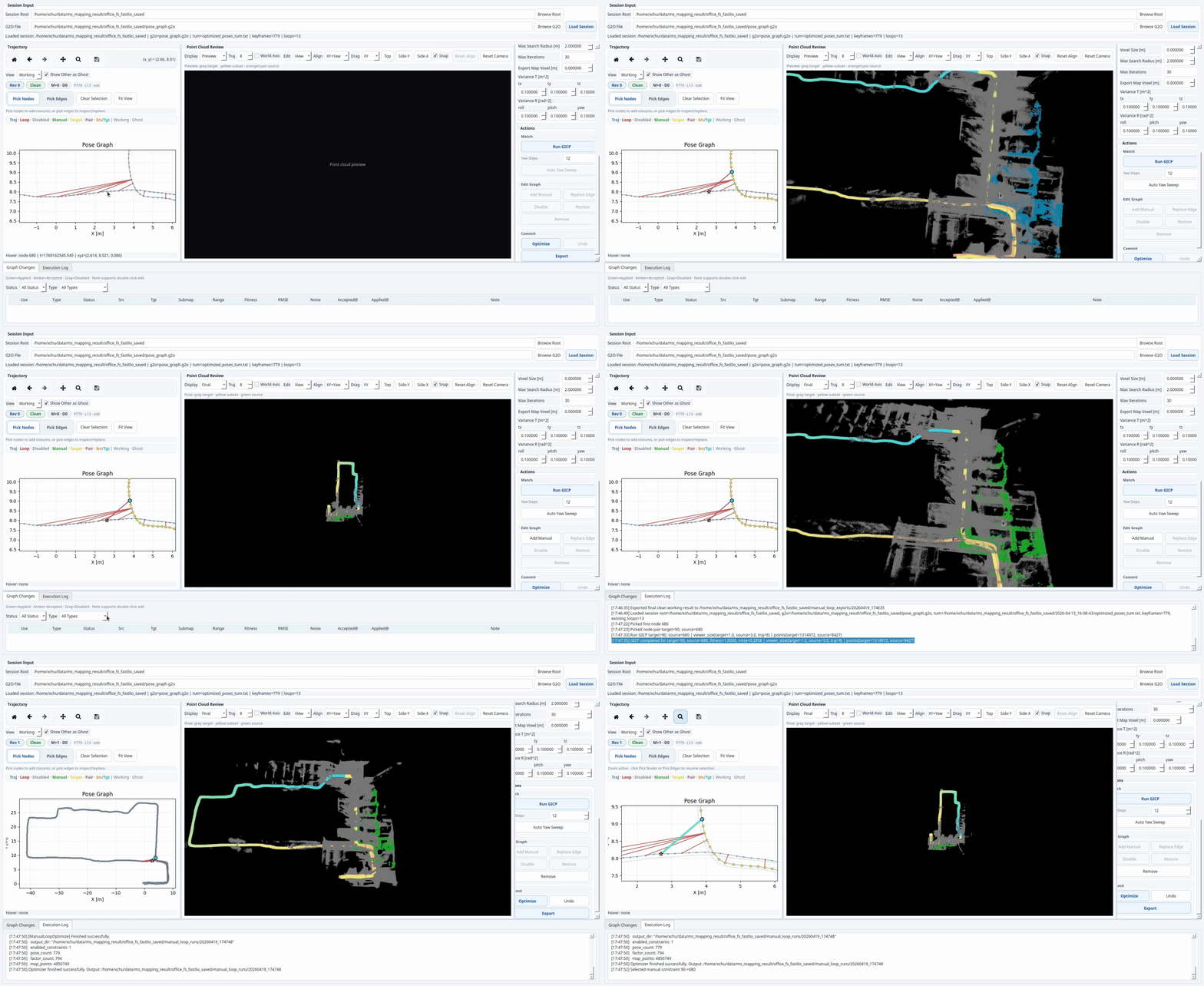
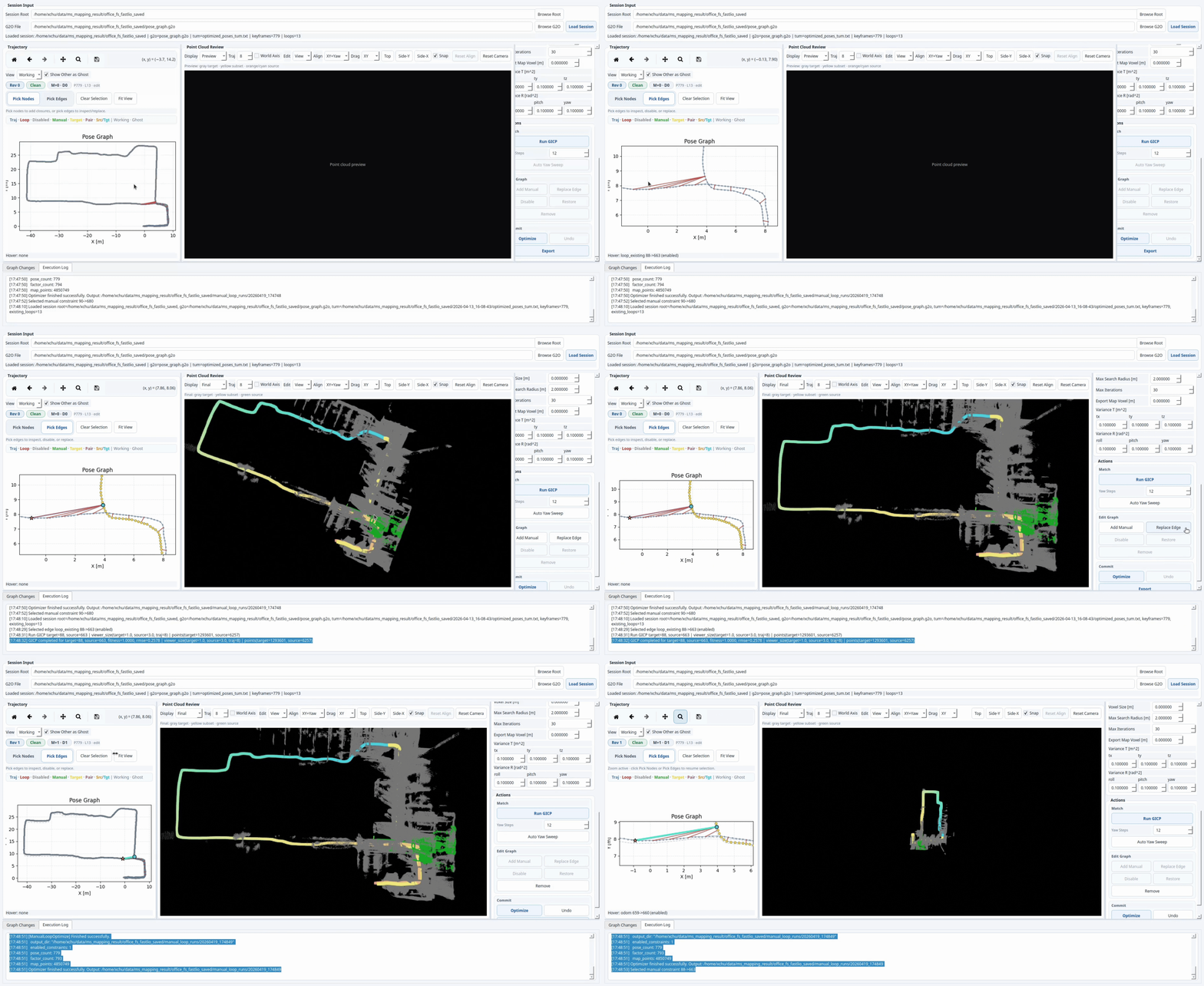
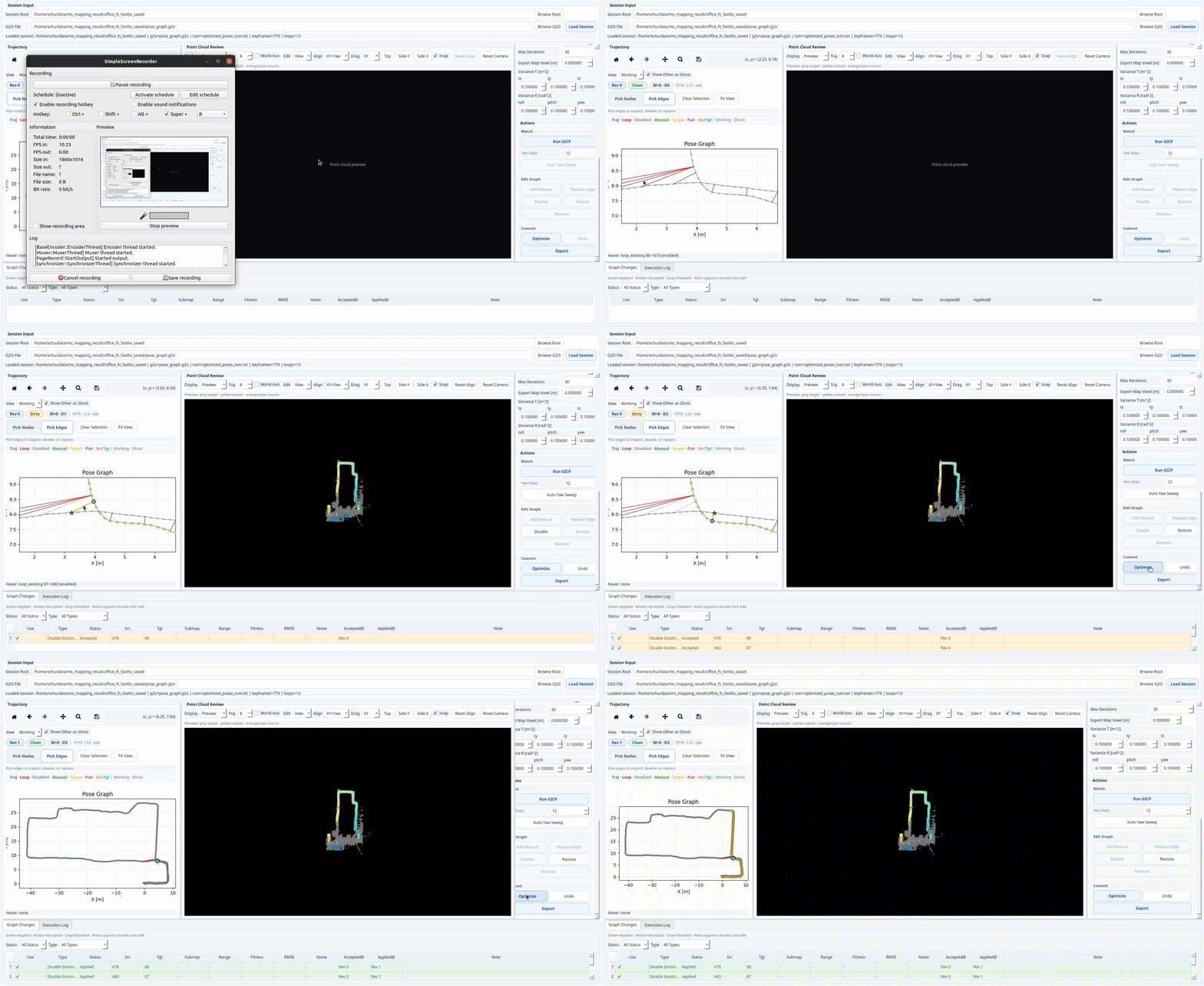
This wiki is designed as a practical operator guide for the standalone manual loop closure workflow. It complements the repository README.md by focusing on usage, graph-editing logic, backend behavior, and troubleshooting.
本 Wiki 面向实际使用者,重点介绍独立手动闭环工具的操作流程、图编辑逻辑、优化后端行为和常见问题。
Authors: Xiangcheng HU, Jin Wu and Xieyaunli Chen
Contact: xhbd@connect.ust.hk
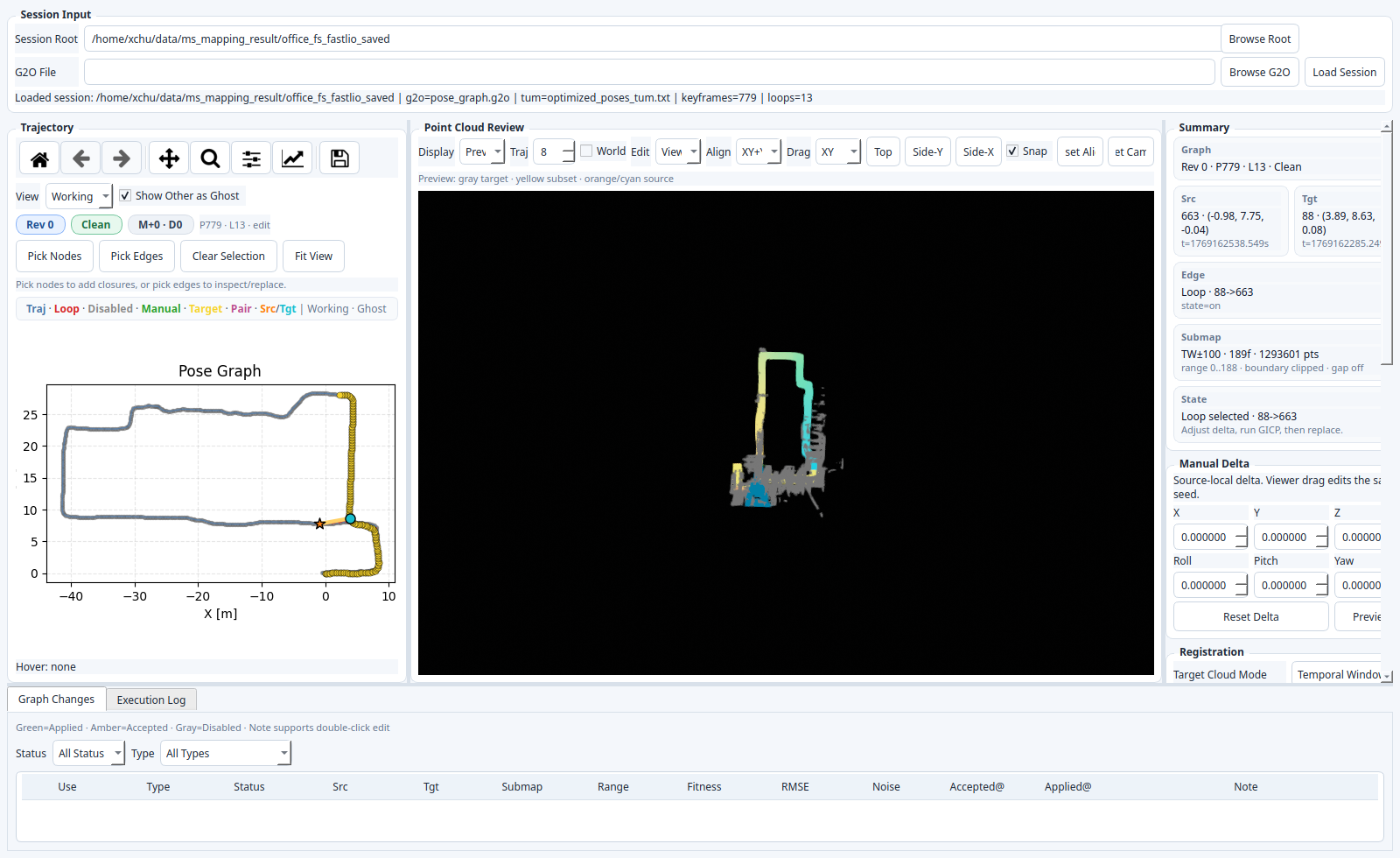
The project is an offline loop-closure editor for LiDAR mapping sessions that already export:
本项目是一个面向激光雷达建图结果的离线闭环编辑工具,输入通常已经包含:
pose_graph.g2ooptimized_poses_tum.txtkey_point_frame/*.pcd
It lets you:
它可以帮助你:
-
inspect
OriginalandWorkingtrajectories -
pick node pairs or existing loop edges
-
preview source / target point clouds in map coordinates
-
run GICP and validate loop proposals
-
add, replace, disable, restore, and export graph changes
-
对比
Original和Working两套轨迹 -
选中节点对或已有闭环边
-
在地图坐标系下预览 source / target 点云
-
运行 GICP 并验证闭环候选
-
新增、替换、禁用、恢复并导出图改动