Quick Start
cd ~/my_git/Mannual-Loop-Closure-Tools
make venv
source .venv/bin/activate
python launch_gui.py --session-root /path/to/mapping_session
For normal usage, the Python backend is the default path.
Your session should already contain:
pose_graph.g2ooptimized_poses_tum.txtkey_point_frame/*.pcd
- Load a session.
- Inspect the trajectory.
- Pick node pairs or an existing loop edge.
- Preview source and target clouds.
- Run GICP.
- Add / replace / disable graph changes.
After
AddorReplace, rerun GICP before accepting another change. - Optimize the working graph.
- Export the final result.
-
Load Sessionresumes the latest edit project under the selected session root. -
Resume Projectlets you restore a specific historical edit project by picking itsproject_state.json.
Session input example:
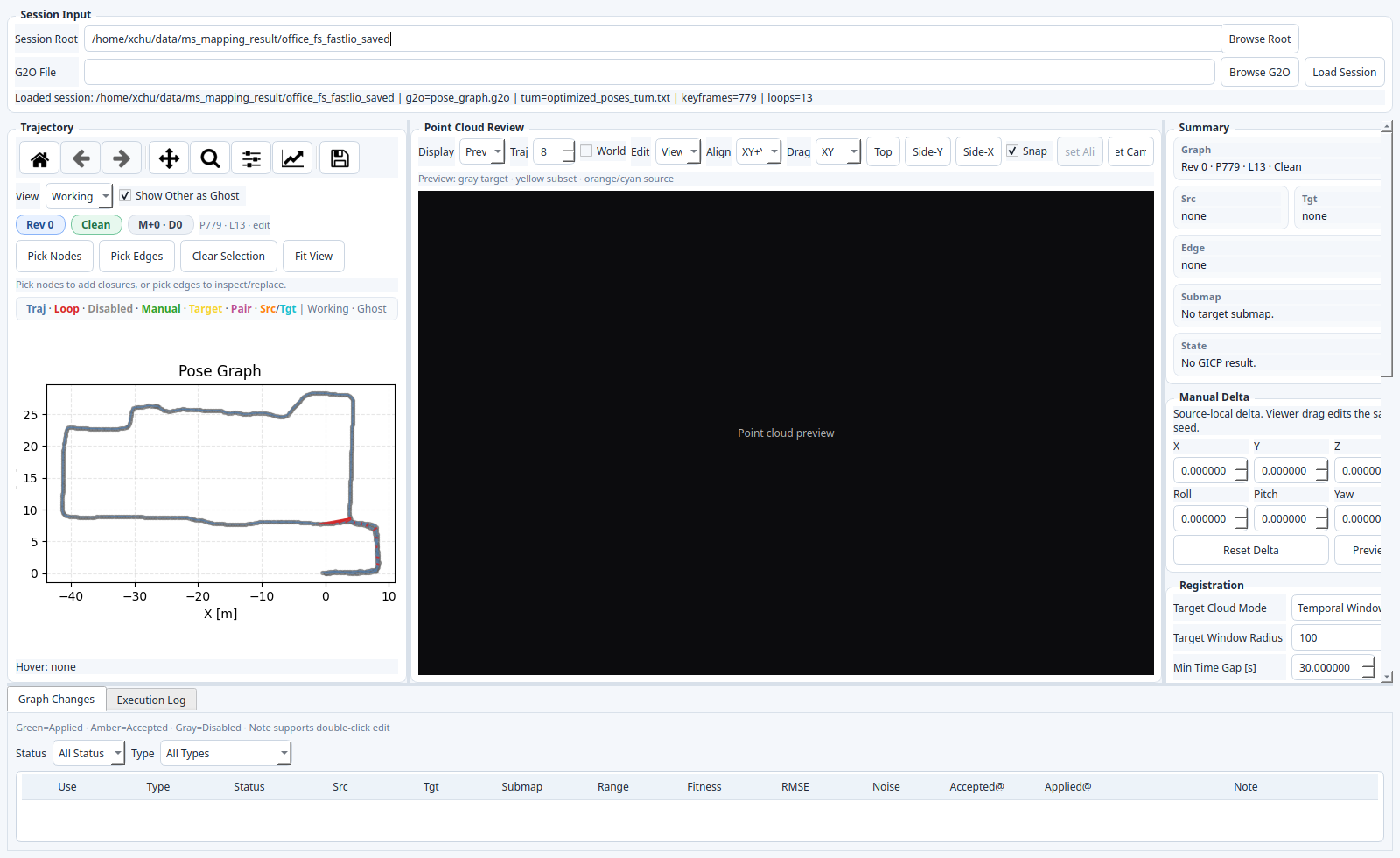
-
manual_loop_projects/<project_id>/- edit history and resume state
-
project_state.json,execution.log,operations.jsonl
-
manual_loop_runs/<run_id>/- one optimization result
- edited g2o, constraints CSV, optimized TUM, report, plot, run context
-
manual_loop_exports/<export_id>/- lightweight final-export manifest
- no full duplicate copy of the selected run
Optimize updates the working graph quickly. Export is the stage that builds the final map and trajectory files.