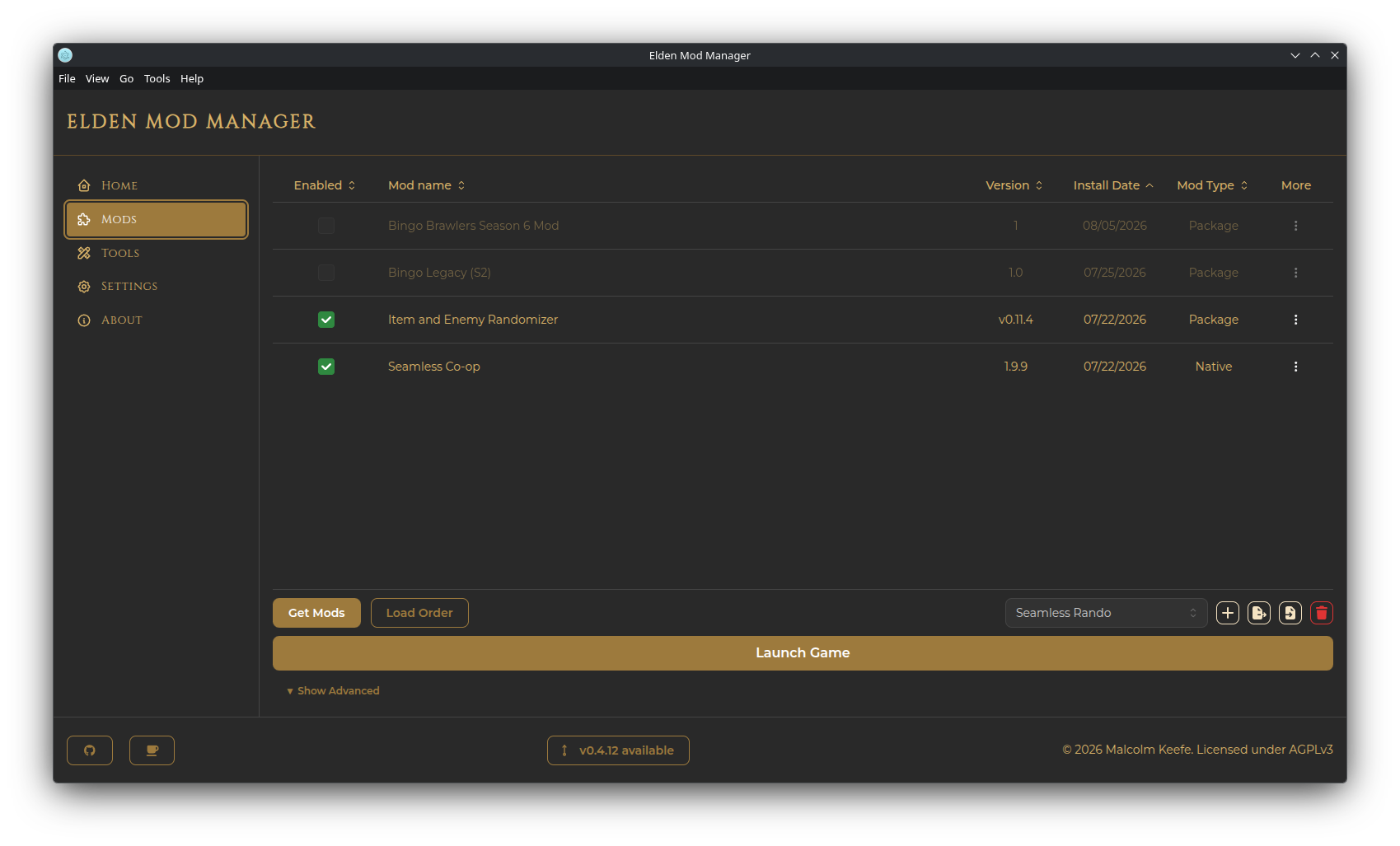
Installation
- The Steam version of Elden Ring. Other storefront versions are not supported.
- Windows or Linux. macOS is not currently supported. (Linux has a few behavior differences — see Linux Support.)
- No separate install of the me3 mod loader is needed — it's bundled with every release.
Go to the Releases page and download the asset that matches your OS:
| Platform | File |
|---|---|
| Windows | the Setup.exe installer, or the portable .zip
|
| Debian / Ubuntu |
.deb, or the portable .zip
|
| Fedora / RHEL |
.rpm, or the portable .zip
|
| Other Linux (e.g. Arch) | the portable .zip
|
-
Windows — run the installer, or extract the
.zipand runelden-mod-manager.exefrom wherever you place it. -
Linux (.deb/.rpm) — install with your distro's package manager (e.g.
sudo apt install ./elden-mod-manager*.deborsudo dnf install ./elden-mod-manager*.rpm). -
Linux (.zip) — extract it anywhere and run the
elden-mod-managerexecutable.
The first time you open the app, you'll be prompted to choose where your mods folder should live:
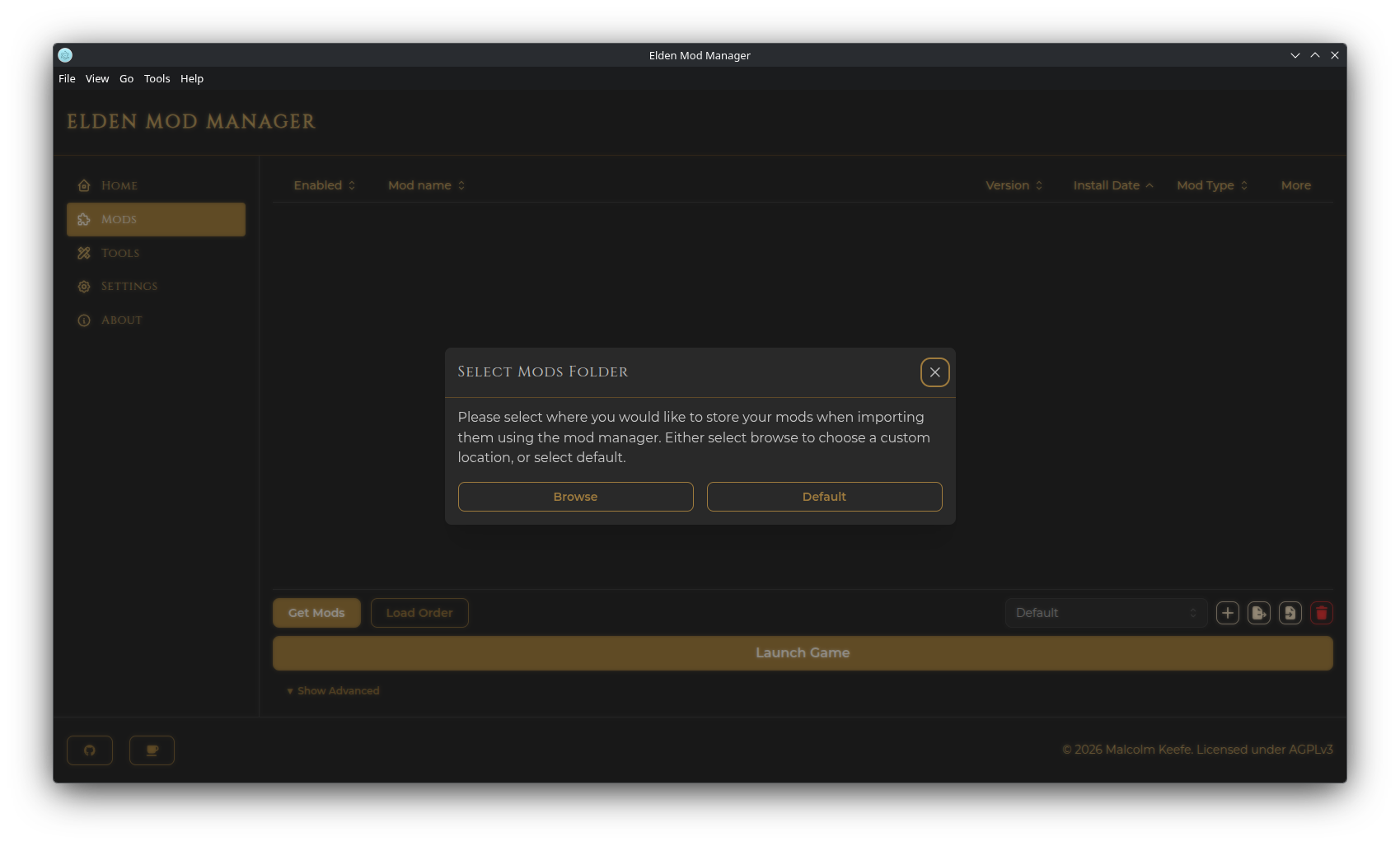
- Browse — pick a custom folder anywhere on disk.
-
Default — use the app's default data folder (under your OS's application data directory, e.g.
.../elden-mod-manager/mods).
This folder is where the app stores installed mod files. It's kept separate from your actual Elden Ring installation, so nothing is modified in place — me3 loads mods from here at launch.
You can change this location later from the Settings page.
Neither the installer nor the portable build creates a desktop shortcut for you automatically. To add one, use the app's menu bar: Tools → Add Elden Mod Manager desktop shortcut. This creates a .lnk shortcut on Windows or a .desktop launcher on Linux (added to both your Desktop and your application launcher).
- Windows — the app checks for updates automatically in the background (roughly every 5 minutes) and will prompt you to restart once a new version has finished downloading.
-
Linux — there's no automatic update mechanism for the
.deb/.rpm/.zipbuilds. Watch for the footer notice below and reinstall manually when a new version is out.
On any platform, a button also appears in the footer of the main window when a newer release is available — click it to open the release notes.