Repository navigation
Home
PSADT Frontend is a web app for building PSAppDeployToolkit v4 packages without a Windows build machine. You describe what the installer should do, upload the installer files, and download a package that is ready for Intune or any other deployment tool.
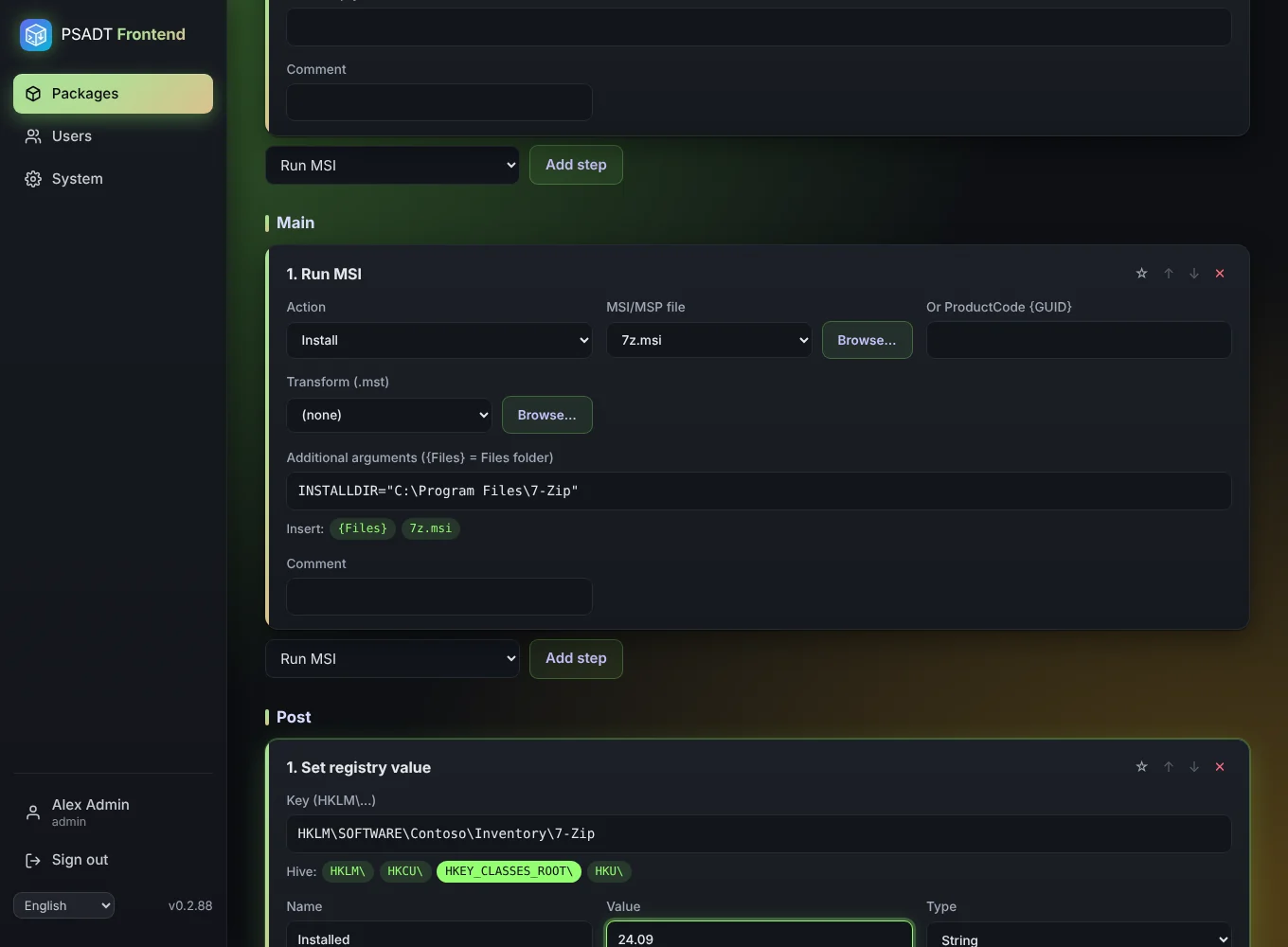
👣 First time? Follow Step by step: your first package, a complete walkthrough from an empty screen to an app in Intune.
- Create a package and fill in the App info: vendor, name, version, processes to close.
- Add steps to the Install, Uninstall and Repair tabs, for example Run MSI or Run EXE.
- Upload the installer files the steps use.
- Set detection rules so Intune can see whether the app is installed.
- Look at the script the app generates for you.
-
Export as a ZIP or an
.intunewinand add it to Intune.
| Page | What it covers |
|---|---|
| Installation | Proxmox one-liner, Docker, existing LXC, settings |
| Getting started | First sign-in, the menu, autosave |
| Step by step: your first package | 50 steps from start to Intune, with 7-Zip as example |
| Packages | The package list, export counters, copy and delete |
| App info | Name, version, exit codes, processes to close, log folder |
| Install and uninstall steps | Every step type, {Files}, Browse, winget, snippets |
| Files | Uploading installers, progress, retention |
| Detection | MSI ProductCode reader, file, registry, MSIX |
| Script and syntax check | The generated script and what the check does |
| Export and Intune | Check before download, ZIP, .intunewin, Intune settings |
| Users and roles | Administrator, Editor, Read only |
| Account and language | Full name, password, English/Dutch/German |
| System | Updates, release notes, retention, default log folder |
| Troubleshooting | Common problems and their fixes |