Repository navigation
Packages
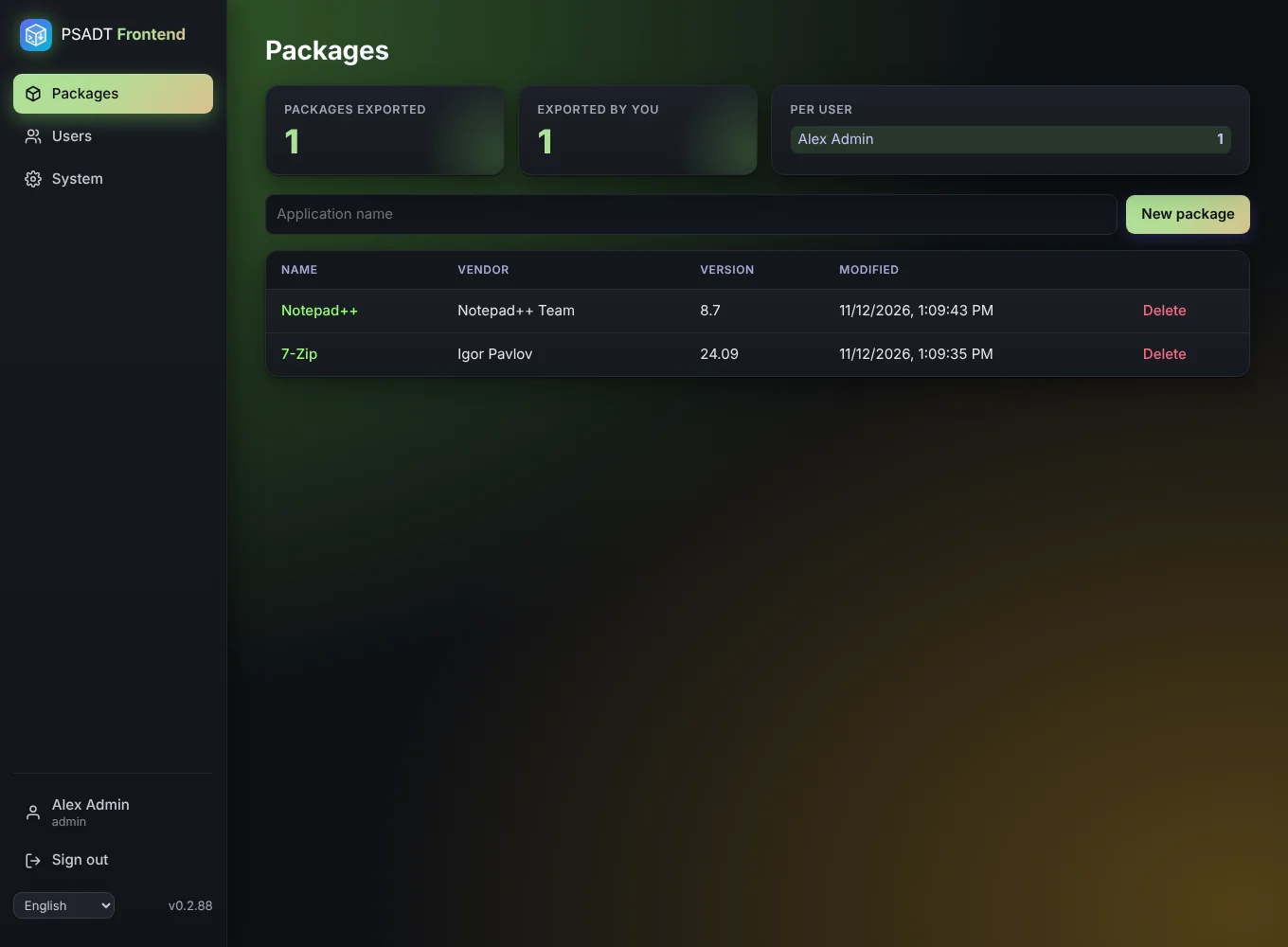
The Packages page lists every package with its name, vendor, version and when it was last changed. Click a name to open it.
At the top you see three counters:
- Total: how many packages have been exported.
- Yours: how many of those you exported.
- Per user: the count for every user.
A package counts once per version. Downloading the same version again, or downloading both the ZIP and the .intunewin, does not raise the counter. When you change the version under App info and export again, it counts as a new package. The package counts for the user who downloaded that version first.
Click New package, give it a name, and the editor opens. Editors and administrators can create packages. Only administrators can delete a package (the Delete link in the list). Read-only users can view and export them.