Repository navigation
Script and syntax check
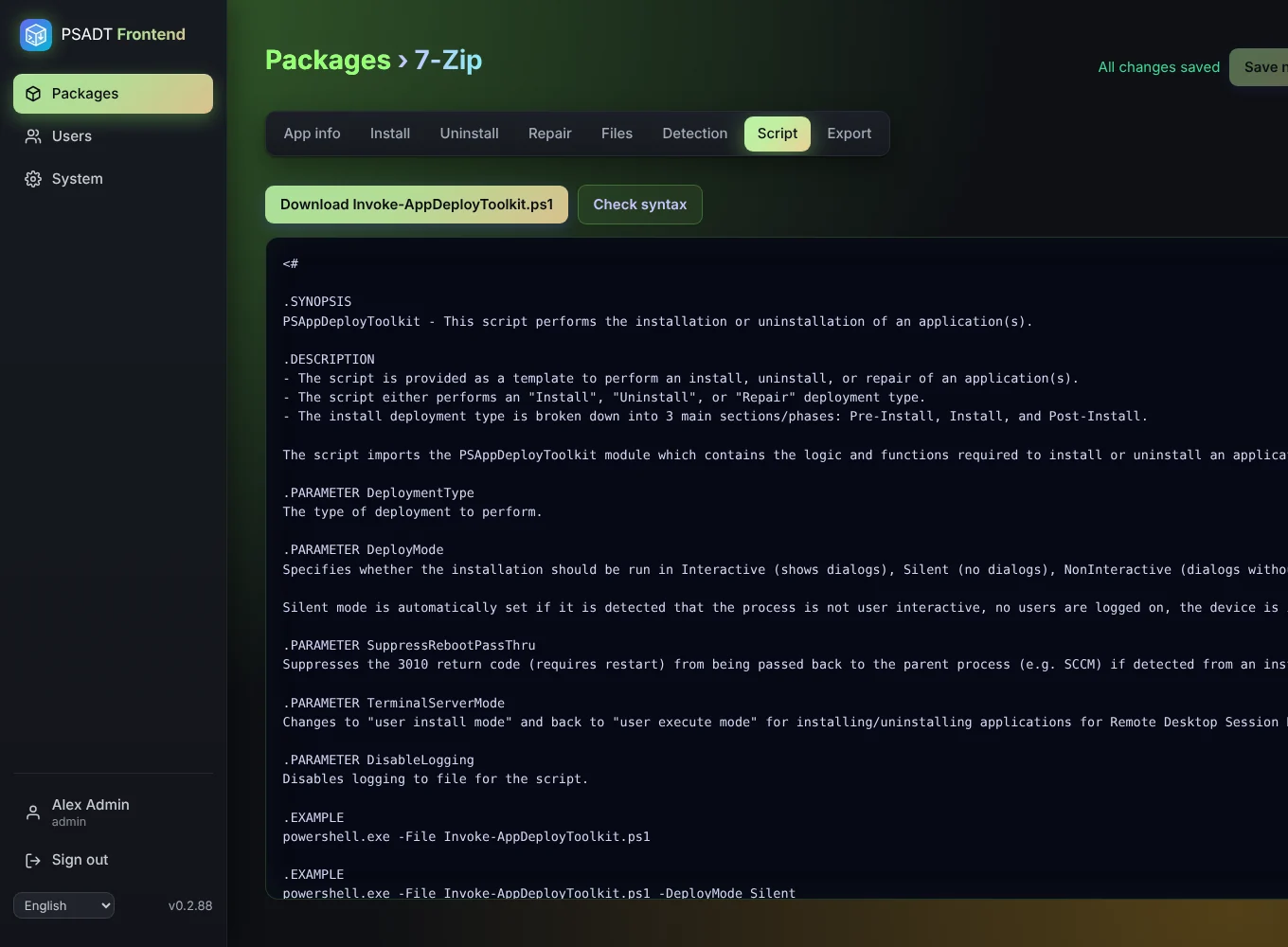
The Script tab shows the Invoke-AppDeployToolkit.ps1 the app generates from your package. It is based on the official PSADT 4.1.8 template, so it looks like a script written by hand. You can copy it, but you never have to edit it: change the package instead and the script follows.
Check syntax gives the script to the PowerShell parser. The parser only reads the script and reports typing errors, such as a missing quote or bracket, usually in a Custom PowerShell step. Nothing is run, not on the server and not anywhere else.
The check needs PowerShell 7 (pwsh) on the server. The Docker image and the LXC install include it. If pwsh is missing, the app says so and skips the check.