Repository navigation
System
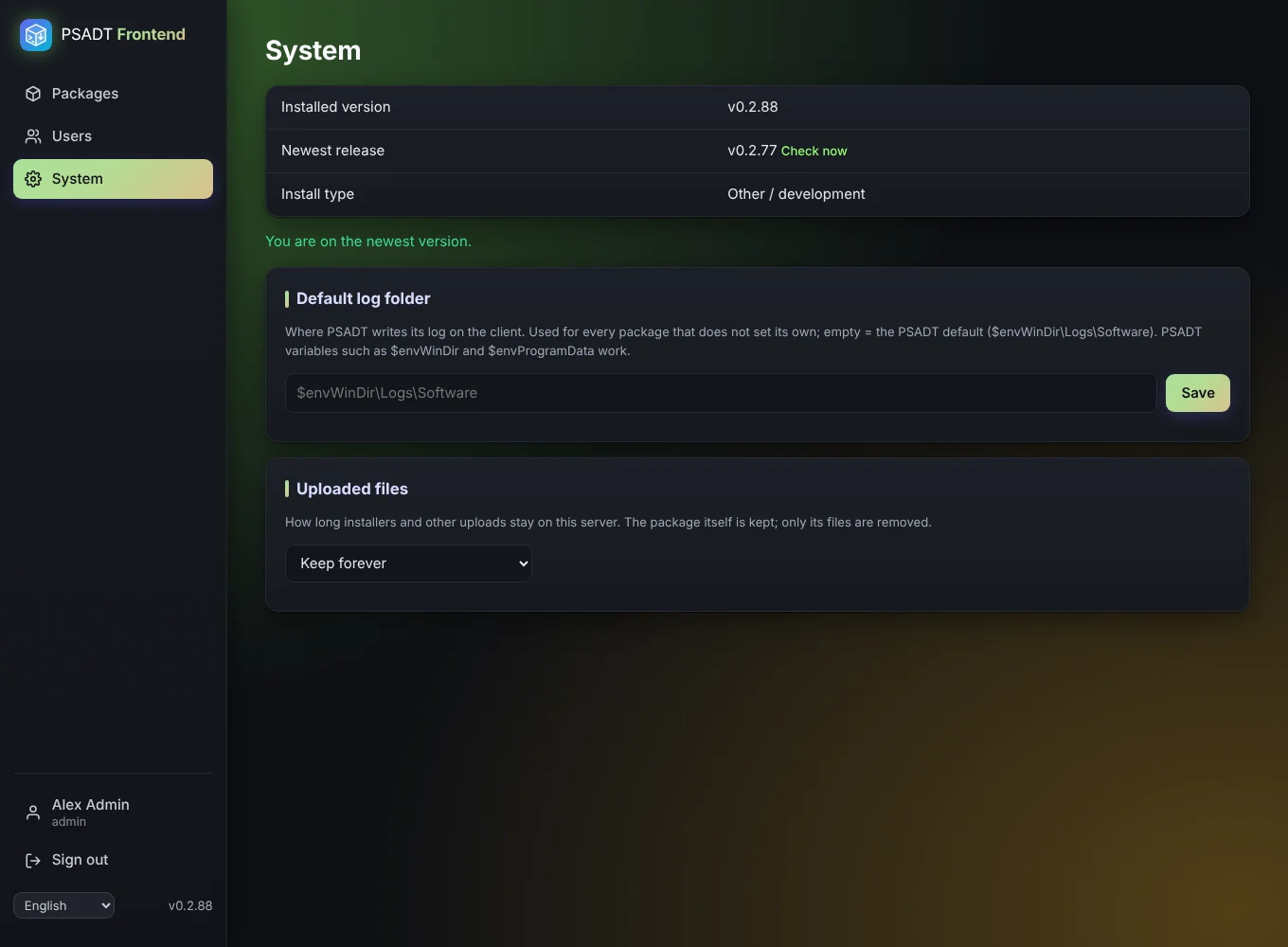
The System page is only for administrators.
The page shows the installed version and the newest release on GitHub. A dot in the menu and a banner tell administrators when an update is available; Check now checks straight away.
- LXC install: click Update. A progress bar shows the steps. When it's done the service restarts and the page reloads with the new version.
-
Docker: run
docker compose pull && docker compose up -don the host.
What's new shows the release notes in plain language, in your own language.
Choose how long uploaded files stay on the server: forever, until right after a download, or 1, 7, 30 or 90 days. See Files.
The folder where PSADT writes its log on the PC, for packages that don't set their own under App info. Default: $envWinDir\Logs\Software.