Repository navigation
Users and roles
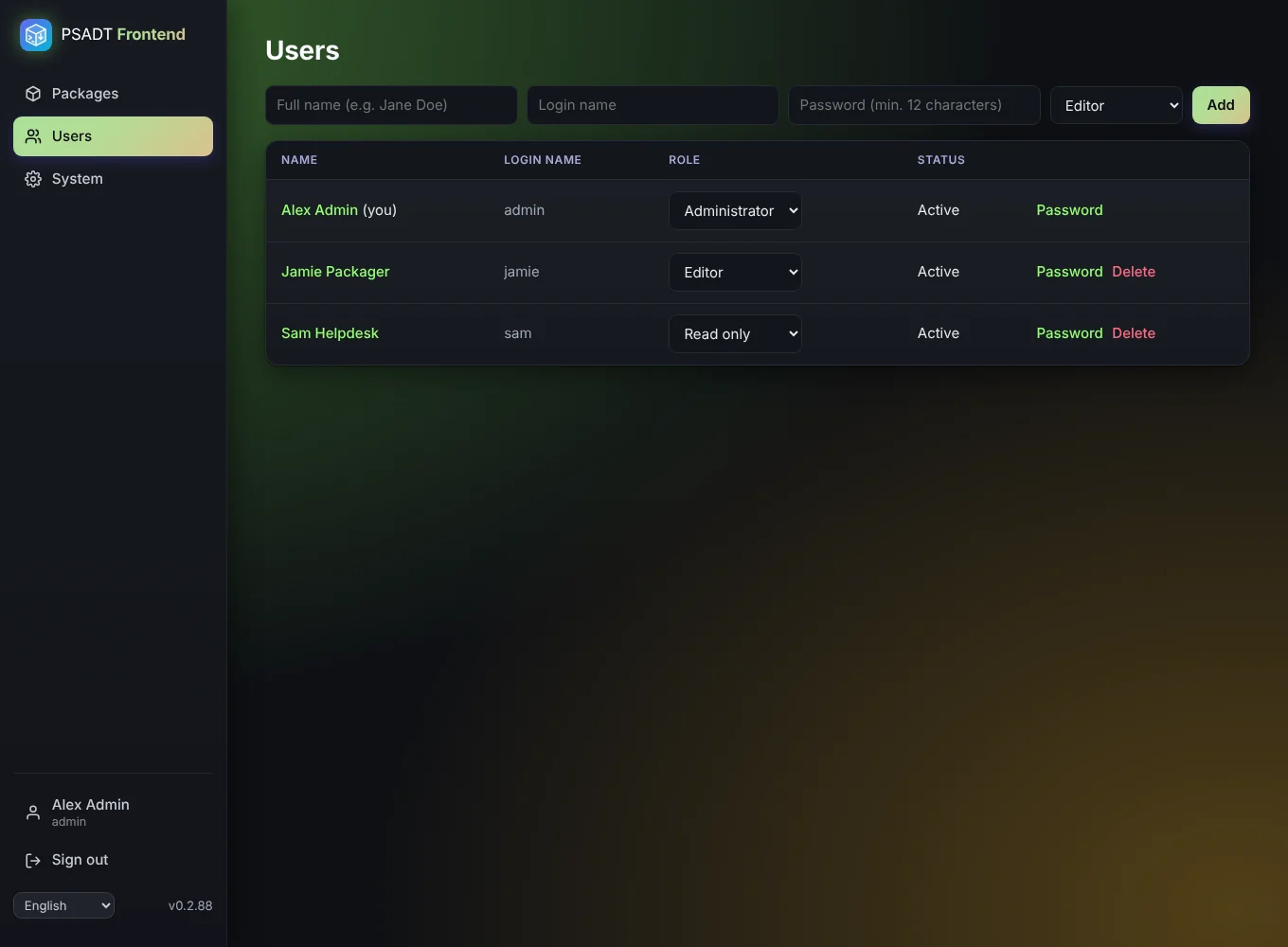
Administrators manage users on the Users page: create, change the role, set a new password, unlock and delete.
| Role | Can |
|---|---|
| Administrator | Everything, including deleting packages, plus users, updates and system settings |
| Editor | Create and change packages; create, change and delete snippets. Can't delete packages. |
| Read only | View everything, check scripts and export |
- Every user has a login name (to sign in) and a full name (shown in the app and used as script author for new packages).
- When a user's role or password changes, that user is signed out everywhere.
- The last administrator can't be demoted or deleted, so you can't lock yourself out.
- A locked account (5 wrong passwords) unlocks after 15 minutes, or straight away by clicking Locked, unlock in the user list.