Repository navigation
Themes
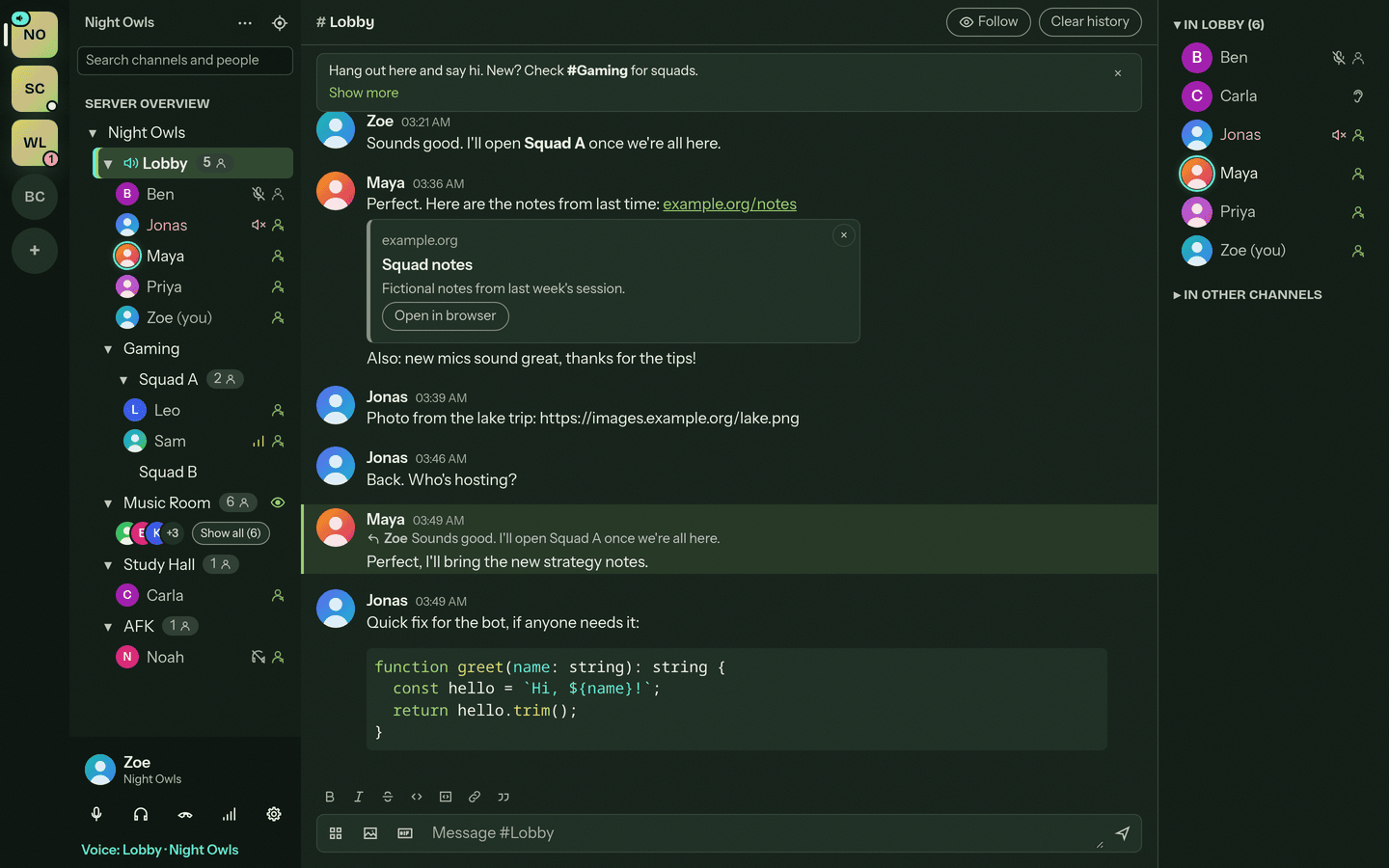
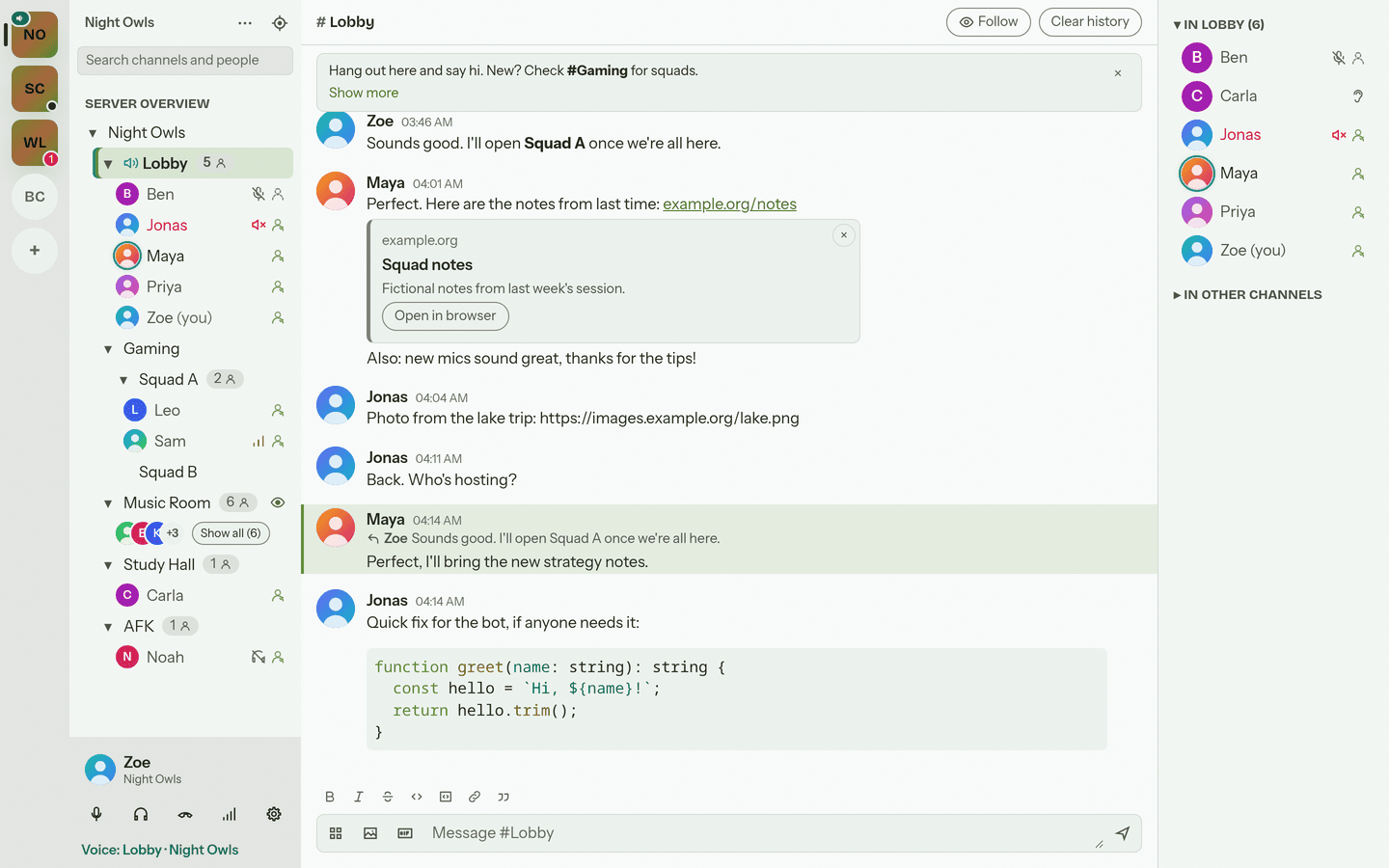
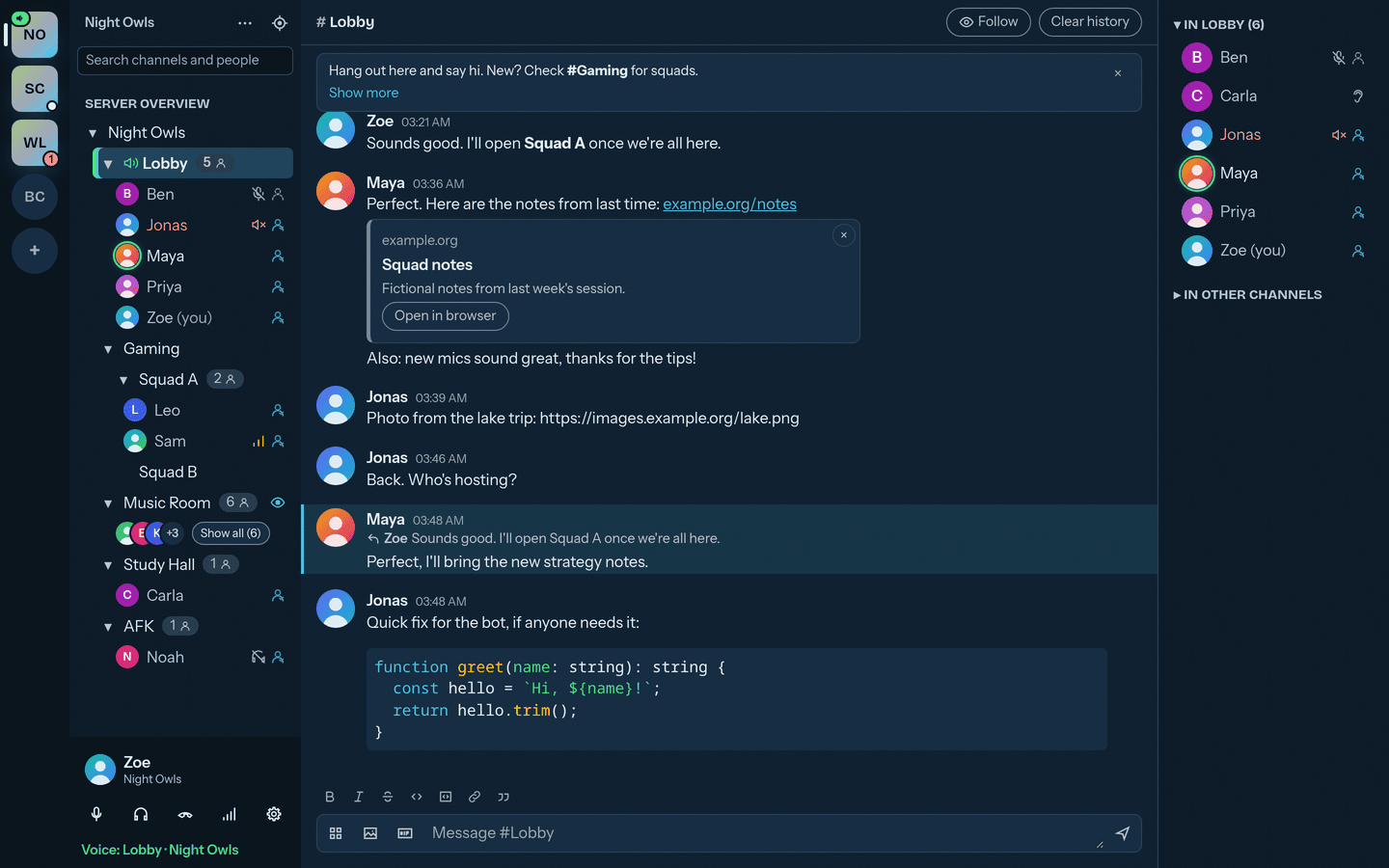
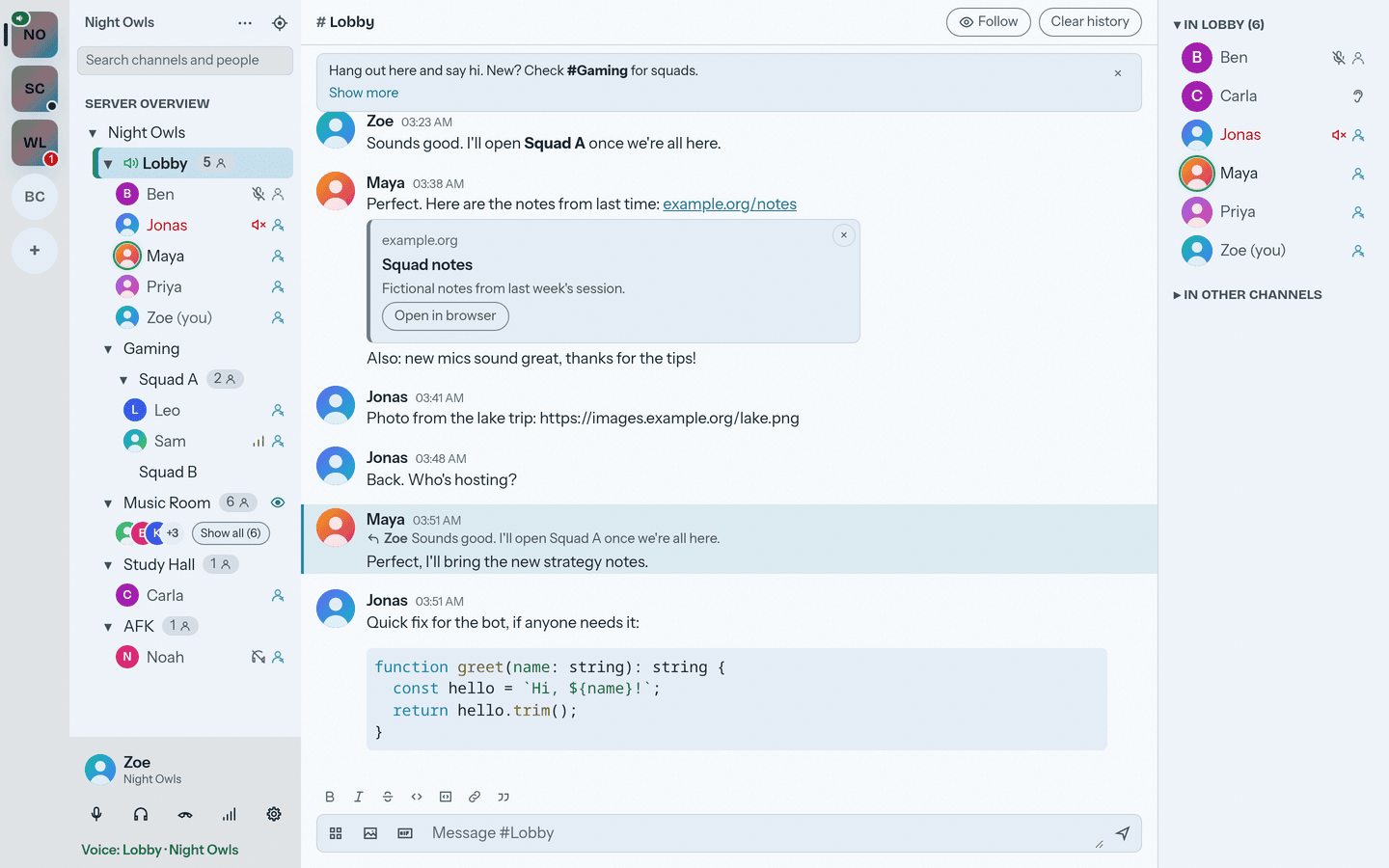
Mumcord (0.4.0 and newer) has colour themes. Every theme has a dark and a light version; the Dark / Light / System switch picks which one you see.
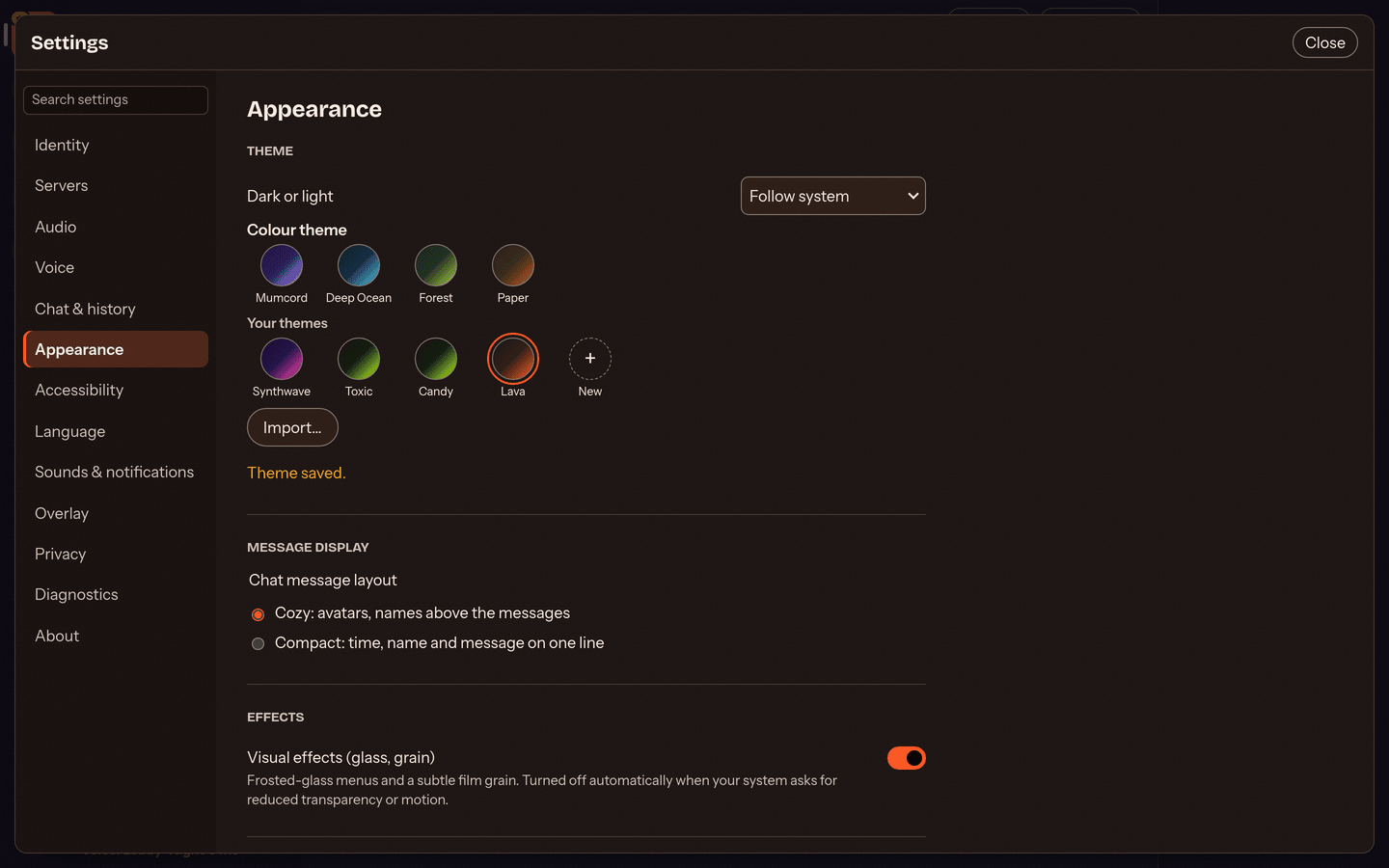
There are 20 ready-made themes with import codes (starting with mct1.): see the theme gallery in the repository.
To import one: copy its code and paste it into any chat, then click Import on the theme card. Or open Settings, Appearance, click Import..., paste the code and click Import. Imported themes appear under "Your themes" and can be edited like your own.
| Dark | Light |
|---|---|
 |
 |
 |
 |
The "+" circle in the picker opens the editor with a Light and a Dark colour column and a Preview button. Share a theme as a code; other Mumcord users see a preview card in chat.
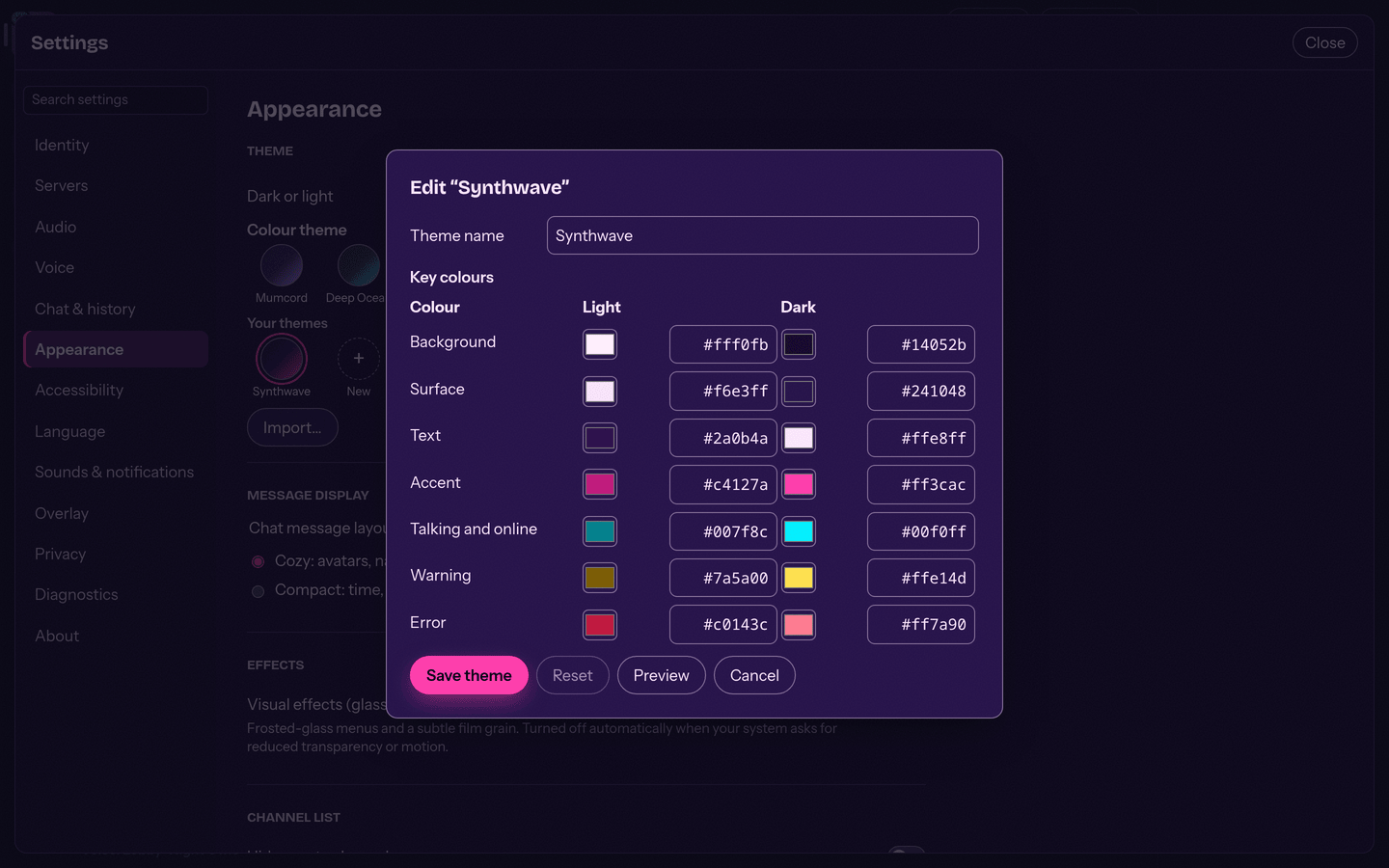
Shared codes carry only colours and a name. See also Epic 2.