Repository navigation
Advanced Page
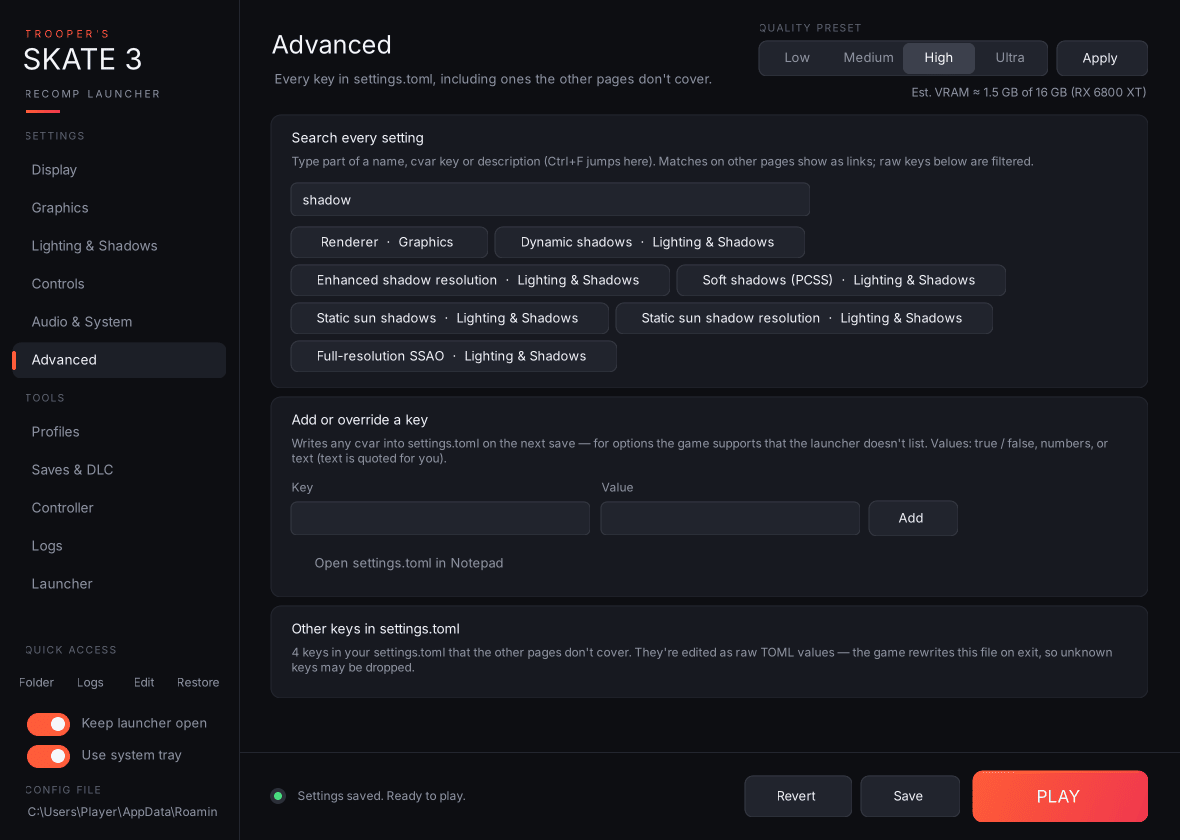
- Search every setting: type part of a name, cvar key or description (Ctrl+F jumps here). Matching settings on other pages appear as buttons; clicking one opens that page, scrolls to the card and highlights it. The raw keys further down are filtered as you type too.
-
Add or override a key: writes any cvar into
settings.tomlon the next save, for options the game supports that the launcher doesn't list. Text values are quoted for you;true/false, numbers, quoted strings, arrays and tables are written as typed. Queued keys are listed until you save, and Clear queued forgets them. If the key already has a card somewhere, the launcher takes you to that card instead. - Open settings.toml in Notepad.
-
Other keys in settings.toml: one card for every key in your file that no other page covers. For your file today that's
skate3_draw_distance_stream_probeand the threevulkan_allow_present_mode_*keys. True/false keys get a toggle; everything else gets a raw value box. Note that the game rewritessettings.tomlwhen it exits, so keys it doesn't recognise may disappear.