Restarting the VizLab computer
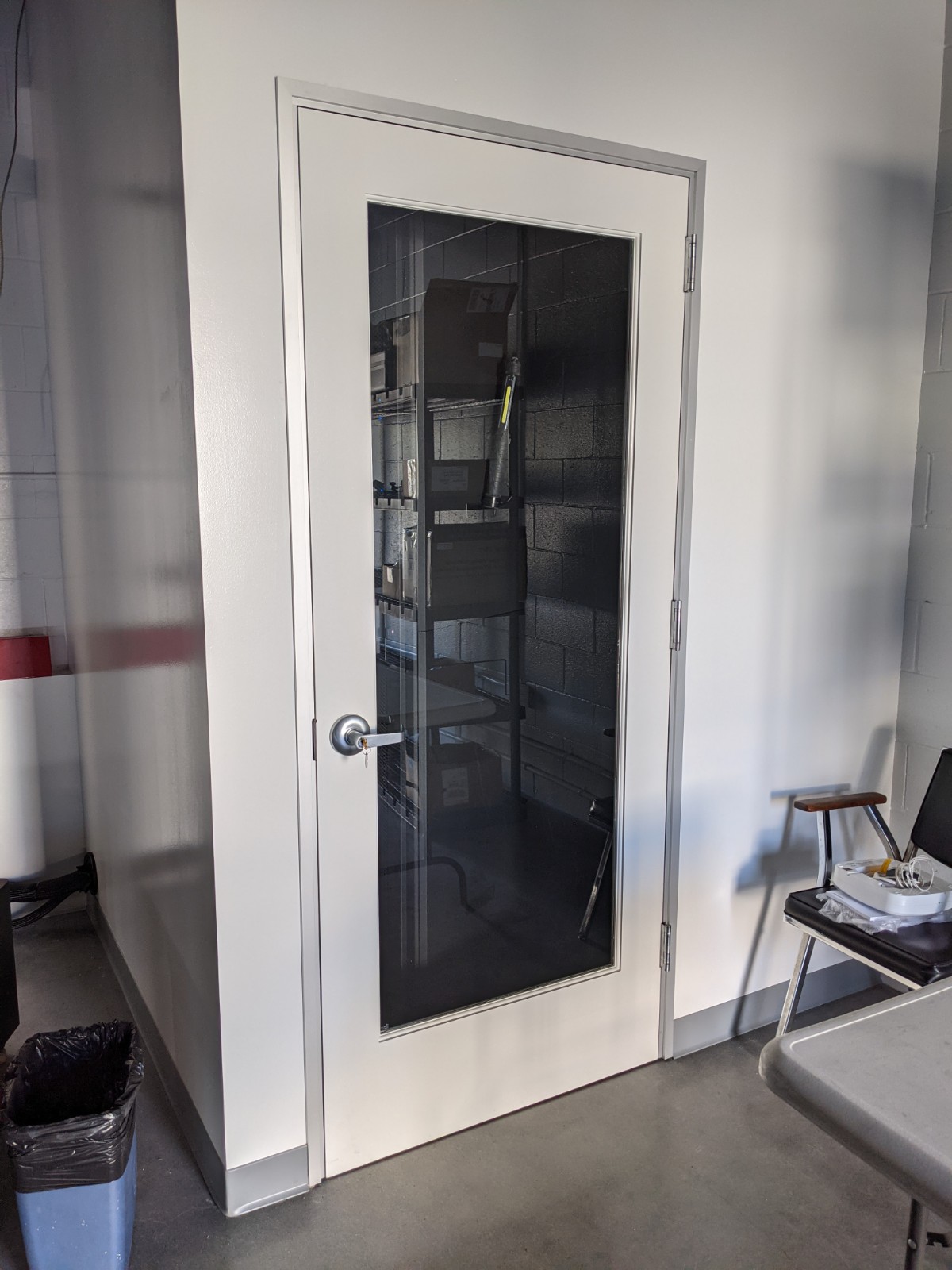
Sometimes you'll find the computer unresponsive (often at the login screen). In such cases the only solution is to power-cycle the computer. To do this you'll need to access the server closet (to the right of the VizWall). You can get the key from Charlie Hull in office ??? (in the basement). The door to the server closet looks like this:
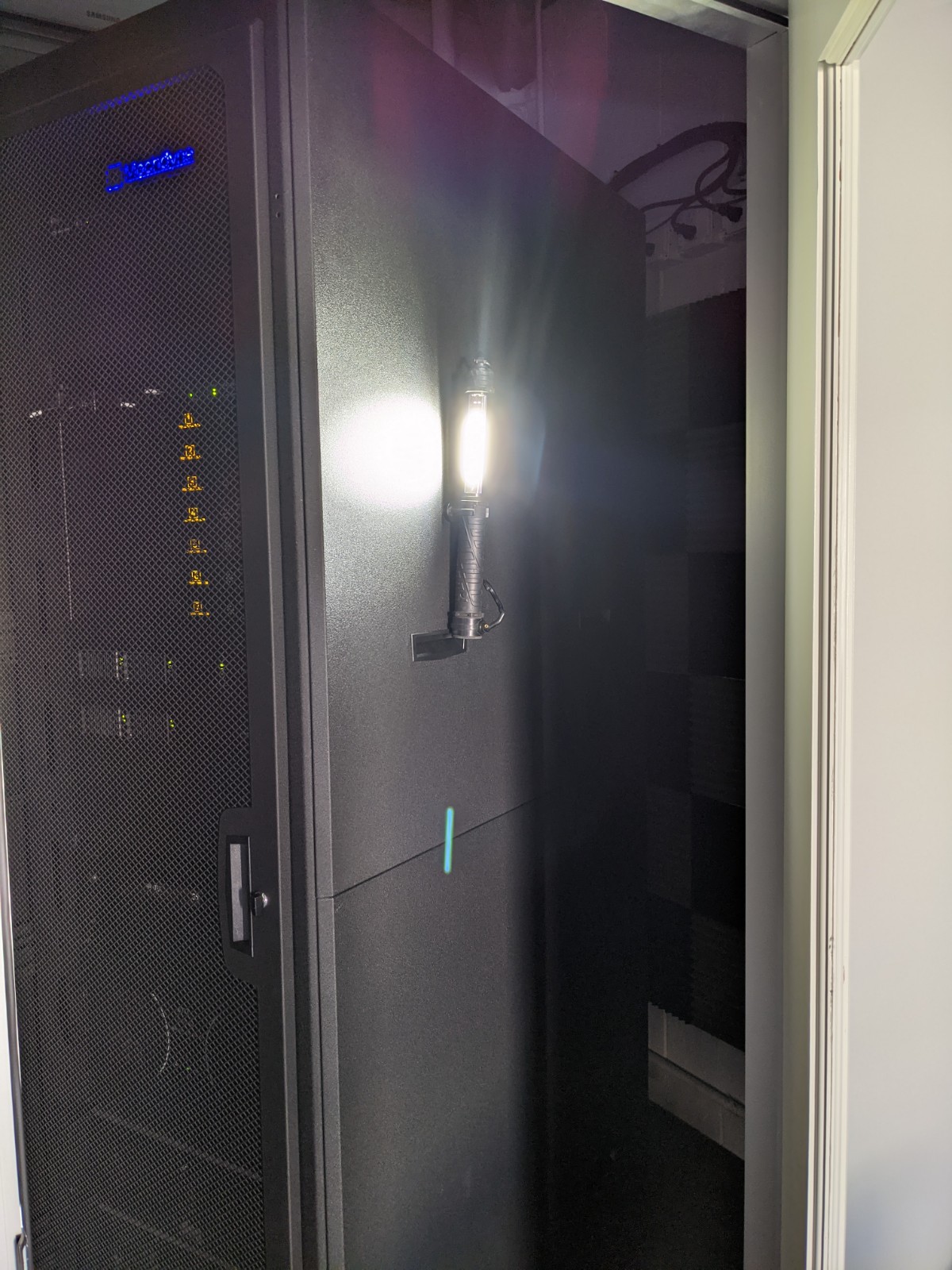
Inside the closet you'll see the compute rack (picture below). There's a magnetic flashlight attached to the side so you can see what's going on in there.
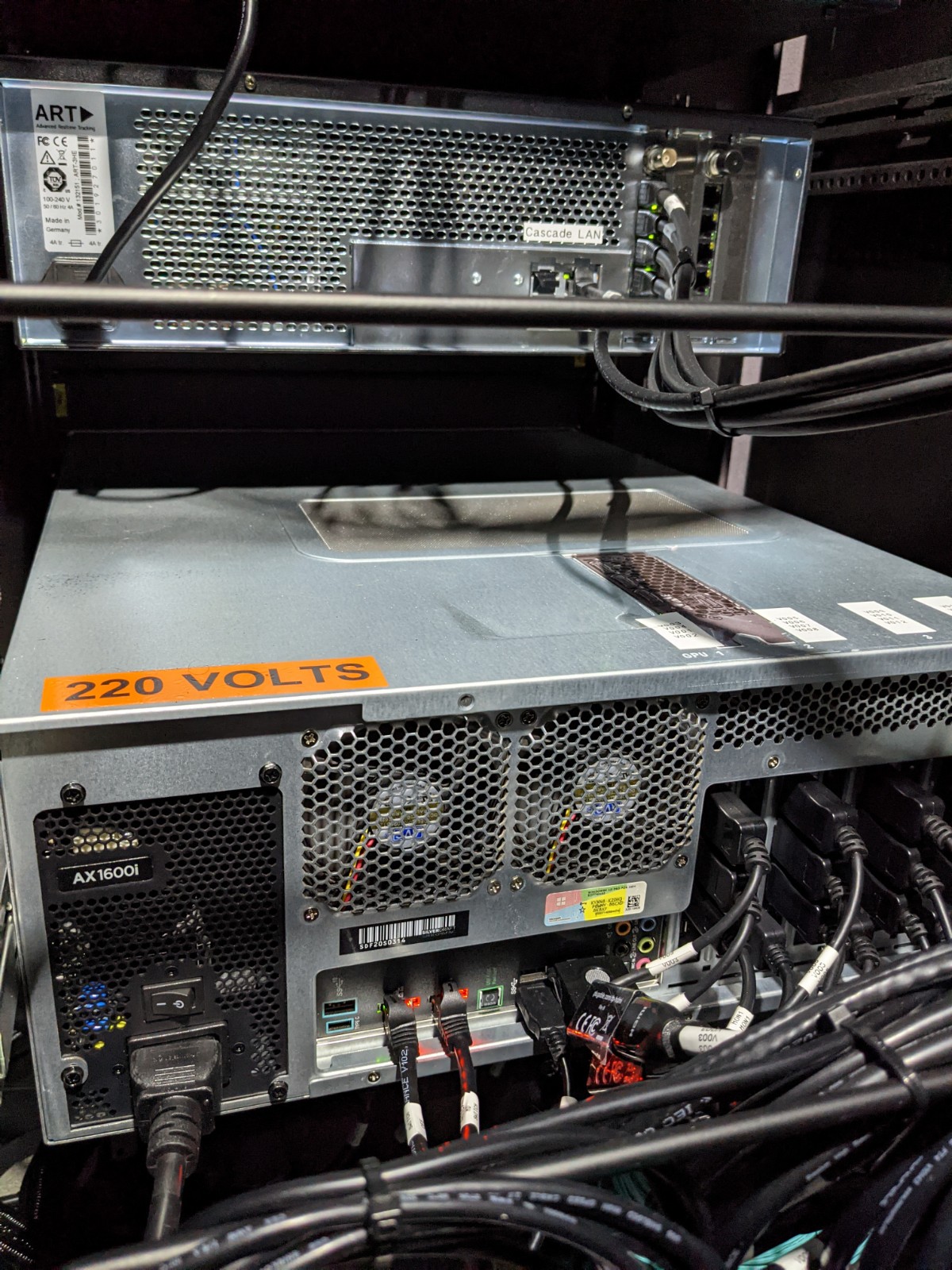
On the back of the rack (right side as you enter the closet) open the rack door. The computer is toward the bottom of the rack and is shown in the following picture. Simply toggle the power switch off and then, after a few seconds, back on.
The computer will reboot - it usually takes a few minutes.