Finding things
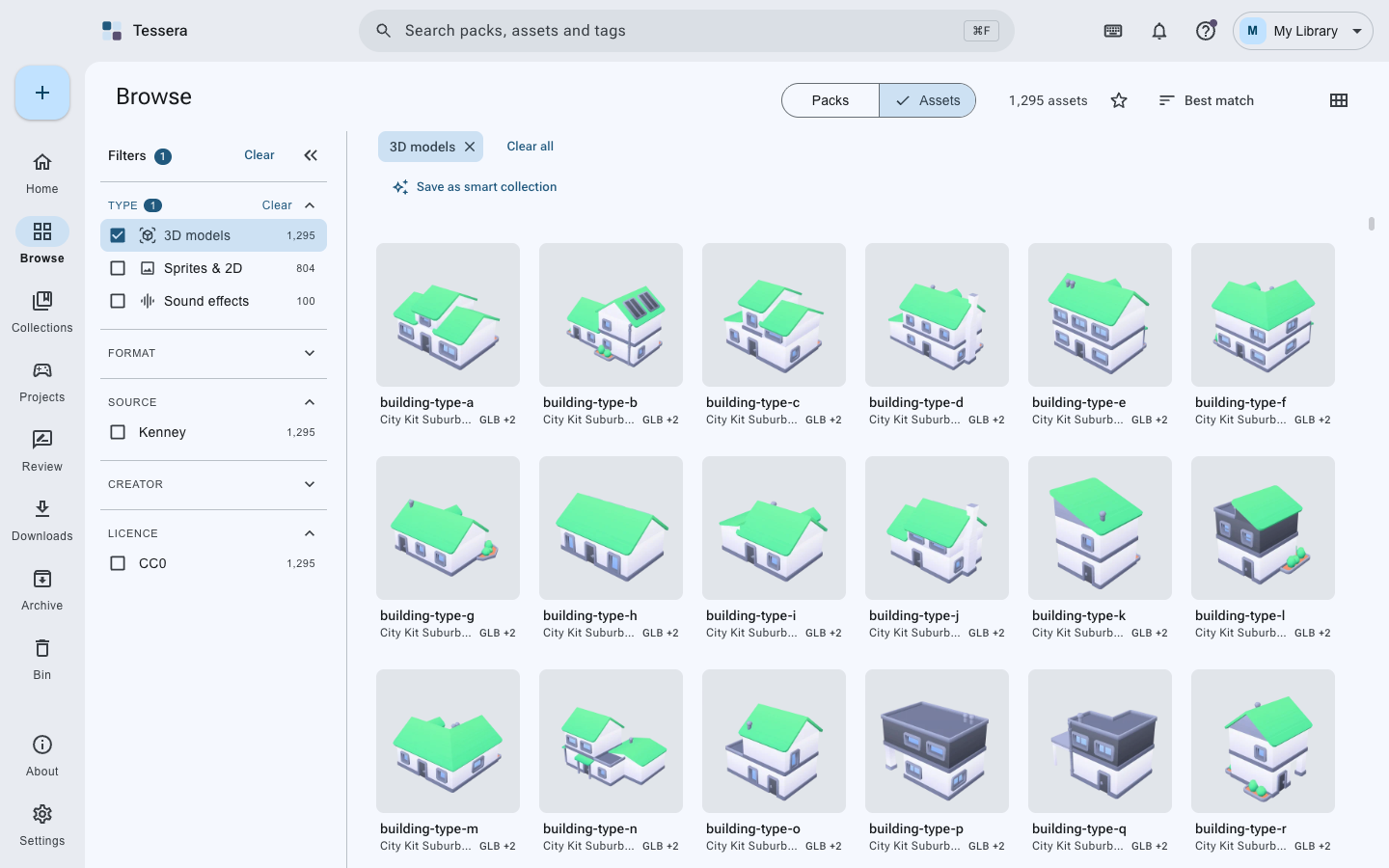
Everything in the library: files by default, packs if you prefer. The search box matches names, folders and the words a pack was filed under. Cmd+F (Ctrl+F) opens search from anywhere.
Down the side, and they stack:
- Type: model, texture, sprite, UI, HDRI, sound effect, music, font
- Format: fbx, glb, png, wav, ttf and the rest
- Site, creator, licence
- Genre, style, tags
Each says how many things it would leave, so you can see where the collection actually is.
Top right. Starred things come first in every sort, on purpose: a star means "I want this to hand".
A model that came as .fbx, .obj and .glb is one thing with three formats, not three things.
The tile shows the preferred format and says how many others there are. When you link it into a
game, the format that engine likes best is the one that goes.
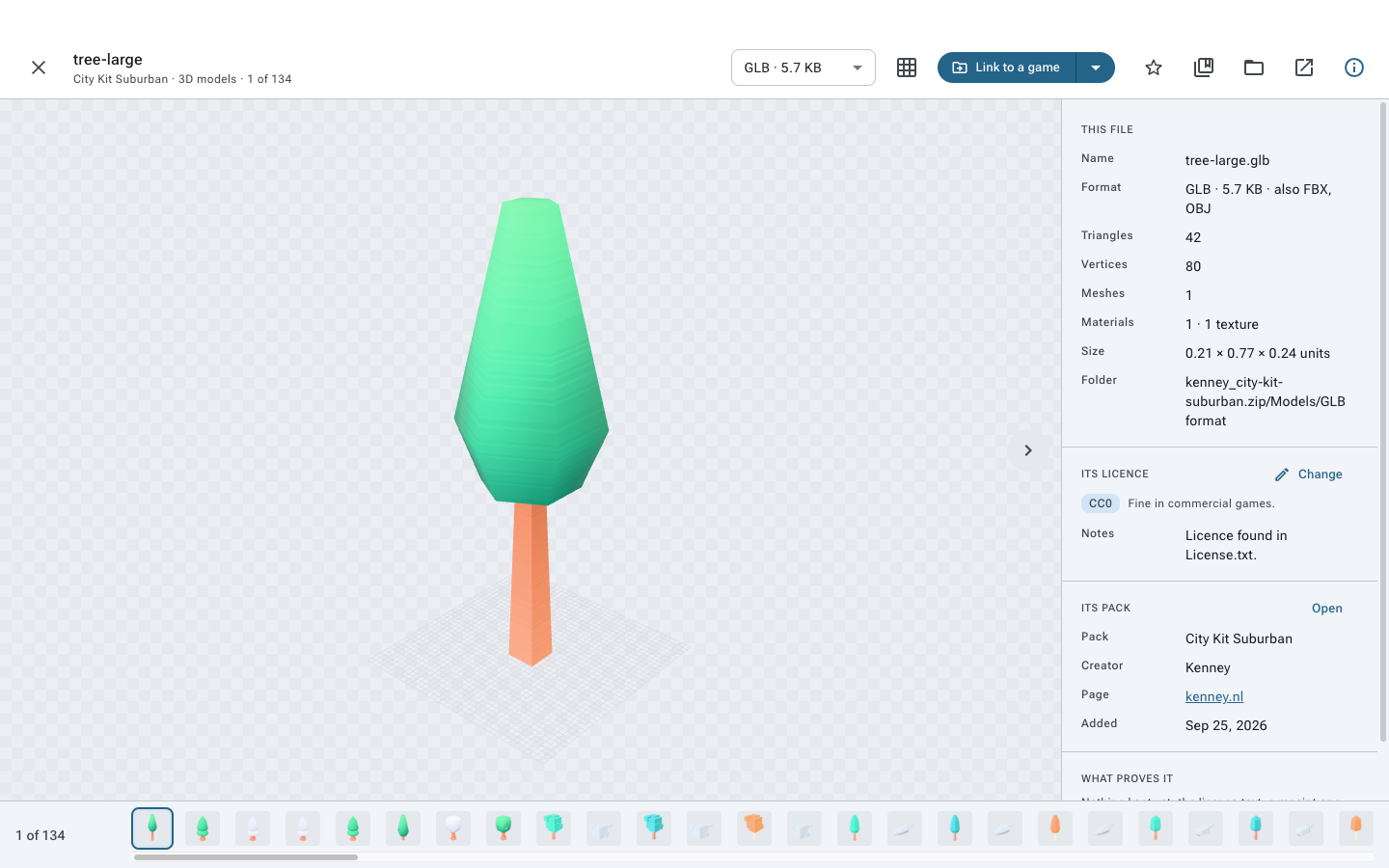
Double-click anything. Models turn and can be lit and framed; images zoom; sounds play with a waveform; fonts type. The panel on the right says what the file is, the licence covering it, the pack it belongs to and what proves the licence. The strip along the bottom moves to the next file without leaving.
The background can be checkerboard, white or black, which matters when you are judging a sprite with transparency.
The box at the top searches packs, files, tags, collections and games at once, and Enter opens a page with everything that matched, grouped.