Games
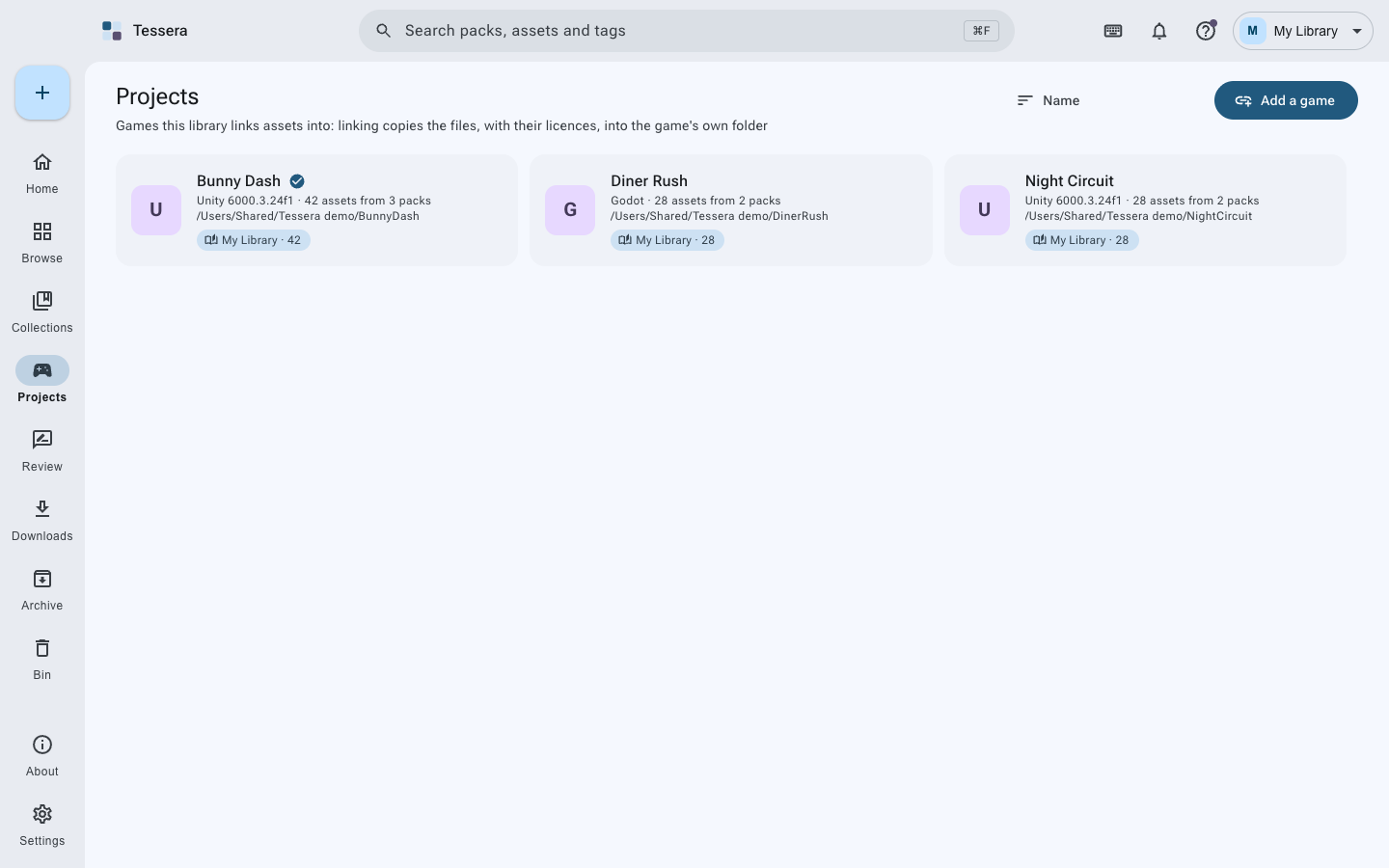
Point Tessera at your game folder. It works out what it is:
| Engine | How it knows | Where assets go |
|---|---|---|
| Unity | ProjectSettings/ProjectVersion.txt |
Assets/ThirdParty |
| Godot | project.godot |
assets/third_party |
| Unreal | a .uproject file |
Content/ThirdParty |
| Anything else | nothing in particular | assets |
You can change where things go per game.
Link to a game copies the assets in:
- In the format that engine prefers (glTF for Godot, FBX for Unity without glTFast, and so on)
- With their textures, and any file the asset needs
- With a licence file beside each pack's folder
- With
CREDITS.mdat the top of the project, kept up to date
It is a copy, not a symlink: the game folder stands on its own, so you can hand it to someone else or build it on another machine without Tessera.
The game's page lists every asset it has, which pack each came from, and under what licence. You can take assets back out, and the credits are updated.
CREDITS.md lists each pack once, with its creator, its licence and the line that licence asks
for. If you already have a credits file, Tessera keeps its own section in it and leaves the rest
alone.